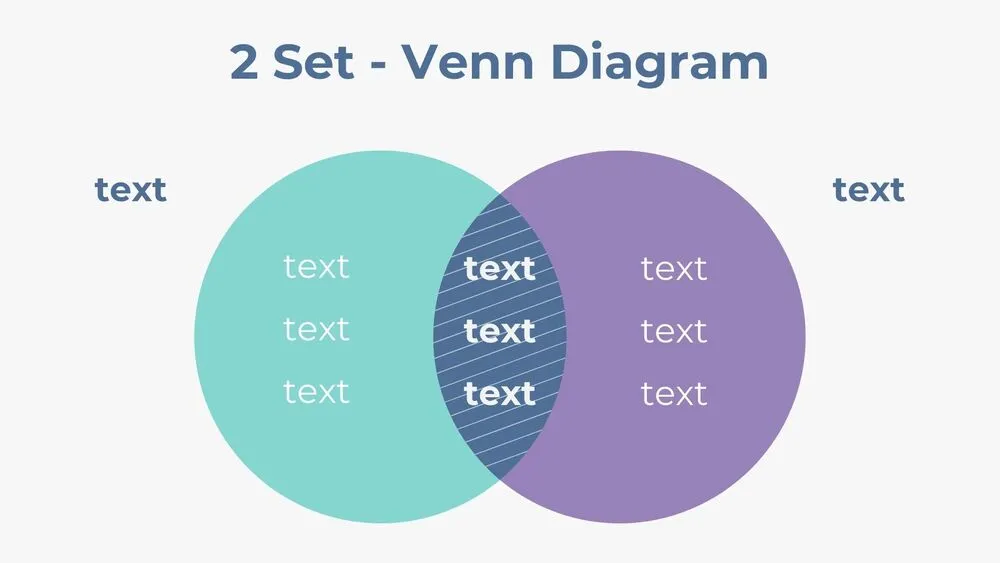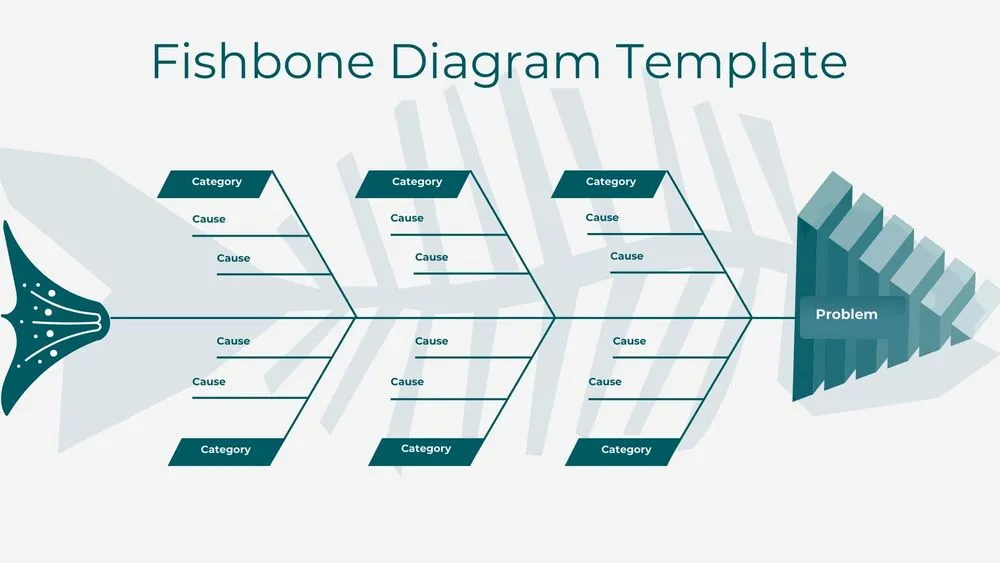
Simple Presentation Templates and Slides – Free & Premium for PowerPoint, Canva & Google Slides
Download free simple presentation templates for PowerPoint, Canva, and Google Slides. Create clean, readable decks with uncluttered layouts that keep your message sharp ⬇️
Explore simple presentation templates and slides for PowerPoint, Canva & Google Slides
✨ These simple presentation templates are built for clarity, clean grids, readable type, and plenty of breathing room. Use simple PowerPoint templates, simple PPT templates, and a simple presentation template layout to explain ideas fast without visual noise.
Best for project updates, client reports, classroom lessons, and internal meetings. For example, turn a weekly update into a 6-slide deck: agenda, key metrics chart, timeline, risks, next steps, and a final summary slide.
Edit in PowerPoint, Canva, or Google Slides, then present live or export to PDF for handouts and sharing. Whether you start from free simple PowerPoint templates or simple Google Slides themes, you can paste tables from Sheets/Excel, keep consistent spacing, and scale the same deck for screen or print.
Readability tip: Keep one idea per slide, use short labels instead of long bullets, and leave margins around charts so they’re easy to scan.
Best for:
- Simple project presentation decks
- Clean business updates and reports
- Minimal lesson slides for teachers
- Pitch summaries with clear charts
- Print-friendly PDF handouts
Explore related templates:
❓ FAQs
Are these simple presentation templates free to download?
Yes—this tag includes free simple presentation templates. If a template is premium, it will be clearly labeled on its template page.
What is a simple presentation template?
A clean slide deck with clear hierarchy, generous spacing, and minimal decoration, designed to communicate quickly.
How do I keep simple slides readable?
Use large headings, short bullets, and high contrast. Label charts directly and avoid stacking too many elements on one slide.
Do these slides work in PowerPoint, Canva, and Google Slides?
Yes, you can edit them in PowerPoint, Canva, and Google Slides, then export to PDF for easy sharing.
What should a simple project presentation include?
Keep it tight: goal, current status, key metrics, timeline, risks, and next steps, with one takeaway per slide.
Can I use simple templates for print or handouts?
Yes, simple layouts export cleanly to PDF and stay readable on paper thanks to whitespace and clear typography.
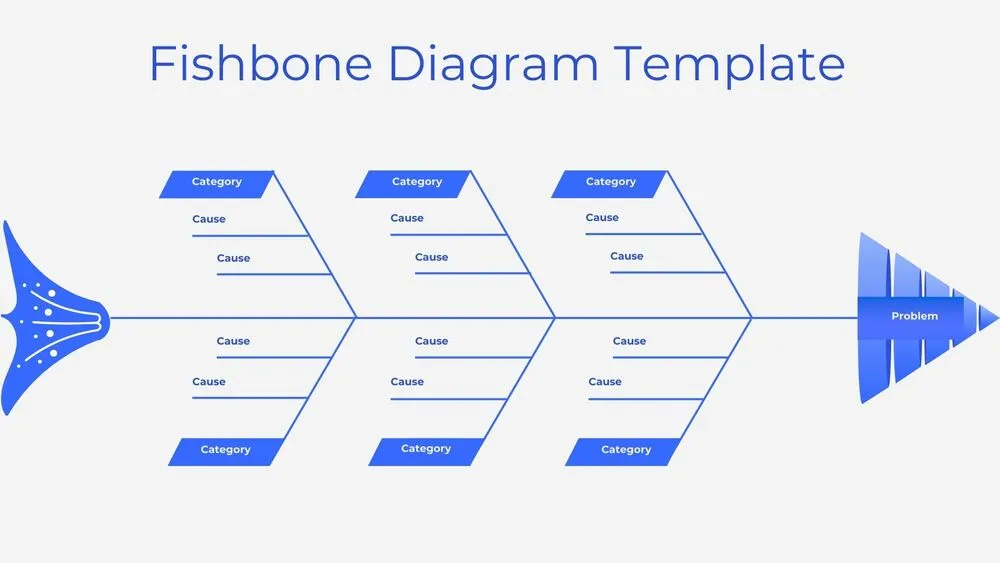
Minimalist Blue Fishbone Diagram Presentation Template for PowerPoint, Canva & Google Slides
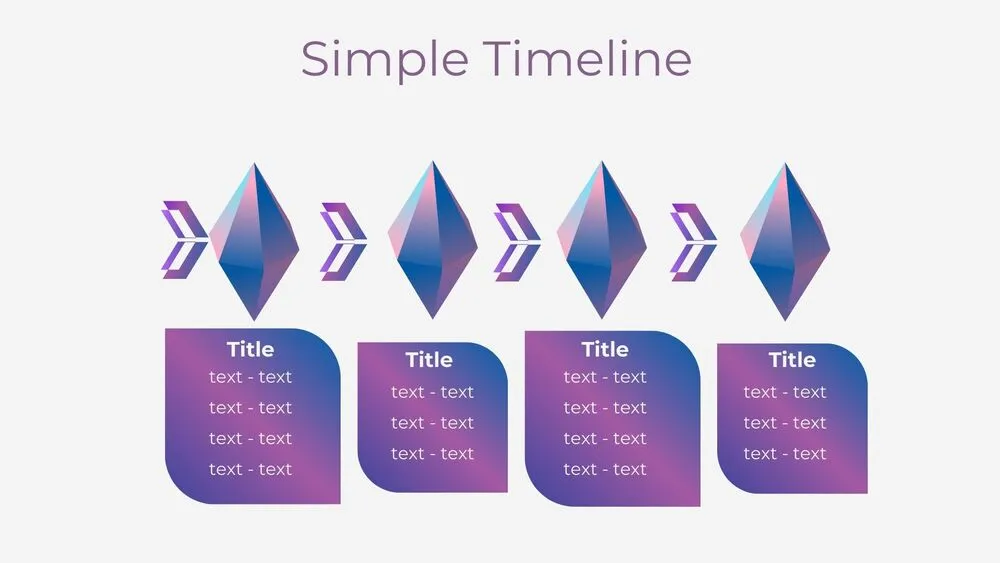
Futuristic Gems Timeline Diagram Presentation Template for PowerPoint, Canva & Google Slides
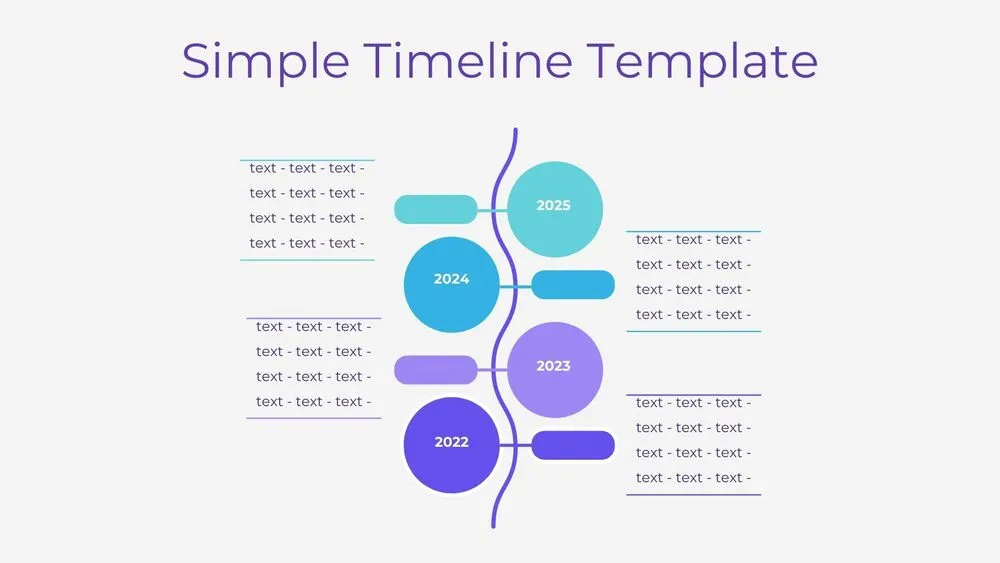
Vertical Wave Timeline Diagram Presentation Template for PowerPoint, Canva & Google Slides
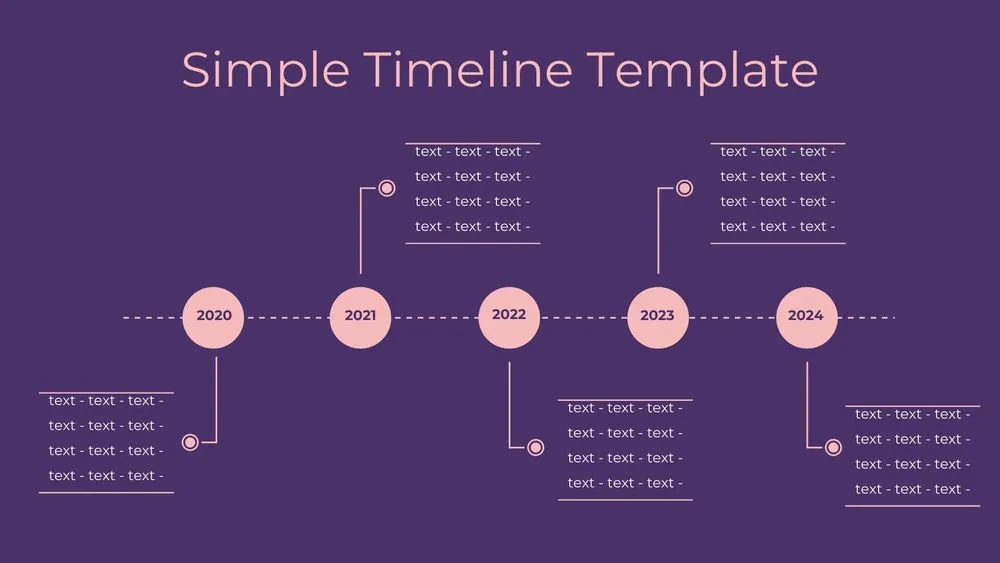
Dark Violet Pins Timeline Diagram Presentation Template for PowerPoint, Canva & Google Slides
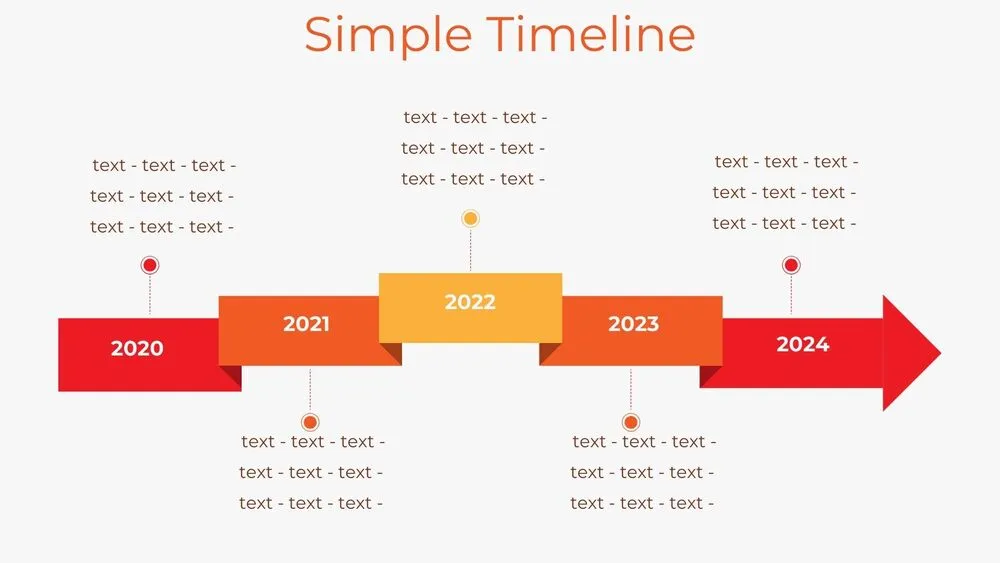
Stepped Path Timeline Diagram Presentation Template for PowerPoint, Canva & Google Slides
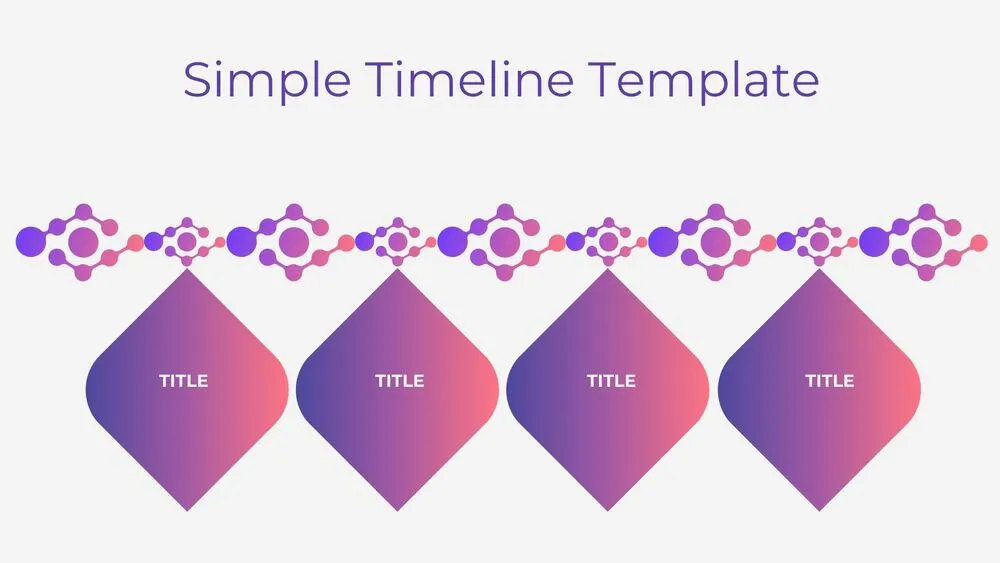
Atom Path Timeline Diagram Presentation Template for PowerPoint, Canva & Google Slides
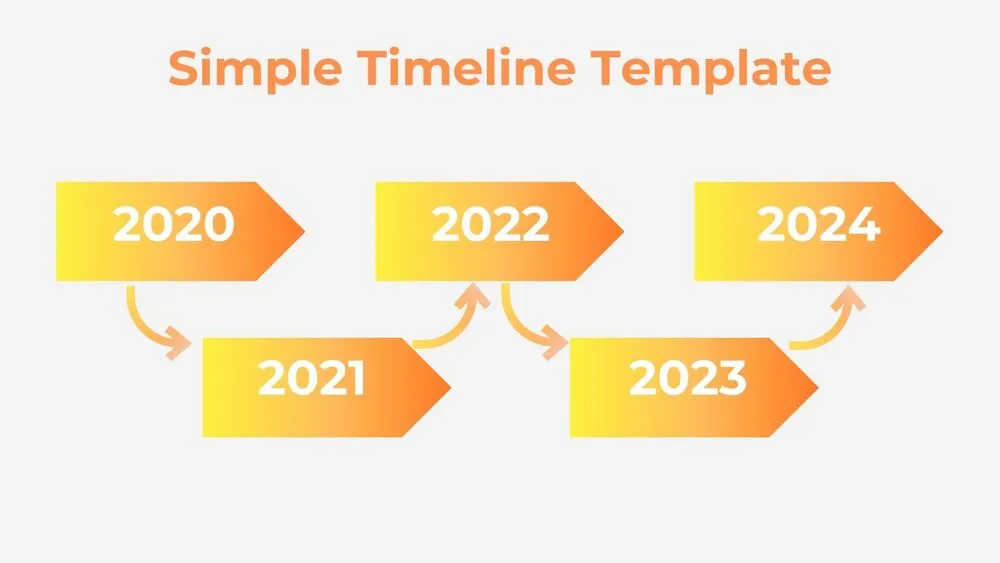
Simple Arrow Timeline Diagram Presentation Template for PowerPoint, Canva & Google Slides
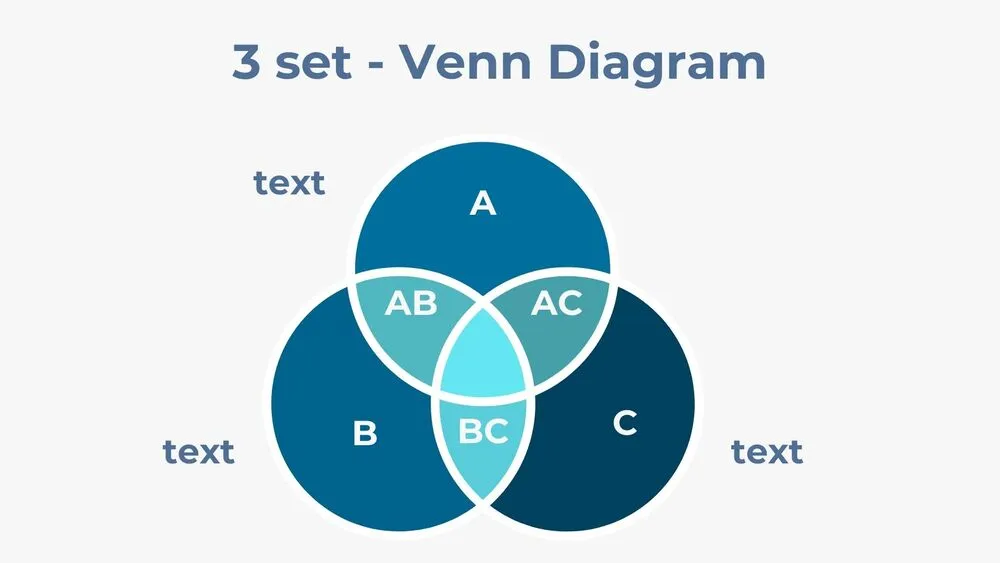
Three-Set Venn Diagram Presentation Template for PowerPoint, Canva & Google Slides