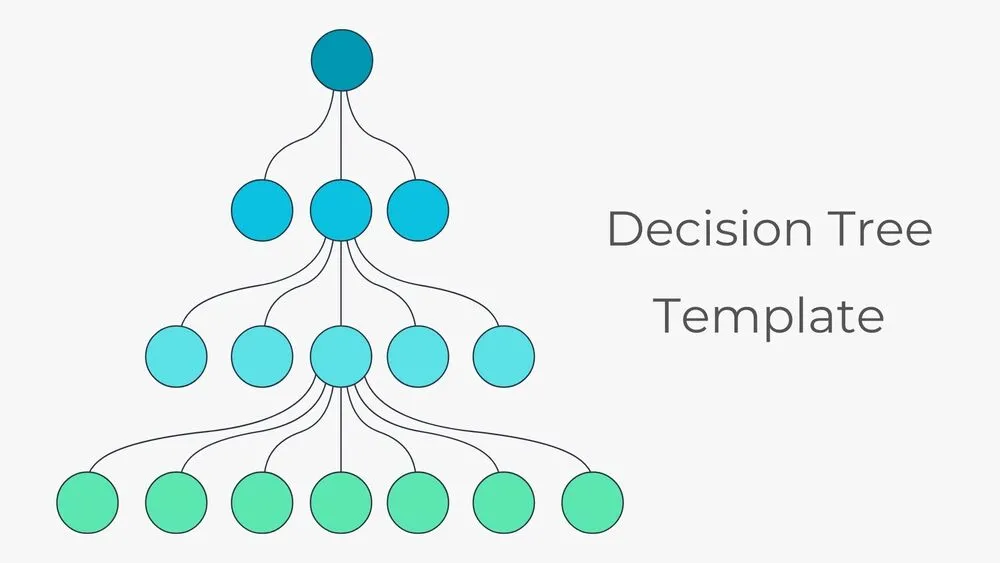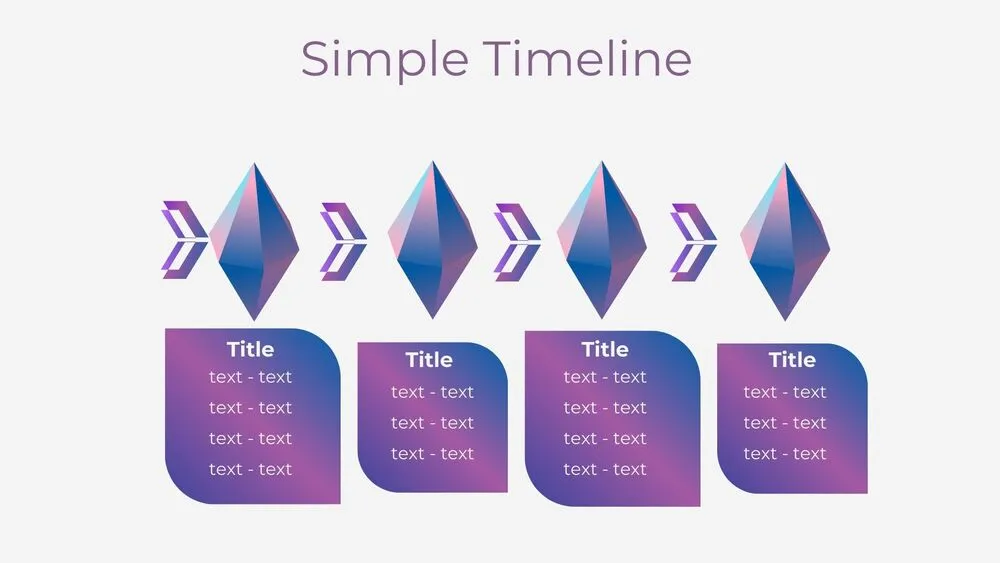
Action Plan Presentation Templates and Slides – Free & Premium for PowerPoint, Canva & Google Slides
Download free action plan presentation templates for PowerPoint, Canva, and Google Slides. Turn goals into clear tasks, owners, deadlines, and KPIs—so everyone knows what happens next ⬇️
Explore the Best Action Plan PowerPoint Templates, Google Slides & Canva Action Plan Themes
✨ Build execution-ready decks with an action plan template that makes priorities easy to follow. Map SMART goals into tasks, assign owners, set deadlines, and track progress with simple status labels—perfect for team updates and stakeholder reviews.
Use slides for 30-60-90 day plans, workstreams, and initiative backlogs, then add timelines, milestones, and checklists to keep delivery on schedule. For performance, include a KPI/OKR tracker and a quick risks section so decisions happen faster.
Best for:
- Quarterly planning, OKRs and team execution
- Project kickoff decks and status updates
- 30-60-90 day onboarding plans
- Strategy rollouts and stakeholder alignment
- Operations, process improvement and delivery plans
Everything is editable in PowerPoint, Google Slides, and Canva—swap colors, icons, and typography to match your brand. Present live for buy-in, or export to PDF to share a clear, actionable plan.
Explore related templates:
❓ FAQs
Are these action plan templates free to download?
Yes—this page includes free action plan presentation templates. If a template is premium, it will be clearly labeled on its template page.
What is an action plan template?
An action plan is a simple format that turns a goal into steps: tasks, owners, deadlines, resources, and success metrics—so teams can execute with clarity.
Action plan vs project plan vs roadmap—what’s the difference?
Action plan: near-term steps and owners. Project plan: scope, schedule, budget, and risks. Roadmap: high-level sequencing of initiatives across weeks or quarters.
What slides should an action plan include?
Goals & scope, workstreams, task list with owners and deadlines, timeline and milestones, KPI/OKR tracker, risks & mitigations, and a “next steps” slide.
Do these templates work in PowerPoint, Canva, and Google Slides?
Yes. You can edit the slides in PowerPoint, Canva, and Google Slides—update text, colors, icons, and layouts to match your plan.
Best practices for presenting an action plan?
Keep one idea per slide, assign owners visually, use consistent status colors, highlight blockers early, and review KPIs on a fixed cadence (weekly or biweekly).
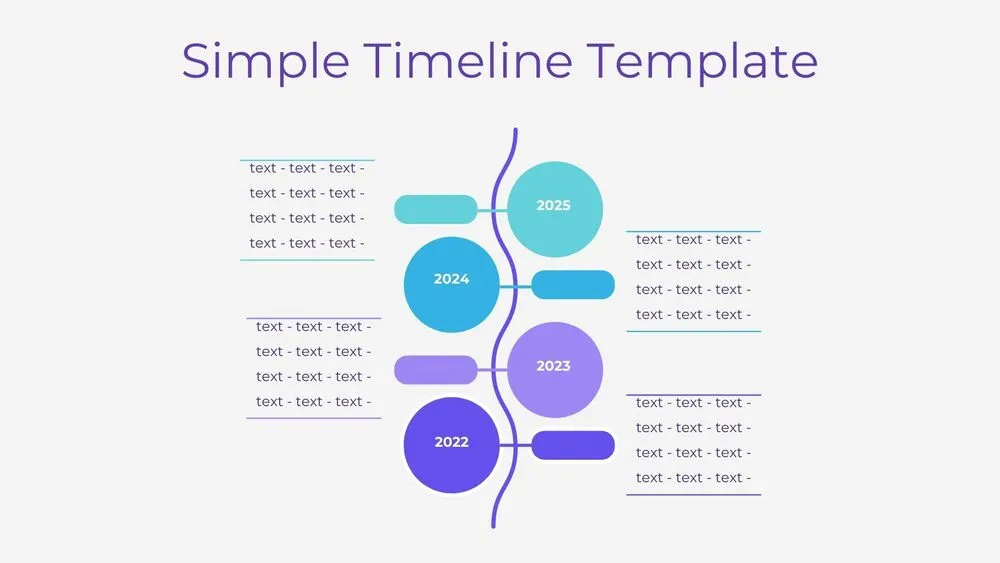
Vertical Wave Timeline Diagram Presentation Template for PowerPoint, Canva & Google Slides
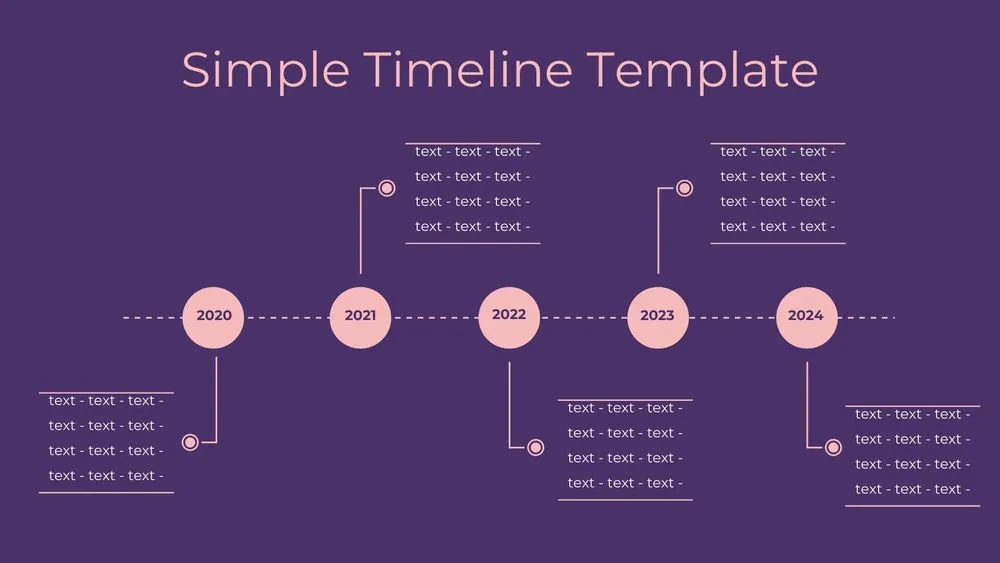
Dark Violet Pins Timeline Diagram Presentation Template for PowerPoint, Canva & Google Slides
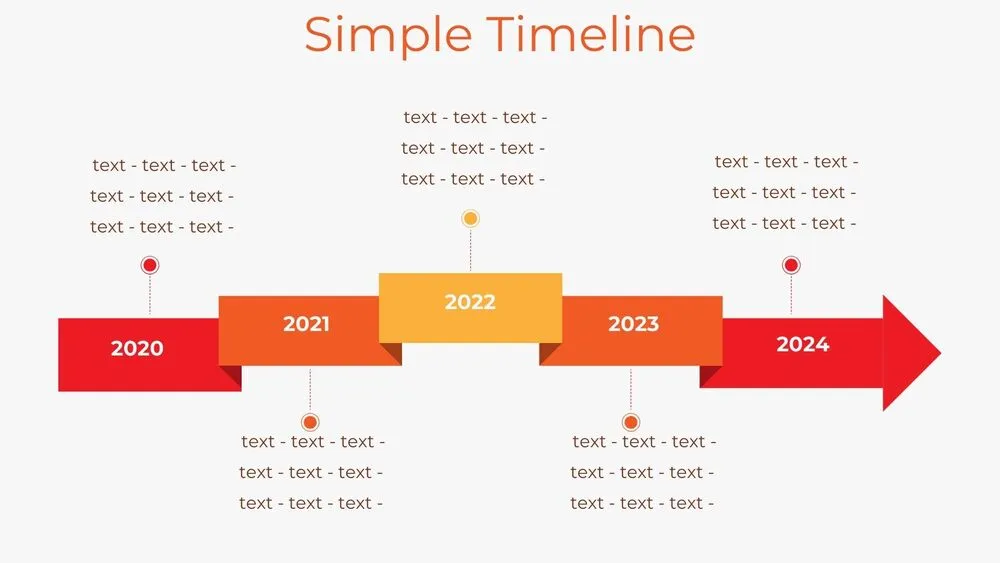
Stepped Path Timeline Diagram Presentation Template for PowerPoint, Canva & Google Slides
Atom Path Timeline Diagram Presentation Template for PowerPoint, Canva & Google Slides
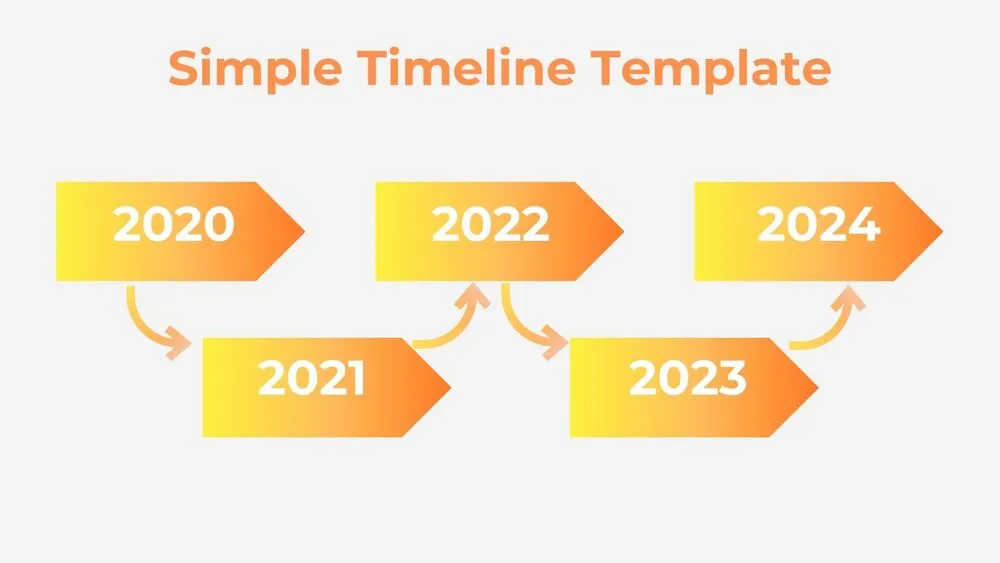
Simple Arrow Timeline Diagram Presentation Template for PowerPoint, Canva & Google Slides
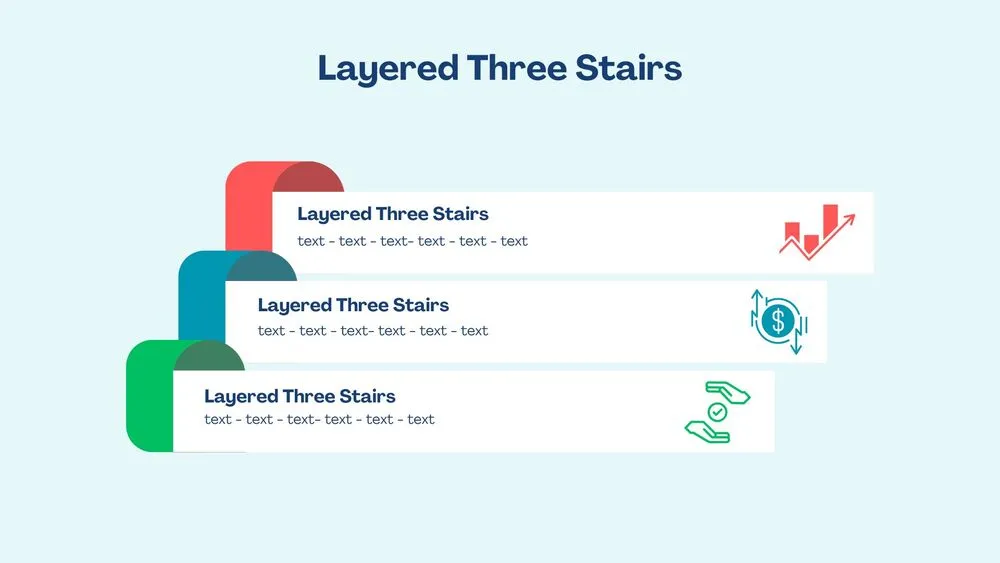
3D Layered Three Stairs Diagram Presentation Template for PowerPoint, Canva & Google Slides
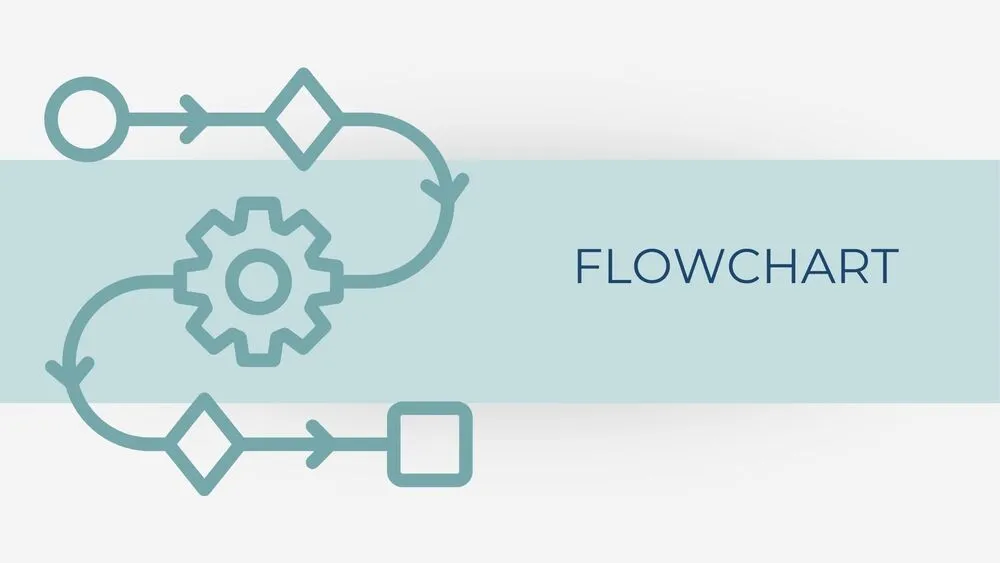
Minimalist Blue Flowchart Diagram Presentation Template for PowerPoint, Canva & Google Slides
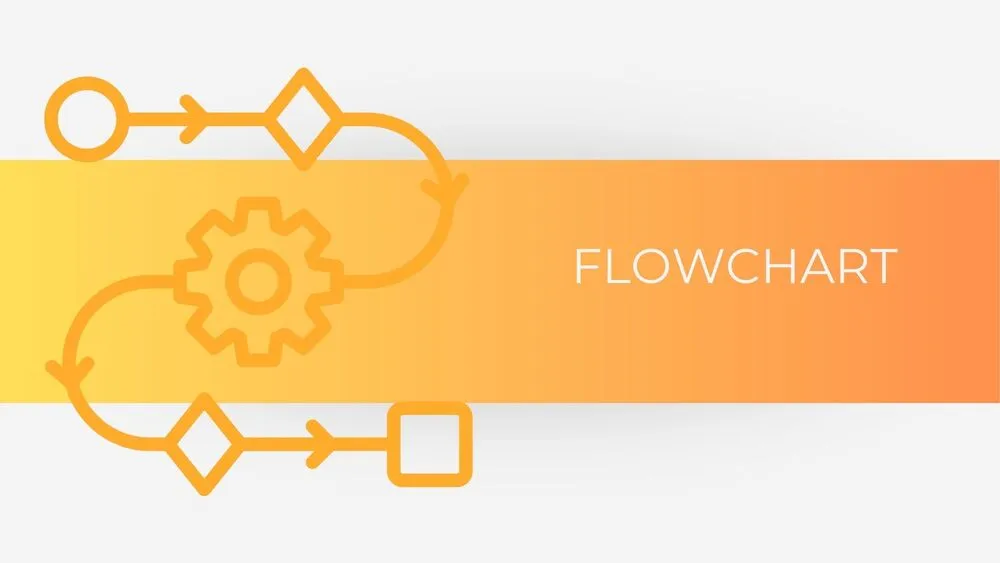
Minimalist Orange Flowchart Diagram Presentation Template for PowerPoint, Canva & Google Slides