Blackboard Presentation Templates and Slides – Free & Premium for PowerPoint, Canva & Google Slides
Download free blackboard presentation templates for PowerPoint, Canva, and Google Slides. Chalk textures, doodles, and classroom-ready slides for lessons and workshops ⬇️
Explore the Best Blackboard Presentation Templates and Slides for PowerPoint, Canva & Google Slides
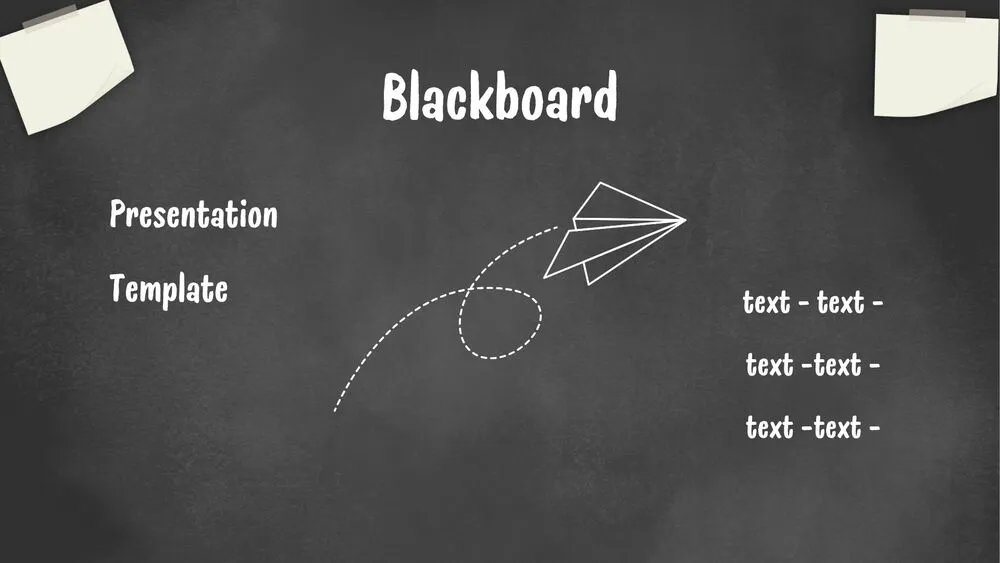
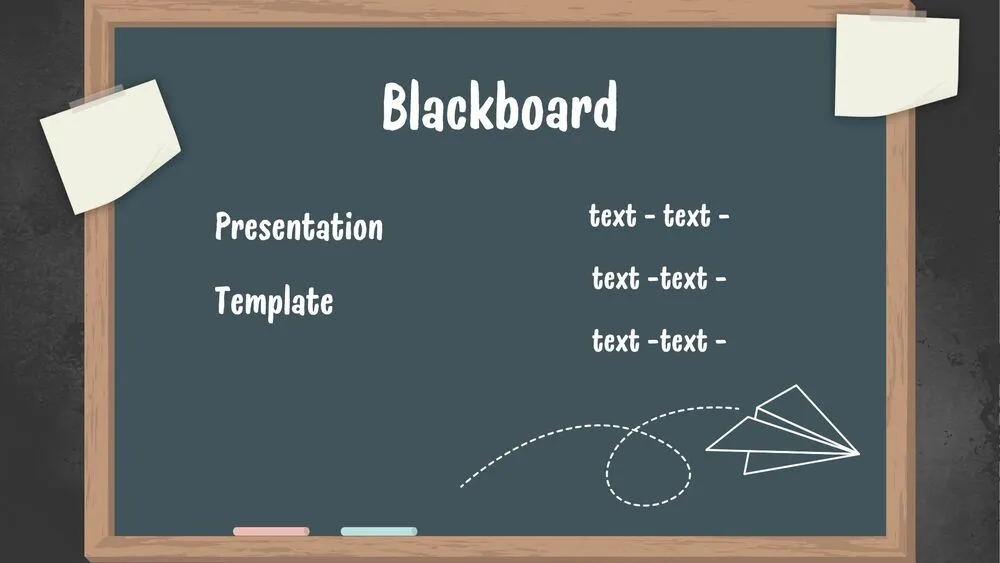
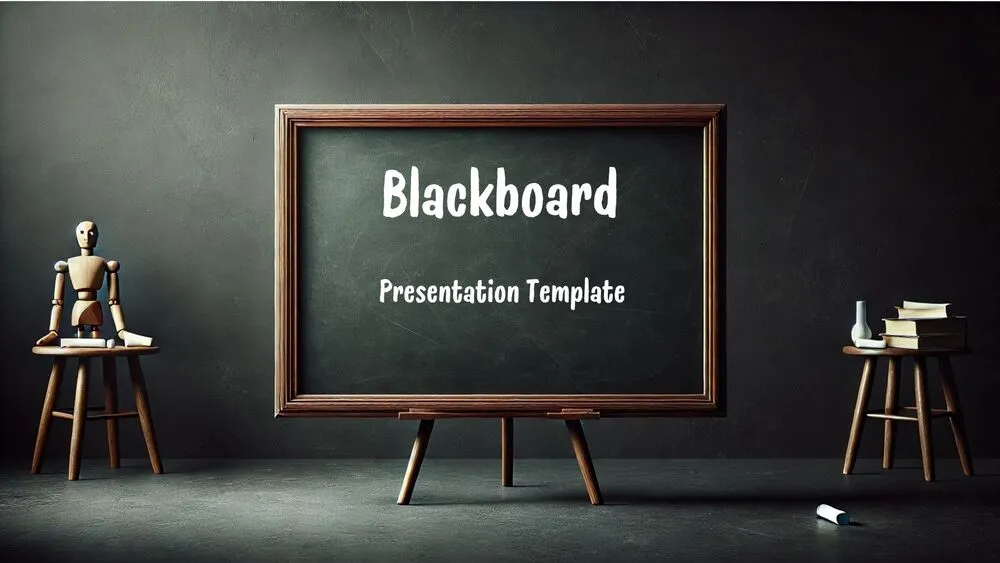
✨ Blackboard presentation templates bring the classic classroom vibe to your deck with dark board backgrounds, chalk-style textures, and hand-drawn accents that keep lessons clear and engaging.
Use these slides for lesson openers, classroom rules, agendas, learning objectives, exit tickets, and quick recaps. They’re also a great fit for tutoring sessions, workshops, and education-themed events where you want a friendly school look.
Edit everything in PowerPoint, Canva, and Google Slides. Update text, swap icons, adjust contrast, present live, or export to PDF for sharing and print-ready handouts.
Best for:
- Back-to-school introductions, class rules, and syllabus overviews
- Lesson slides for maths, science, and classroom activities
- Workshops, tutoring sessions, and training materials
- Student-friendly checklists, schedules, and recap pages
- Education-themed events and school presentations
Explore related templates:
Readability tip: Keep contrast high with light text on dark boards, reserve heavy textures for covers or dividers, and use grid or lined slides for maths and science content.
❓ FAQs
Are these blackboard presentation templates free to download?
Yes—this tag includes free blackboard presentation templates. If a template is premium, it will be clearly labeled on its template page.
Do these blackboard templates work in PowerPoint, Canva, and Google Slides?
Yes. You can edit text, colors, and layouts in PowerPoint, Canva, and Google Slides, then present live or export to PDF.
What is a blackboard presentation template?
It’s a slide theme styled like a chalkboard, using board textures, chalk-style typography, and classroom-inspired doodles or frames.
How do I get a chalk text look on the slides?
Use a chalk-style font, keep headings bold, and increase spacing slightly. For a more realistic feel, add a subtle grain effect to key titles.
How can I keep blackboard slides readable?
Use high contrast, larger font sizes, and avoid placing long paragraphs over heavy smudges. Save the strongest textures for cover and section slides.
Can I change the board color or use grids for diagrams?
Yes. Switch to black, green, or slate tones and use lined or grid backgrounds for formulas, charts, and diagrams while keeping the style consistent.