
Blue Presentation Templates and Slides – Free & Premium for PowerPoint, Canva & Google Slides
Download free blue PowerPoint templates and blue Google Slides themes (also compatible with Canva). Ideal for corporate reports, pitch decks, and school presentations.
Free Blue PowerPoint Templates & Google Slides Themes (Also for Canva)
✨ Download free blue PowerPoint templates and blue Google Slides themes (also compatible with Canva) in navy, cobalt, and sky palettes. Blue adds trust and clarity—ideal for reports, pitch decks, timelines, and classroom lessons.
Best for:
- Corporate reports, company updates & business presentations
- Pitch decks, startups & product storytelling
- Dashboards, KPIs, charts & data-driven slides
- Education lessons, workshops & training decks
- Tech, finance & healthcare topics that need a trustworthy look
Choose timeless blue & white combinations for clean layouts, or add energy with blue & yellow accents for highlights and callouts. Prefer a bold look? Try dark blue backgrounds with high-contrast text for data-heavy slides and KPI sections.
Everything is fully editable in PowerPoint, Google Slides, and Canva—swap palettes, update theme colors, apply slide masters, and export to PDF. Explore minimal, corporate, and aesthetic sets to match your brand and audience.
Explore related templates:
❓ FAQs
Are these blue presentation templates free to download?
Yes—this page features free blue presentation templates. If a template is premium, it will be clearly labeled on its template page.
Do these blue templates work in PowerPoint, Canva, and Google Slides?
Yes. You can edit the slides in PowerPoint, Google Slides, and Canva—text, colors, charts, and layouts are fully customizable.
Why choose a blue presentation template?
Blue communicates trust, stability, and professionalism. It’s ideal for business reports, education, tech, and healthcare—especially when paired with clean typography and strong contrast.
What are the best color pairings with blue?
Blue & white for clarity, blue & yellow for contrast and callouts, and blue & green for sustainability or health-focused topics.
How do I switch palettes in Google Slides or PowerPoint?
Update theme colors and apply them via the master (Google Slides: Slide → Edit theme; PowerPoint: Design → Variants → Colors) so changes propagate across the deck.
Tips for readability on dark blue backgrounds?
Use high-contrast text (white on navy), increase font size for body copy, keep charts simple, and reserve gradients or patterns for covers/dividers rather than dense text slides.

Blue Tech Evolution Presentation Template for PowerPoint, Canva & Google Slides
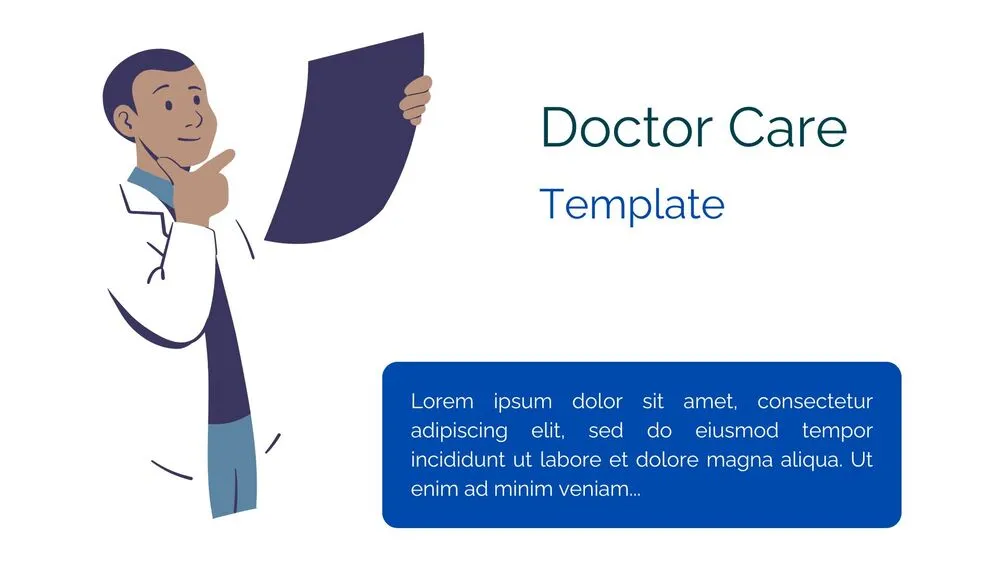
Creative Doctor Presentation Template for PowerPoint, Canva & Google Slides

Professional Doctor Presentation Template for PowerPoint, Canva & Google Slides

Cute Blue Nursing Care Presentation Template for PowerPoint, Canva & Google Slides

Modern Blue Nursing Care Presentation Template for PowerPoint, Canva & Google Slides

Mobile App SWOT Analysis Presentation Template for PowerPoint, Canva & Google Slides

Professional Blue Pitch Deck Presentation Template for Business Strategy & Proposals