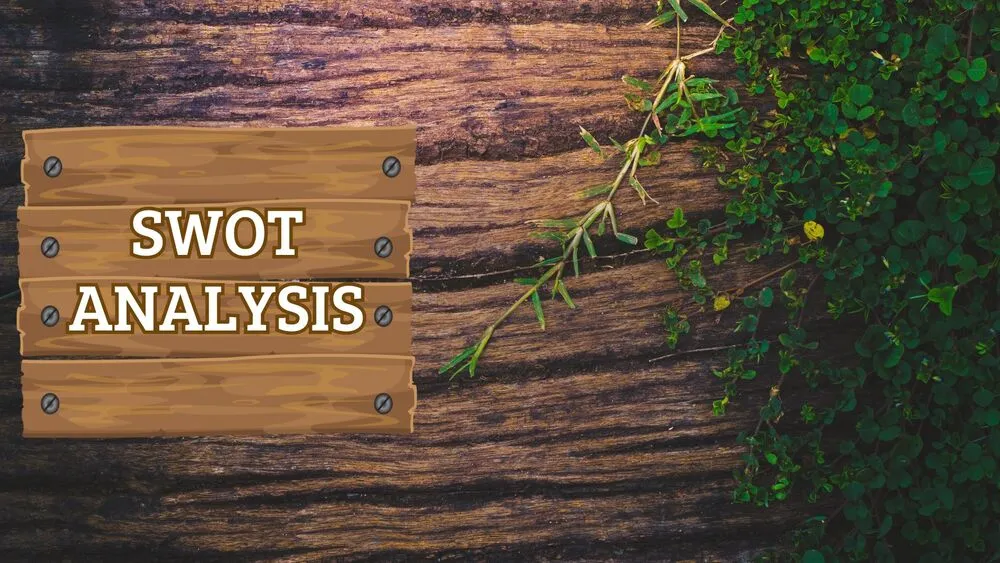
Brown Presentation Templates and Slides – Free & Premium for PowerPoint, Canva & Google Slides
Download free brown presentation templates for PowerPoint, Canva, and Google Slides. Use warm, grounded palettes with crisp, readable typography ⬇️
Explore the Best Brown PowerPoint Templates, Google Slides & Canva Brown Themes
✨ Brown slide designs bring a warm, grounded feel that reads as stable and premium. Use these layouts for portfolios, brand decks, food and beverage, crafts, hospitality, and sustainability topics where a natural tone fits.
For a clean look, pair cocoa backgrounds with high-contrast typography and plenty of spacing. For a more tactile style, add subtle paper grain, linen, or wood textures on covers and section dividers, then keep inner slides flatter for charts and long text.
Edit in PowerPoint, Canva, or Google Slides, then present live or export a polished PDF in one click. Swap palettes, apply slide masters, update icons and charts, and reuse the same deck across projects without losing consistency.
Best for:
- Portfolios and case study decks
- Brand presentations and lookbooks
- Food, coffee, and hospitality pitches
- Sustainability and nature-led storytelling
- Rustic or premium product launches
Explore related templates:
Readability tip: Keep text on solid areas, and use textures only where they won’t compete with paragraphs or data.
❓ FAQs
Are these Brown presentation templates free to download?
Yes—this tag includes free brown presentation templates. If a template is premium, it will be clearly labeled on its template page.
Why choose a brown presentation theme?
Brown conveys warmth, stability, and craftsmanship. It suits portfolios, hospitality, coffee and food brands, and decks that need a grounded tone.
Best color pairings with brown?
Pair with cream or white for clarity, muted green for nature, or gold and copper for a premium feel. Keep accents limited to guide attention.
How do I keep text readable on brown backgrounds?
Use strong contrast, generous spacing, and avoid heavy textures behind paragraphs. Save textures for covers, headers, and section dividers.
Can I edit these slides in PowerPoint, Canva, and Google Slides?
Yes, the layouts are designed to work in PowerPoint, Canva, and Google Slides, so you can collaborate and export to PDF when needed.
Can I add textures like wood or paper?
Yes. Many decks include paper grain, linen, or wood patterns. Apply them via the slide master and keep data-heavy slides cleaner.

Rustic Wood Frame Christmas Presentation Template for PowerPoint, Canva & Google Slides
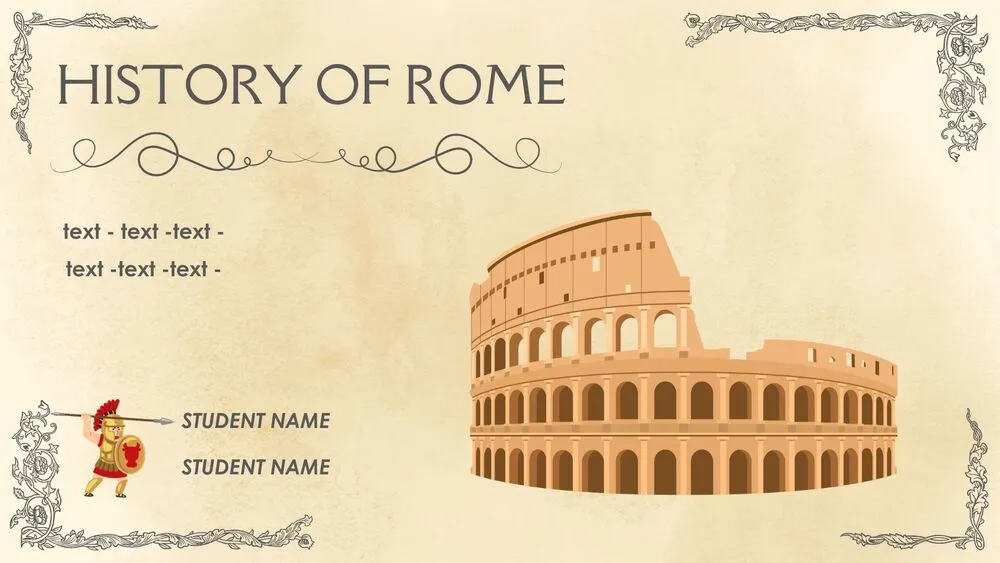
Ancient Rome Presentation Template for PowerPoint, Canva & Google Slides
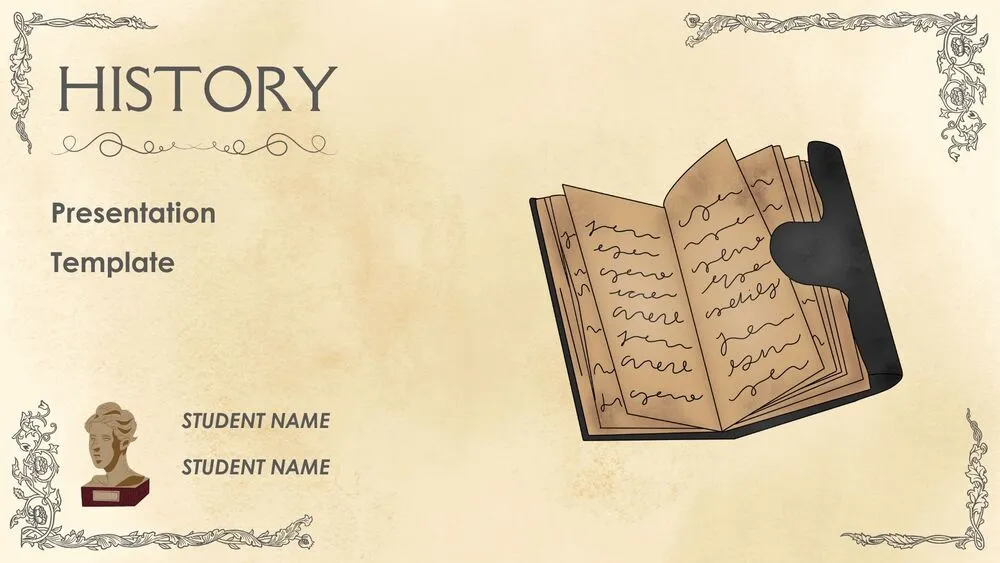
Ancient History Presentation Template for PowerPoint, Canva & Google Slides
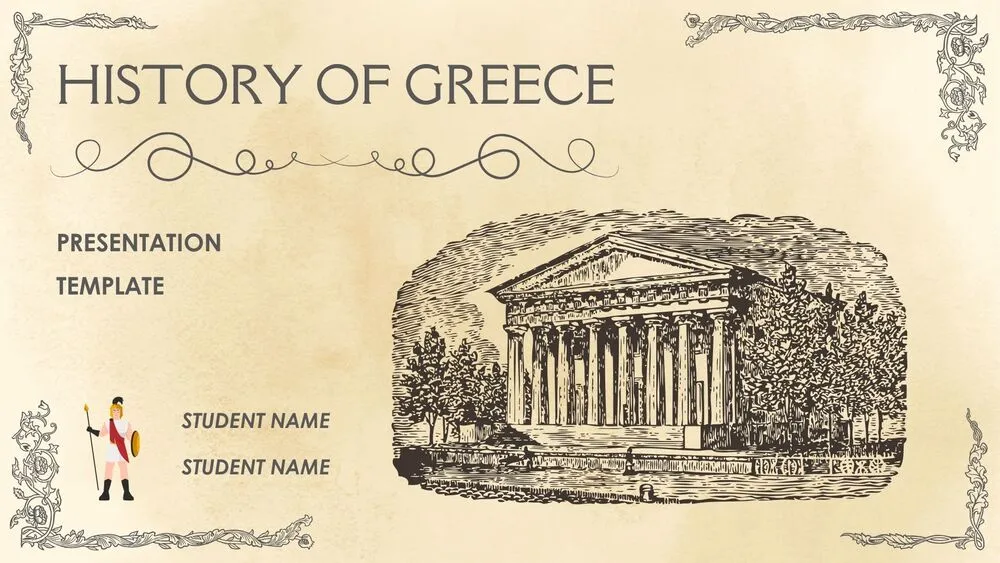
Ancient Greece Presentation Template for PowerPoint, Canva & Google Slides
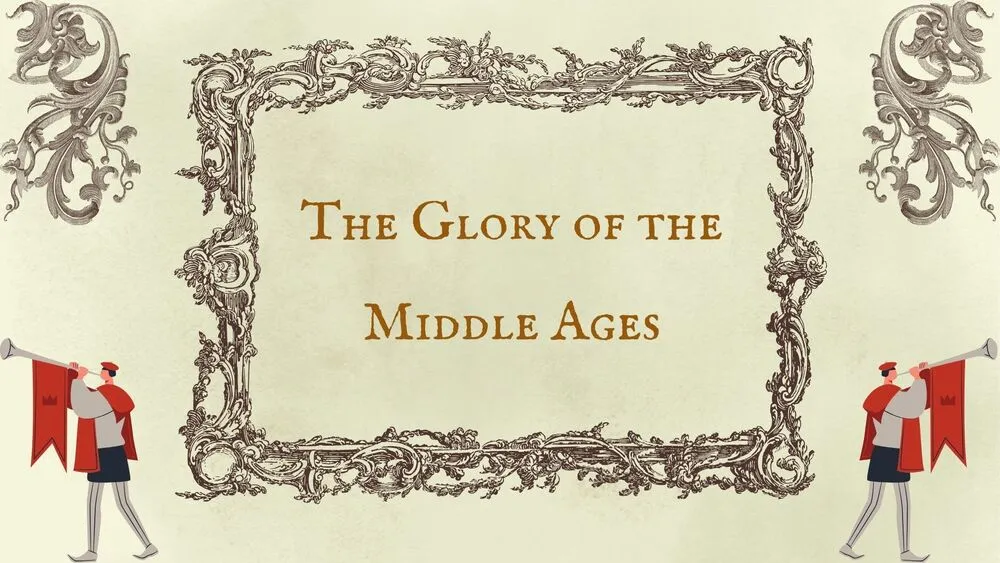
Middle Ages Presentation Template for PowerPoint, Canva & Google Slides
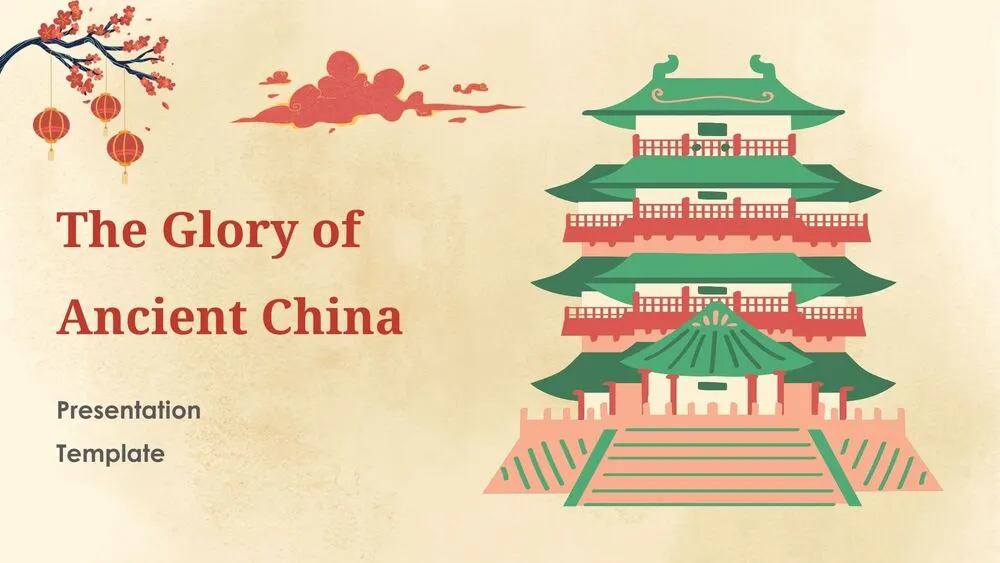
Ancient China Presentation Template for PowerPoint, Canva & Google Slides
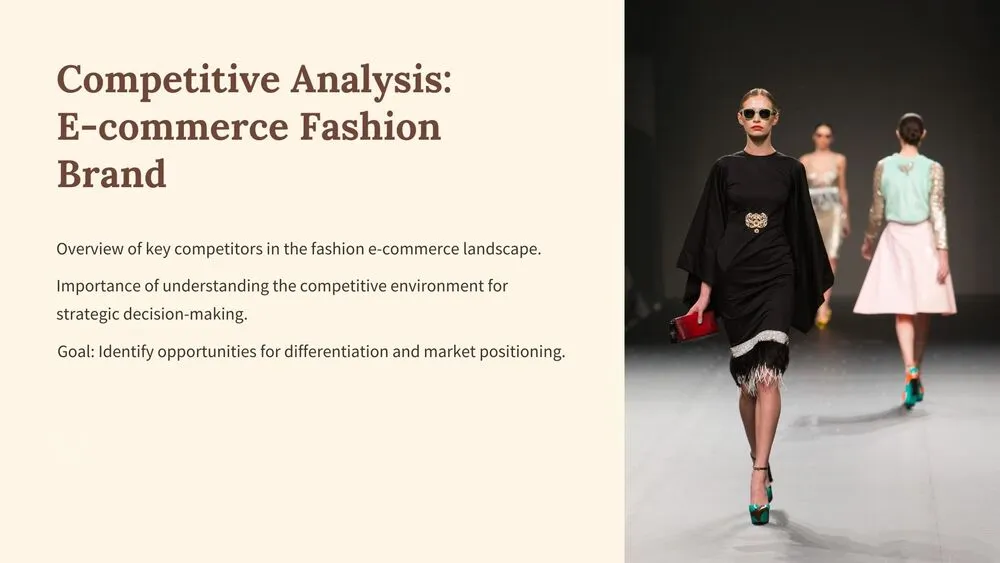
E-commerce Fashion Competitive Analysis Presentation Template for PowerPoint, Canva & Google Slides
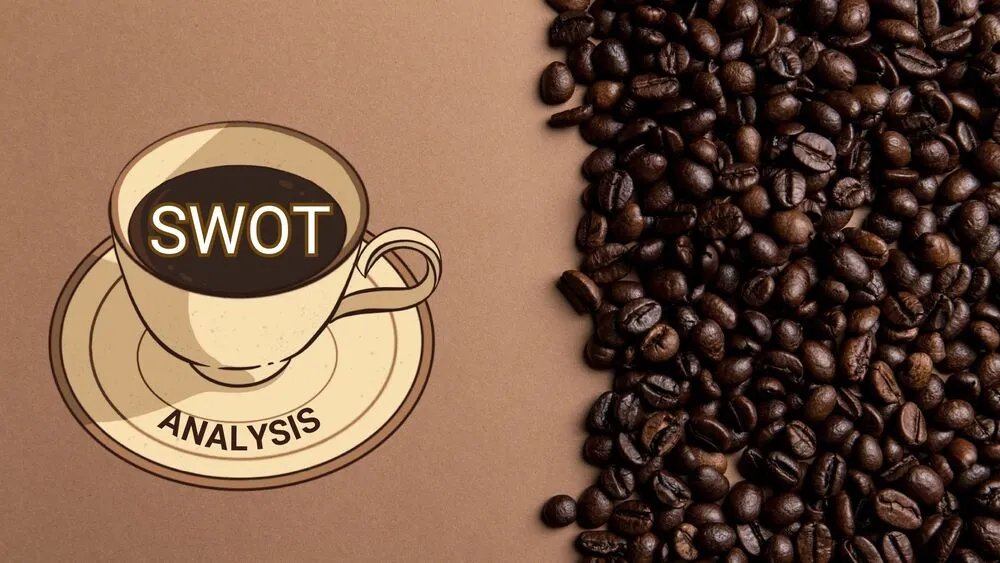
Coffee-Themed SWOT Analysis Presentation Template for PowerPoint, Canva & Google Slides