Business Presentation Templates and Slides – Free & Premium for PowerPoint, Canva & Google Slides
Download free business presentation templates for PowerPoint, Canva, and Google Slides. Build plans, proposals, pitch decks, and KPI dashboards faster ⬇️
Explore the Best Business PowerPoint Templates, Google Slides & Canva Business Themes
✨ Business slide decks help you communicate decisions clearly, from strategy to execution. Use these layouts to align stakeholders, explain priorities, and keep meetings focused on outcomes.
They’re perfect for business plans, proposals, and pitch decks, plus internal reviews like quarterly updates and KPI reporting. Add slides for market analysis, competitor mapping, SWOT, financial snapshots, and roadmaps with owners and timelines.
Edit in PowerPoint, Canva, or Google Slides, then present live or export a clean PDF for sharing. Update charts fast, keep branding consistent with slide masters, and reuse the same structure across teams to speed up reporting.
Best for:
- Business plans and strategy reviews
- Pitch decks and investor updates
- Proposals and client presentations
- KPI dashboards and performance reporting
- Project updates and team alignment
Explore related templates:
Readability tip: Use a short headline plus one key chart per slide, and move supporting detail to an appendix.
❓ FAQs
Are these Business presentation templates free to download?
Yes—this tag includes free business presentation templates. If a template is premium, it will be clearly labeled on its template page.
What is a business presentation template?
A ready-to-edit deck for planning, strategy, and reporting, with slides for goals, market context, financials, and actions so teams can decide faster.
Business plan vs pitch deck vs business case?
A business plan is detailed planning and forecasts, a pitch deck is a concise story to persuade, and a business case compares options, costs, benefits, and ROI to approve a decision.
What slides should a business plan include?
Executive summary, market and problem, solution and model, go-to-market, team, financials, milestones, risks, and next steps with owners.
Do these slides work in PowerPoint, Canva, and Google Slides?
Yes, you can edit these business layouts in PowerPoint, Canva, and Google Slides, then export to PDF for sharing or board packs.
How do I keep decks executive-friendly?
Lead with a one-slide snapshot, keep charts simple, and end sections with decisions, owners, and due dates so meetings stay action-oriented.
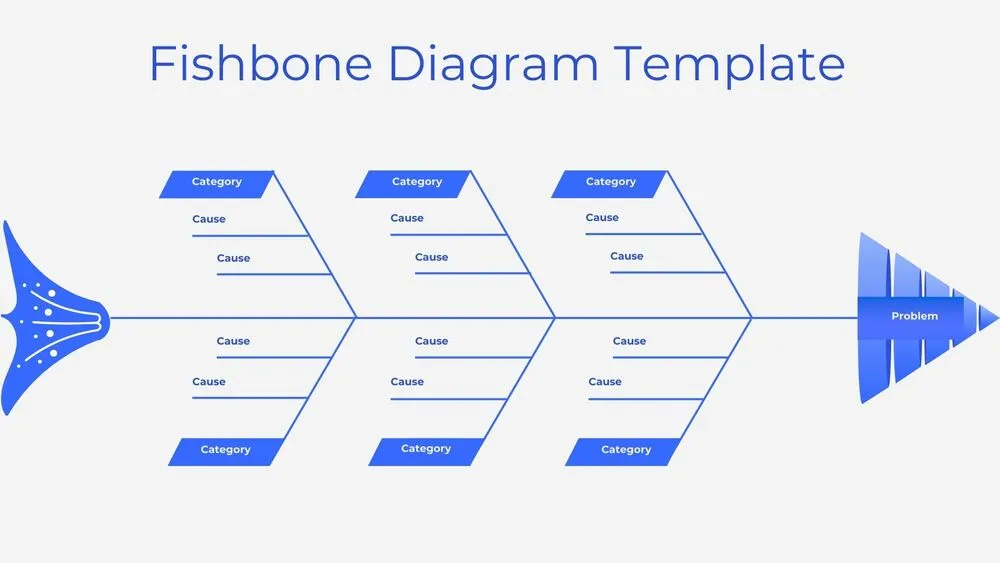
Minimalist Blue Fishbone Diagram Presentation Template for PowerPoint, Canva & Google Slides
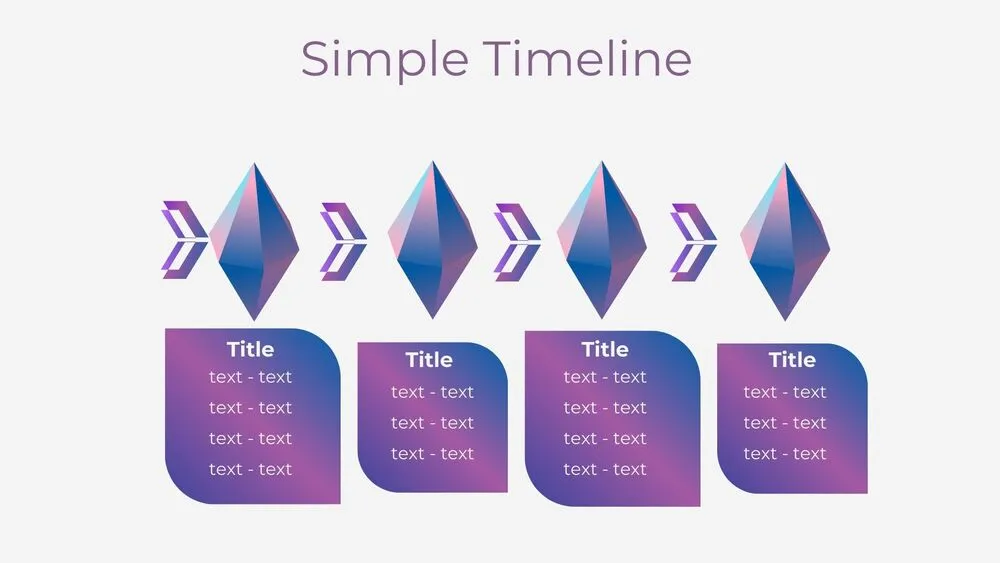
Futuristic Gems Timeline Diagram Presentation Template for PowerPoint, Canva & Google Slides
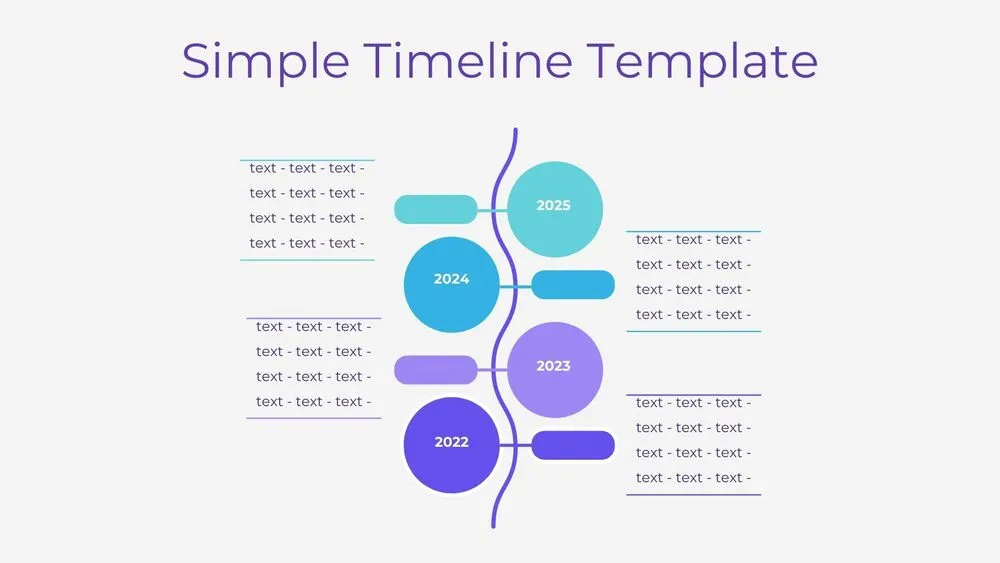
Vertical Wave Timeline Diagram Presentation Template for PowerPoint, Canva & Google Slides
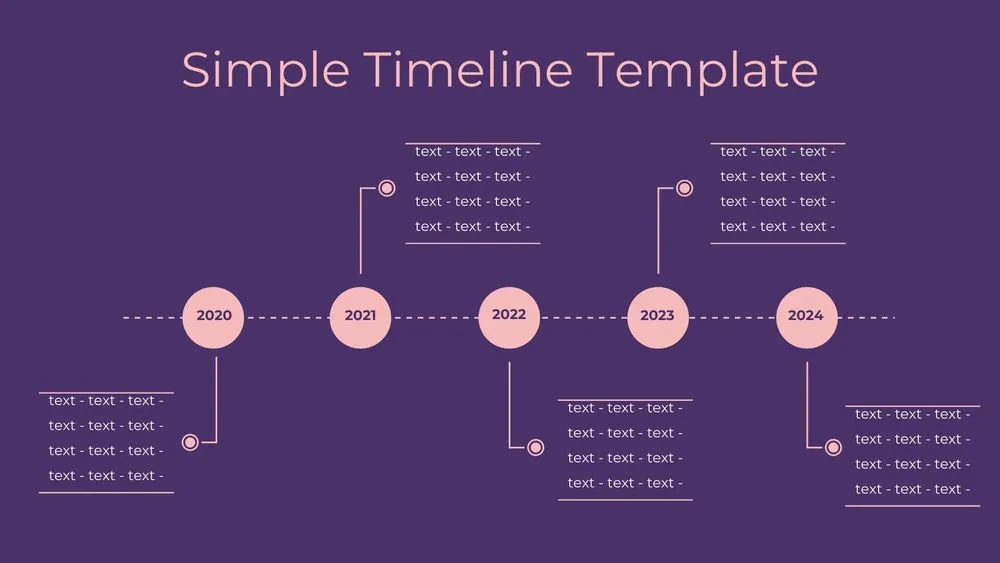
Dark Violet Pins Timeline Diagram Presentation Template for PowerPoint, Canva & Google Slides
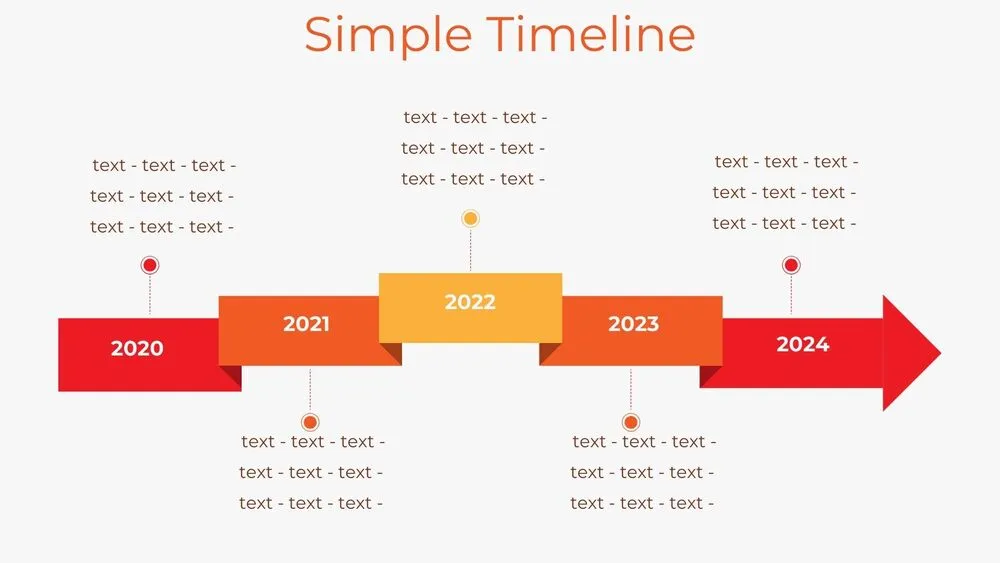
Stepped Path Timeline Diagram Presentation Template for PowerPoint, Canva & Google Slides
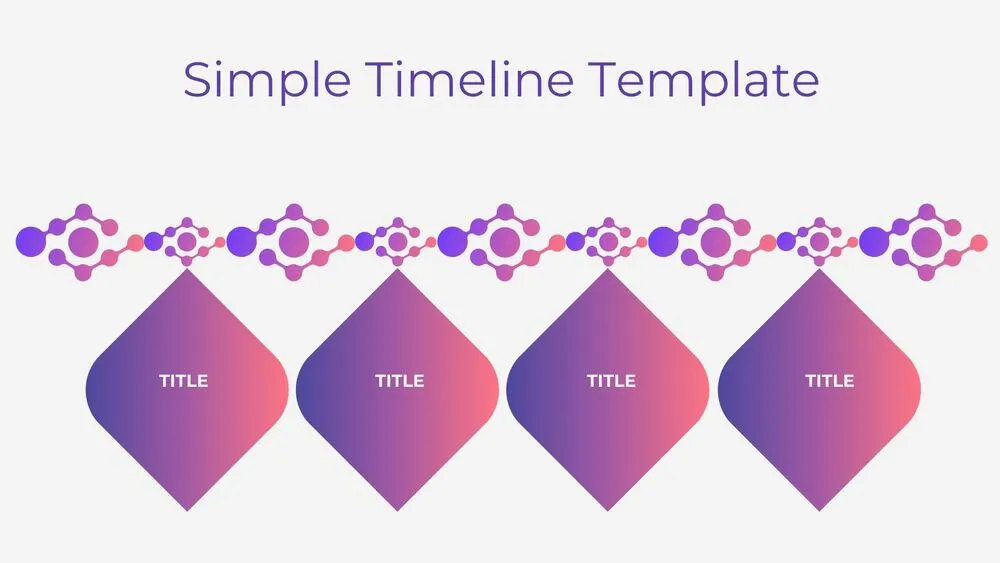
Atom Path Timeline Diagram Presentation Template for PowerPoint, Canva & Google Slides
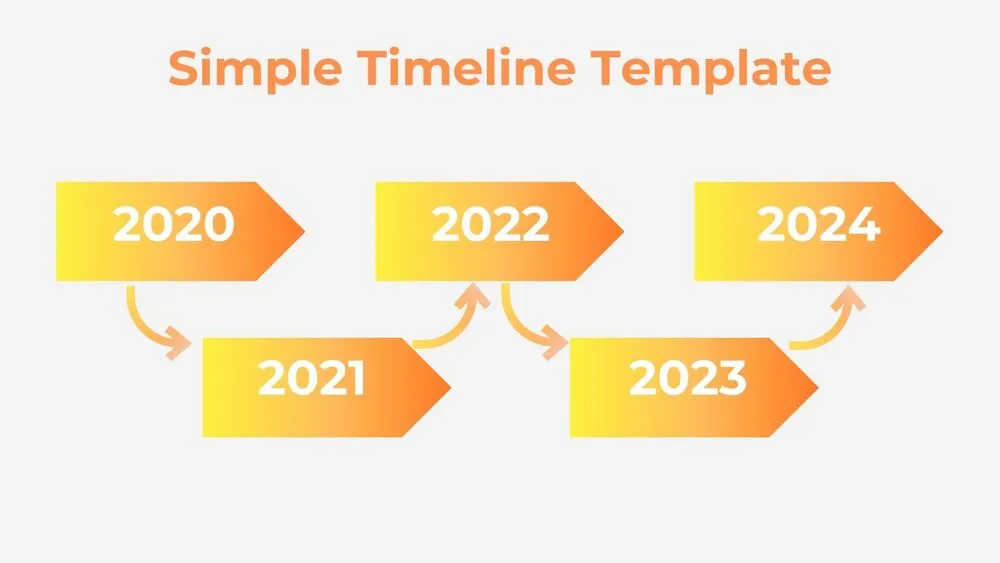
Simple Arrow Timeline Diagram Presentation Template for PowerPoint, Canva & Google Slides
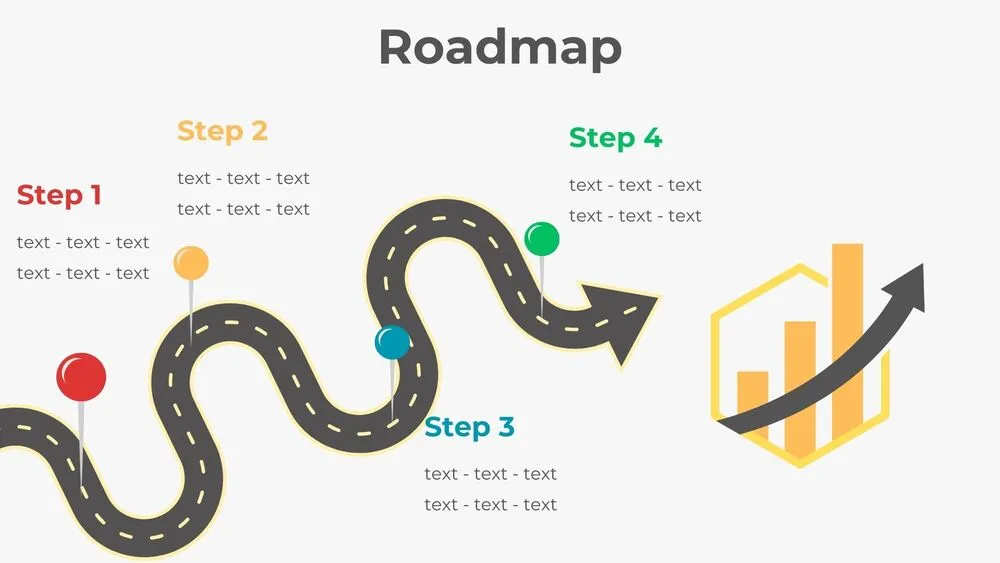
Wavy Road Four-Step Roadmap Diagram Presentation Template for PowerPoint, Canva & Google Slides