Business Strategy Presentation Templates and Slides – Free & Premium for PowerPoint, Canva & Google Slides
Download free business strategy presentation templates for PowerPoint, Canva, and Google Slides. Turn vision into roadmaps, priorities, and KPIs that leaders can act on ⬇️
Explore the Best Business Strategy PowerPoint Templates, Google Slides & Canva Business Strategy Themes
✨ Business strategy slides help you move from insight to action, so leadership teams can align on priorities quickly. Use these layouts to frame the market context, explain your choices, and show the roadmap that turns strategy into execution.
They’re ideal for annual planning, quarterly strategy refreshes, and board updates. Add slides for TAM and growth drivers, competitor snapshots, positioning, strategic pillars, and a simple roadmap with owners, timelines, and KPI targets.
Edit in PowerPoint, Canva, or Google Slides, then present live or export a polished PDF for exec reviews. Update charts, swap brand fonts and colors, and reuse the same structure across teams to keep strategy communication consistent.
Best for:
- Strategic planning and leadership alignment
- Board updates and executive reviews
- Market analysis and competitive positioning
- Roadmaps, OKRs, and KPI reporting
- Growth initiatives and go-to-market planning
Explore related templates:
Readability tip: Use one decision per slide, then support it with a single chart or table and a short “so what” takeaway.
❓ FAQs
Are these Business Strategy presentation templates free to download?
Yes—this tag includes free business strategy presentation templates. If a template is premium, it will be clearly labeled on its template page.
What is a business strategy presentation?
A structured deck that connects market insights to choices and execution, covering where to play, how to win, the roadmap, KPIs, and risks.
What slides should I include?
Executive summary, objectives, market and competitors, customer insights, strategic choices, roadmap and resourcing, KPIs or OKRs, risks, and next steps.
Do these slides work in PowerPoint, Canva, and Google Slides?
Yes, you can edit these business strategy layouts in PowerPoint, Canva, and Google Slides, then export to PDF for sharing.
How do I keep it executive-friendly?
Lead with a one-slide narrative, keep charts minimal, highlight trade-offs, and end sections with decisions, owners, and due dates.
How do I present a roadmap clearly?
Use a single timeline view with 3–5 priorities, show owners and milestones, and link each item to a KPI so progress is measurable.
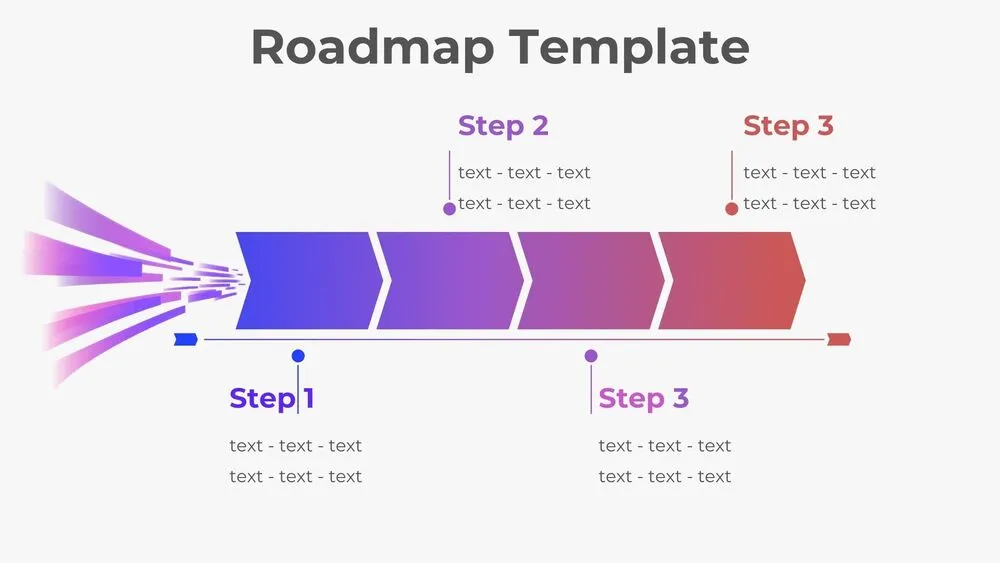
Horizontal Rocket Roadmap Diagram Presentation Template for PowerPoint, Canva & Google Slides
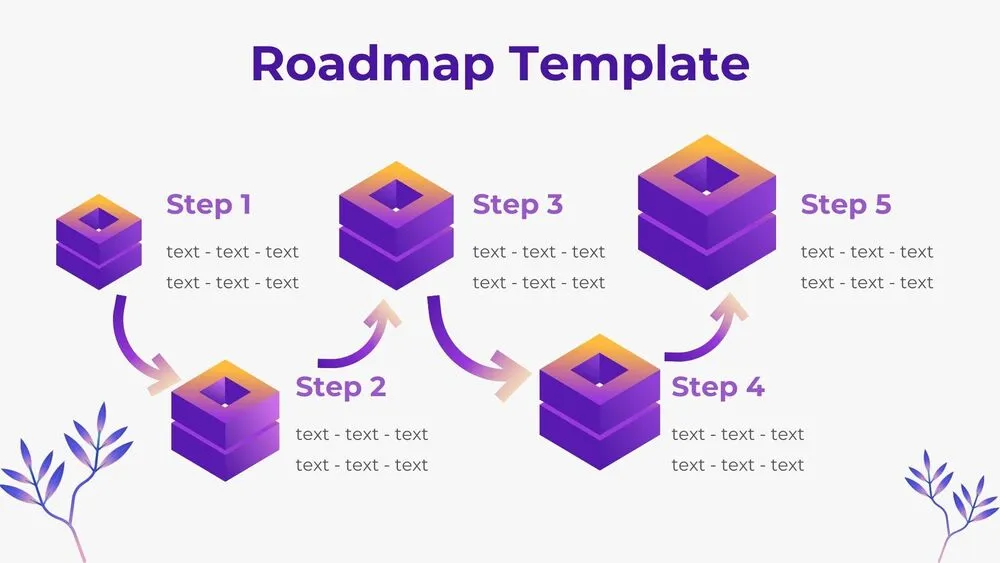
3D Cube Steps Roadmap Diagram Presentation Template for PowerPoint, Canva & Google Slides

Flat Four-Layer Funnel Diagram Presentation Template for PowerPoint, Canva & Google Slides

3D Six-Layer Funnel Diagram Presentation Template for PowerPoint, Canva & Google Slides
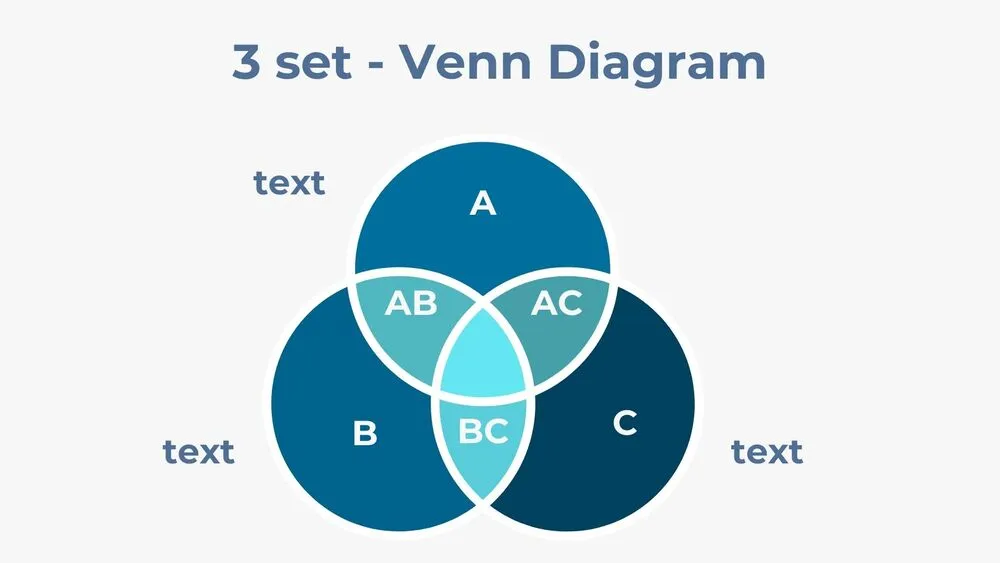
Three-Set Venn Diagram Presentation Template for PowerPoint, Canva & Google Slides
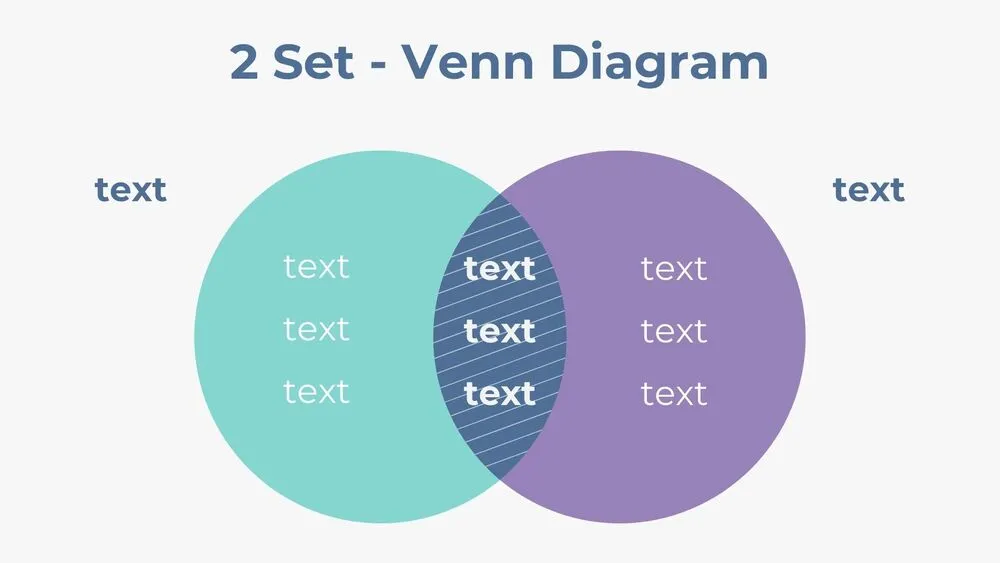
Two-Set Venn Diagram Presentation Template for PowerPoint, Canva & Google Slides
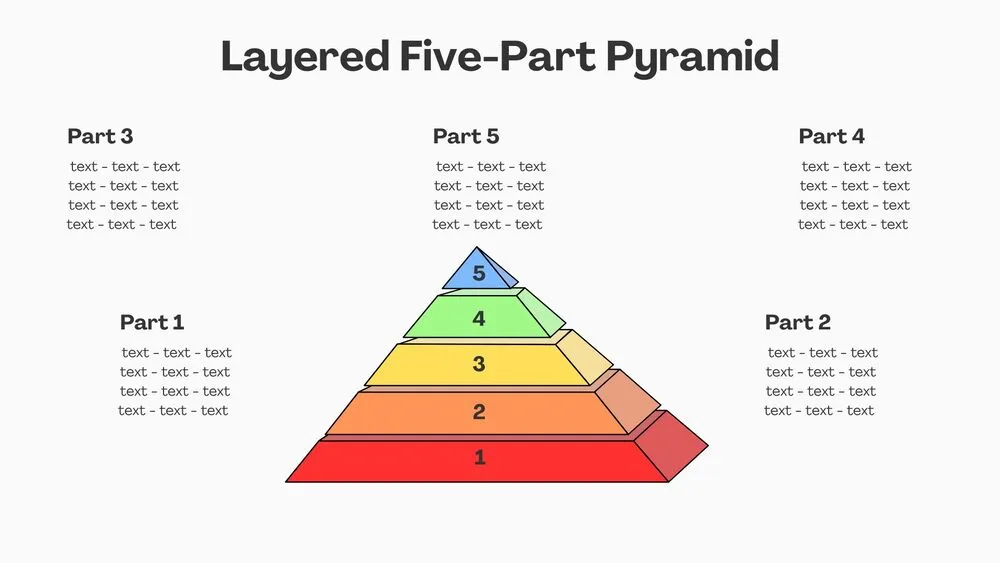
Layered Five-Part Pyramid Diagram Presentation Template for PowerPoint, Canva & Google Slides
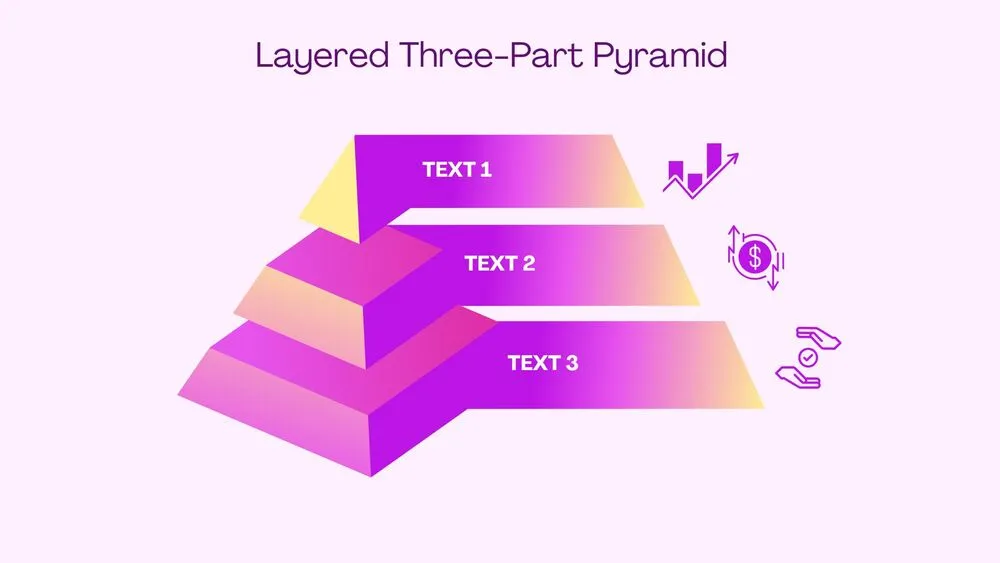
3D Layered Three-Part Pyramid Diagram Presentation Template for PowerPoint, Canva & Google Slides