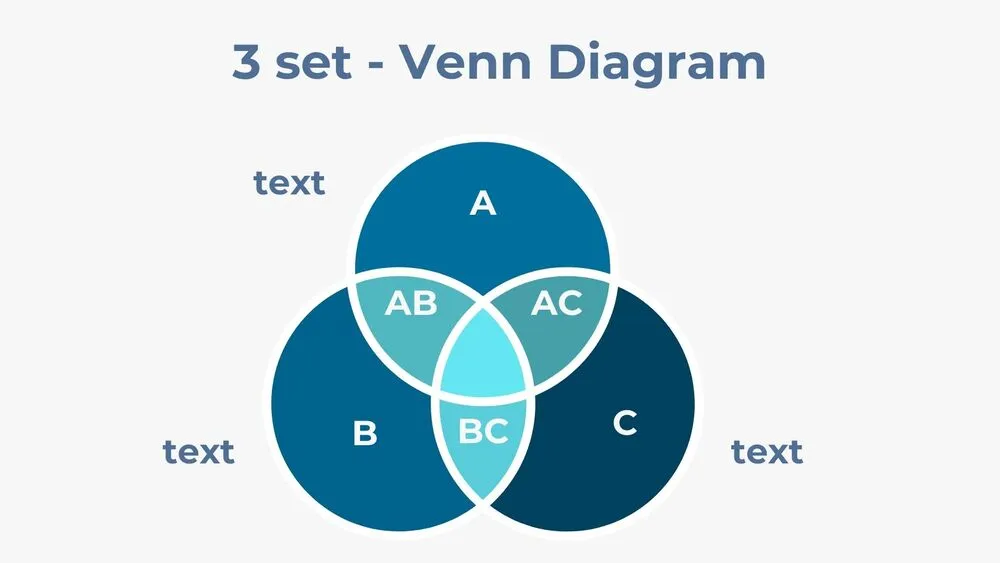
Capabilities Presentation Templates and Slides – Free & Premium for PowerPoint, Canva & Google Slides
Download free capabilities presentation templates for PowerPoint, Canva, and Google Slides. Visualize capability maps, maturity heatmaps, and skills matrices clearly ⬇️
Explore the Best Capabilities PowerPoint Templates, Google Slides & Canva Capabilities Themes
✨ Capabilities slides help you explain what the organization must be able to do, and where to invest next. Use these layouts to make capability maps, maturity heatmaps, skills matrices, and operating model snapshots easy to understand.
They’re ideal for transformation programs, operating model design, and leadership alignment. Show current vs target maturity, add owners and systems overlays, and connect each capability to initiatives, roadmaps, and KPI or OKR targets.
Edit in PowerPoint, Canva, or Google Slides, then present live or export a clean PDF for board reviews and workshops. Update legends quickly, keep colors consistent with slide masters, and reuse the same framework across teams.
Best for:
- Capability mapping and operating model work
- Maturity assessments and gap analysis
- Transformation planning and prioritization
- Skills and resourcing alignment
- Executive and board-ready summaries
Explore related templates:
Readability tip: Limit the number of colors in your heatmap, and add a short legend so “current vs target” is instantly clear.
❓ FAQs
Are these Capabilities presentation templates free to download?
Yes—this tag includes free capabilities presentation templates. If a template is premium, it will be clearly labeled on its template page.
What is a capability map?
A business-wide view of what the organization must be able to do, grouped into top-level capabilities with sub-capabilities, used to guide investment and change.
Capability vs process vs function?
A capability is what you do, a process is how work flows, and a function is who owns the work. Mapping all three clarifies ownership and gaps.
How do I show maturity and priorities?
Use a current vs target heatmap, add effort and impact markers, and link each capability to initiatives, budget, and KPIs for measurable outcomes.
Do these slides work in PowerPoint, Canva, and Google Slides?
Yes, you can edit these capabilities layouts in PowerPoint, Canva, and Google Slides, then export to PDF for sharing.
Best slides for a capabilities deck?
Executive summary, capability map (L1 and L2), maturity heatmap, skills matrix, systems overlay, roadmap, and a decision log with owners and due dates.
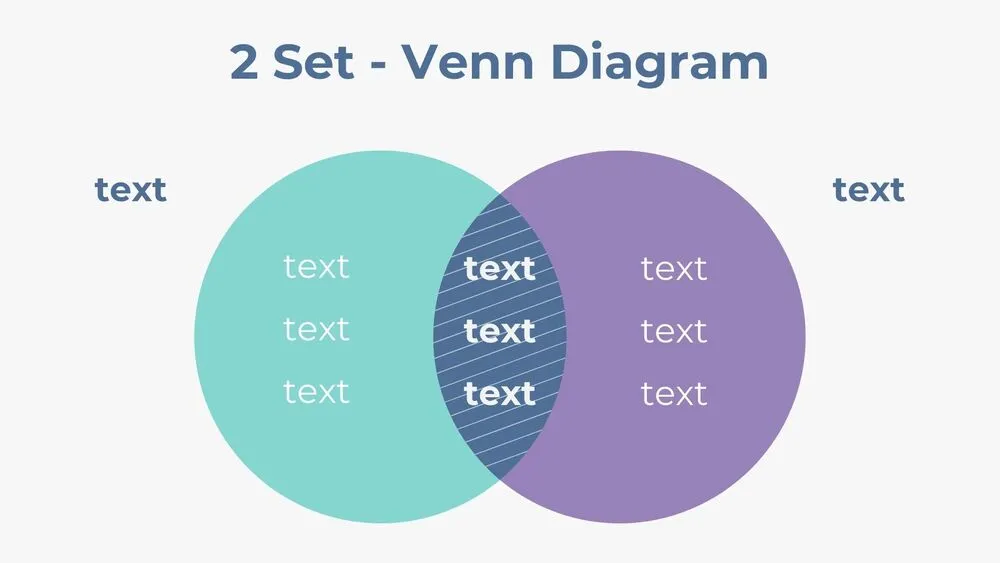
Two-Set Venn Diagram Presentation Template for PowerPoint, Canva & Google Slides
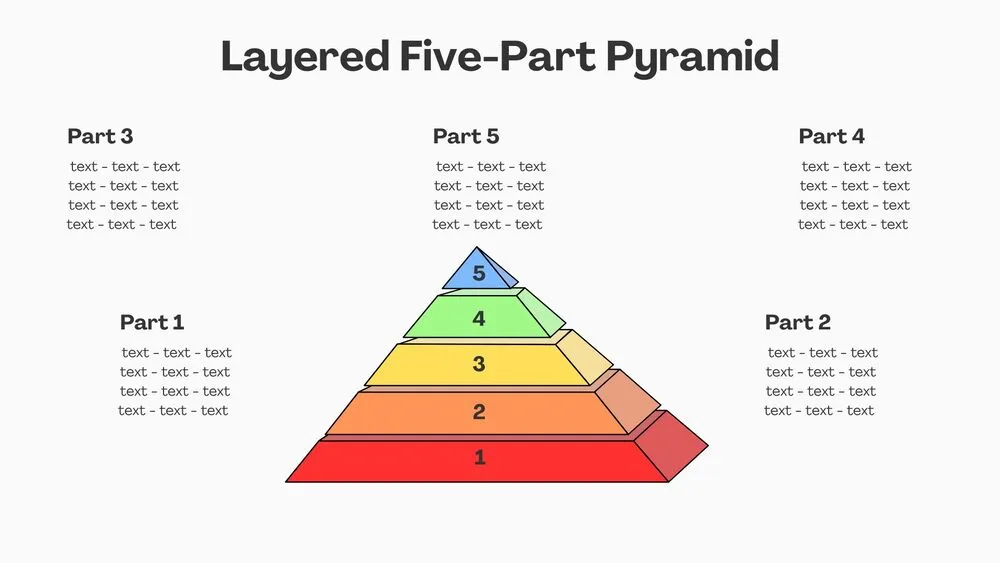
Layered Five-Part Pyramid Diagram Presentation Template for PowerPoint, Canva & Google Slides
Minimalist Blue Flowchart Diagram Presentation Template for PowerPoint, Canva & Google Slides
Minimalist Orange Flowchart Diagram Presentation Template for PowerPoint, Canva & Google Slides
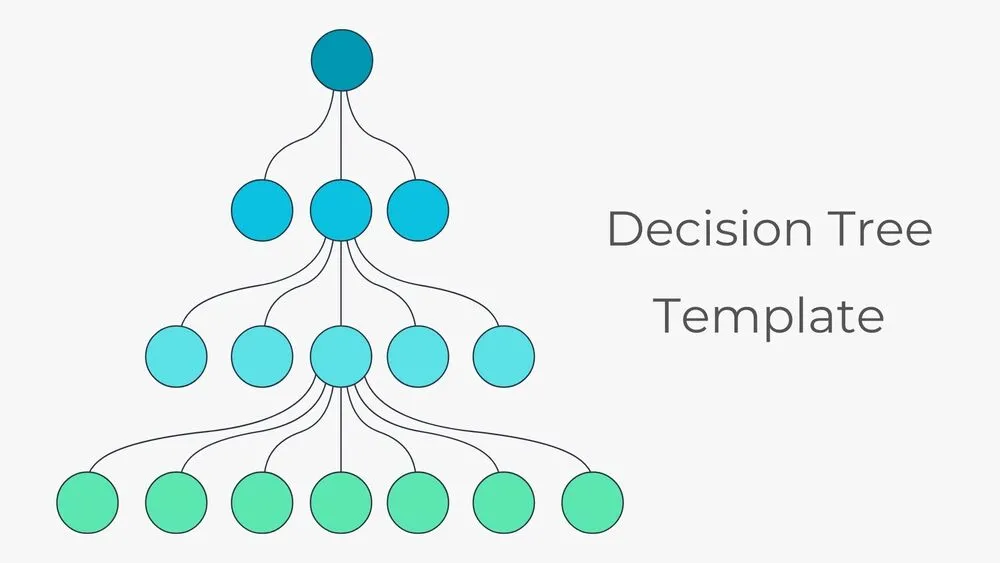
Hierarchical Decision Tree Mapping Presentation Template for PowerPoint, Canva & Google Slides