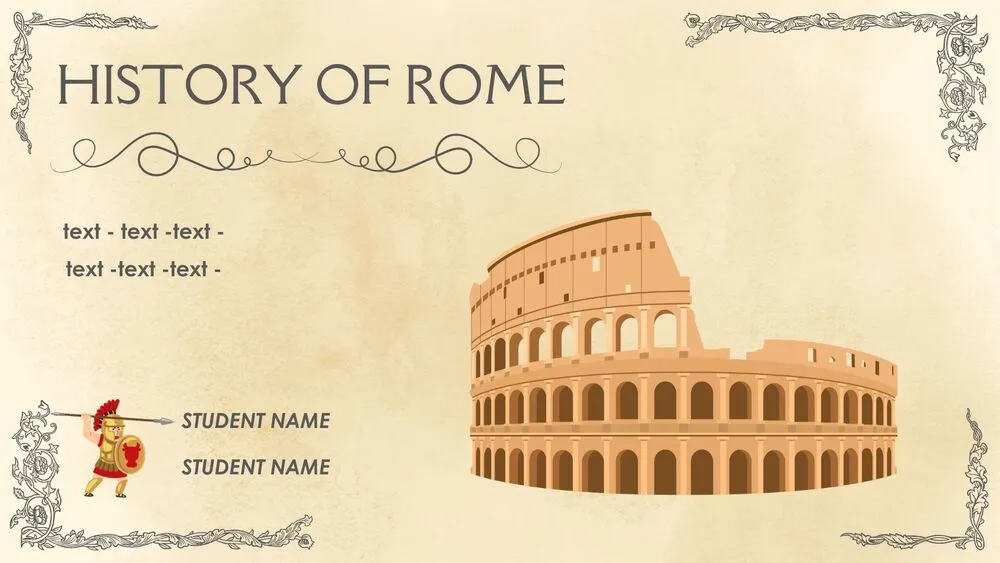
Classic Presentation Templates and Slides – Free & Premium for PowerPoint, Canva & Google Slides
Download free classic presentation templates for PowerPoint, Canva, and Google Slides. Use timeless layouts with clean typography and balanced grids ⬇️
Explore the Best Classic PowerPoint Templates, Google Slides & Canva Classic Themes
✨ Classic slide designs help your message feel credible, calm, and easy to follow. These layouts use balanced grids, clear hierarchy, and restrained styling so content and data stay front and center.
They’re ideal for proposals, client updates, annual reports, and pitch decks where you want a polished look that works for any audience. Use clean title slides, structured sections, and simple charts and tables that are easy to scan.
Edit in PowerPoint, Canva, or Google Slides, then present live or export a clean PDF for sharing and print-friendly deliverables. Swap fonts and color accents, update charts, and reuse slide masters to keep every page consistent.
Best for:
- Board and executive updates
- Client proposals and project reports
- Business plans and pitch decks
- Financial summaries and KPI dashboards
- Academic and professional presentations
Explore related templates:
Readability tip: Use one accent color for highlights, and keep body text on plain backgrounds so charts and tables stay easy to read.
❓ FAQs
Are these Classic presentation templates free to download?
Yes—this tag includes free classic presentation templates. If a template is premium, it will be clearly labeled on its template page.
What defines a classic presentation template?
Timeless typography, balanced grids, and minimal decoration. It prioritizes clarity and credibility over trends, which makes it versatile.
When should I choose a classic style?
Use it for executive audiences, proposals, reports, and client decks where readability and professionalism matter more than playful design.
How do I keep slides consistent?
Set a slide master with fixed margins, use 2–3 text styles, and stick to one accent color. Align visuals to the same grid on every slide.
Do these slides work in PowerPoint, Canva, and Google Slides?
Yes, you can edit these classic layouts in PowerPoint, Canva, and Google Slides, then export to PDF for sharing.
Can I add subtle creativity without losing the classic feel?
Yes, use a simple divider, a light texture on covers only, or one refined accent color. Keep animations minimal and avoid busy backgrounds behind text.