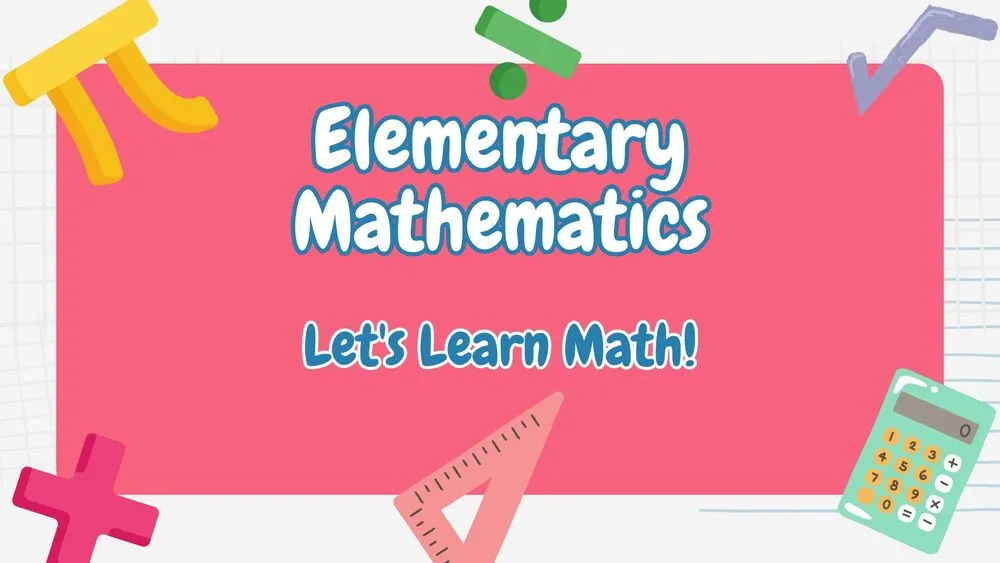
Cute Presentation Templates and Slides – Free & Premium for PowerPoint, Canva & Google Slides
Download free cute presentation templates for PowerPoint, Canva, and Google Slides. Use pastel palettes, friendly icons, and sticker-style shapes for warm, fun slides ⬇️
Explore the Best Cute PowerPoint Templates, Google Slides & Canva Cute Themes
✨ Cute slide styles are designed to feel warm, friendly, and easy to follow. Expect soft palettes, rounded shapes, sticker-style icons, and playful details that still keep text and charts readable.
Use these layouts for classrooms, kids activities, community events, birthday slideshows, and fun announcements. Add simple frames for photos, light patterns for section dividers, and small icons to guide attention without clutter.
Edit in PowerPoint, Canva, or Google Slides, then present live or export a clean PDF for sharing and printing. Keep body text high-contrast, use consistent spacing, and save the busiest backgrounds for covers and title slides.
Best for:
- Teacher slides, lessons, and classroom routines
- Kids activities, clubs, and community events
- Birthday slideshows and family highlights
- Friendly team updates and internal culture decks
- Simple announcements with playful visuals
Explore related templates:
Readability tip: Use light backgrounds for paragraph slides, and place patterns or stickers only around the edges so the content stays crisp.
❓ FAQs
Are these Cute presentation templates free to download?
Yes—this tag includes free cute presentation templates. If a template is premium, it will be clearly labeled on its template page.
What makes a template cute but still usable?
Soft colors, rounded shapes, and friendly icons paired with clear typography and spacing, so slides feel fun without losing clarity.
How do I add cute backgrounds without hurting readability?
Keep patterns behind titles or dividers, use plain backgrounds for body text, and add a light overlay behind captions when needed.
Can I adapt these for teachers and classrooms?
Yes, use agenda, routine, worksheet, and reward layouts, then customize icons and colors to match your grade level or topic.
Do these slides work in PowerPoint, Canva, and Google Slides?
Yes, you can edit these cute layouts in PowerPoint, Canva, and Google Slides, then export to PDF for sharing.
What’s the easiest way to keep a cute deck consistent?
Use the same font pair, repeat the same icon style, and keep one accent color for highlights so every slide feels part of one set.
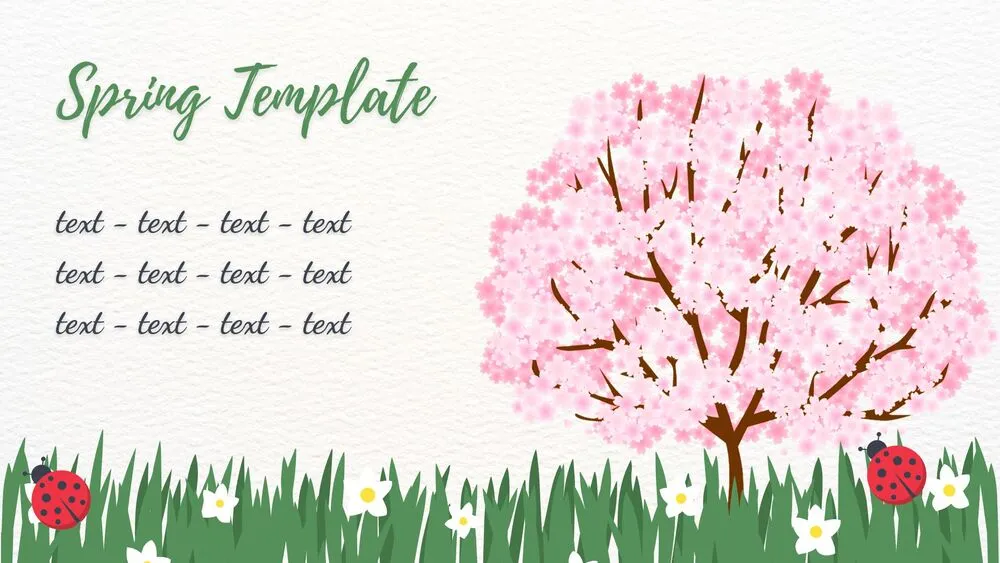
Cherry Blossom Meadow Spring Presentation Template for PowerPoint, Canva & Google Slides
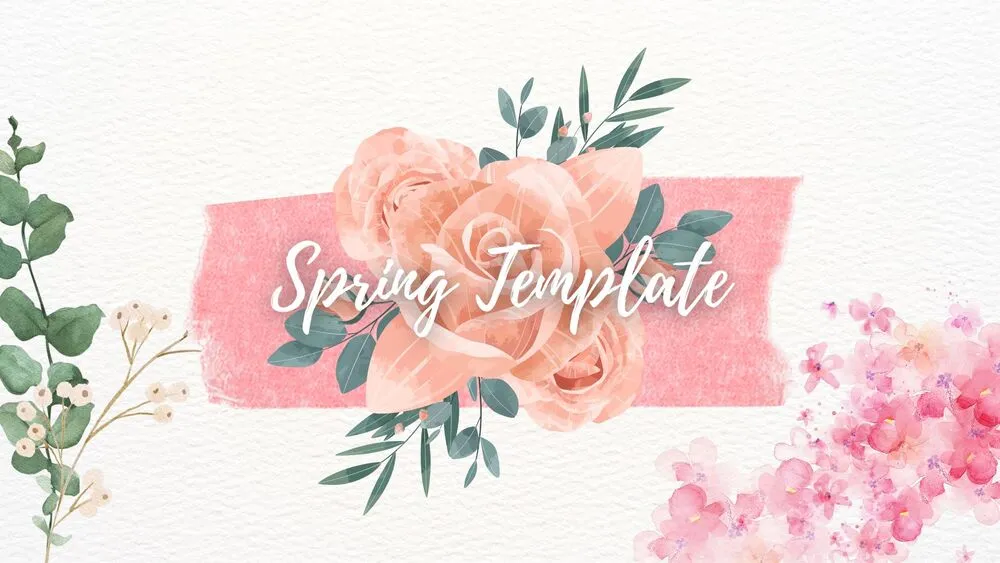
Pastel Watercolor Spring Presentation Template for PowerPoint, Canva & Google Slides

Pastel Balloon Hearts Valentine’s Day Presentation Template for PowerPoint, Canva & Google Slides

Pink & White Cute Birthday Presentation Template for PowerPoint, Canva & Google Slides

Purple Party Cute Birthday Presentation Template for PowerPoint, Canva & Google Slides

Cute Space Pastel Birthday Presentation Template for PowerPoint, Canva & Google Slides

Festive Red Christmas Presentation Template for PowerPoint, Canva & Google Slides

Cute Santa Christmas Presentation Template for PowerPoint, Canva & Google Slides