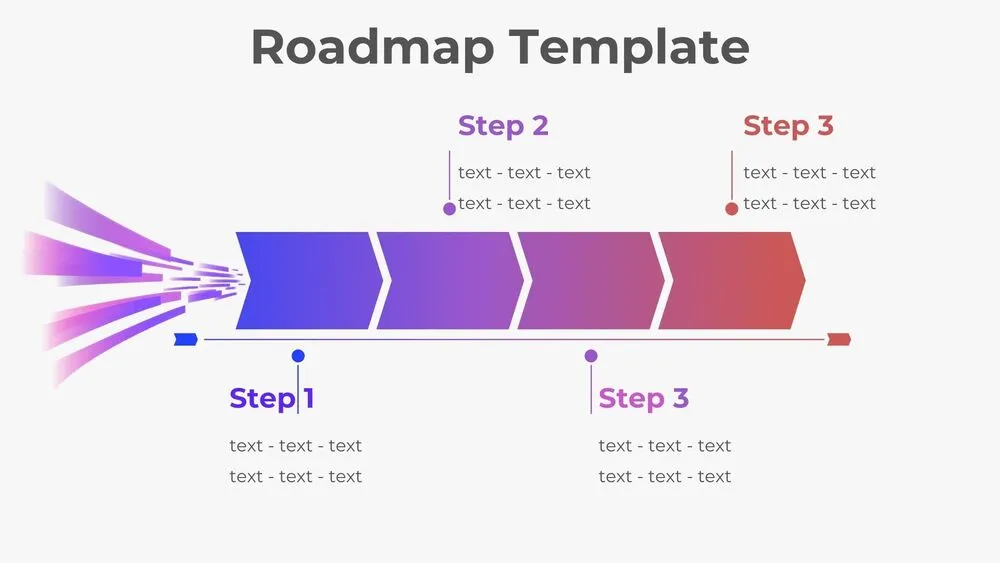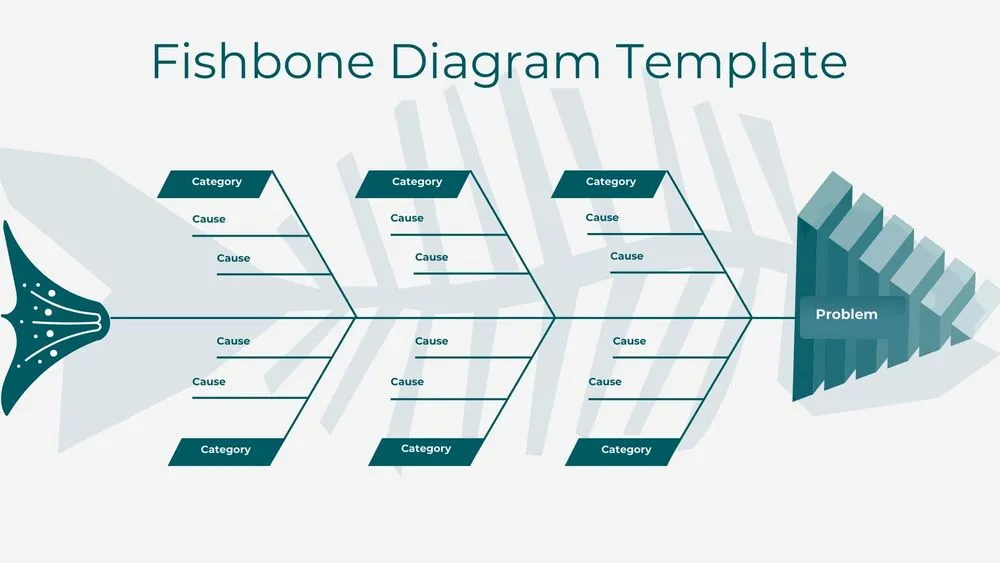
Diagram Presentation Templates and Slides – Free & Premium for PowerPoint, Canva & Google Slides
Download free diagram presentation templates for PowerPoint, Canva, and Google Slides. Explain ideas with clear Venn, fishbone, cycle, funnel, and pyramid diagrams ⬇️
Explore the Best Diagram PowerPoint Templates, Google Slides & Canva Diagram Themes
✨ Diagram slides turn complex ideas into visuals people can understand in seconds. Use them to compare concepts, explain cause and effect, and show how a process works without long paragraphs.
These layouts are ideal for strategy and planning meetings, classroom lessons, workshops, and reports. Pick a Venn diagram for overlaps, a fishbone diagram for root causes, funnels for staged drop-off, pyramids for priorities, and cycle diagrams for repeating stages.
Edit everything in PowerPoint, Canva, or Google Slides, then present live or export a clean PDF for sharing. Duplicate steps, resize nodes, and keep spacing consistent so your diagrams stay crisp across every slide.
Best for:
- Explaining processes and frameworks
- Comparisons and overlaps with Venn diagrams
- Root-cause analysis with fishbone layouts
- Funnel and pyramid storytelling for priorities
- Workshop exercises and decision alignment
Explore related templates:
Readability tip: Keep one idea per node and use short labels so viewers can scan the diagram from left to right without stopping.
❓ FAQs
Are these Diagram presentation templates free to download?
Yes—this tag includes free diagram presentation templates. If a template is premium, it will be clearly labeled on its template page.
How do I make a Venn diagram in Google Slides or Google Docs?
Start with a Venn slide, edit labels, and duplicate circles if you need more sets. For Docs, export the slide as PNG/PDF and insert it for easy printing.
What is a fishbone diagram used for?
It helps find root causes by grouping possible reasons under categories, then turning the strongest causes into actions with owners and due dates.
Cycle vs funnel vs pyramid, when should I use each?
Use a cycle for repeating stages, a funnel for narrowing steps or conversion, and a pyramid for ranked layers or building blocks.
Do these templates work in PowerPoint, Canva, and Google Slides?
Yes, you can edit the diagrams in PowerPoint, Canva, and Google Slides, then export to PDF for sharing or printing.
How do I keep diagrams readable?
Limit colors, keep line weights consistent, align elements to a grid, and avoid placing long text on top of busy shapes or textures.
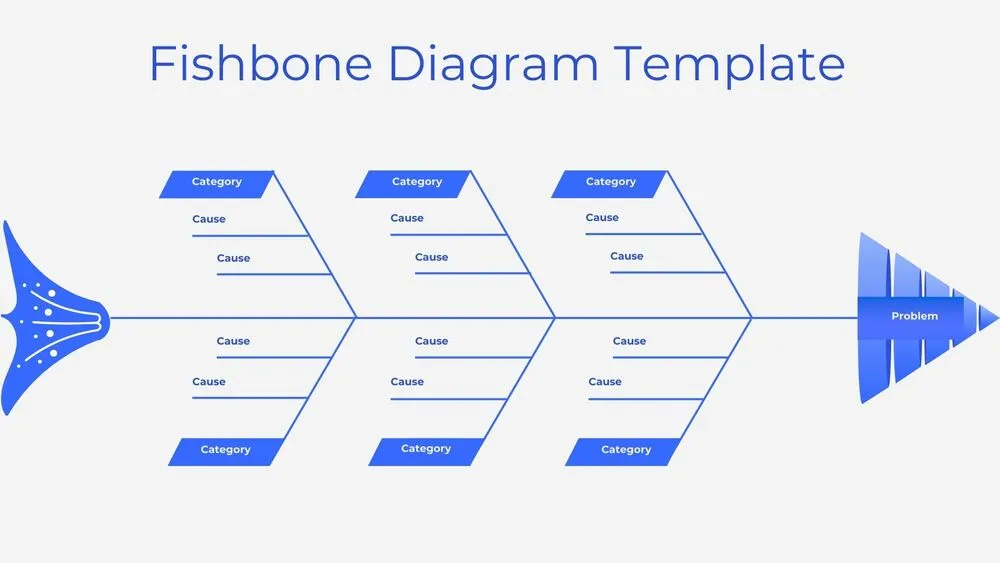
Minimalist Blue Fishbone Diagram Presentation Template for PowerPoint, Canva & Google Slides
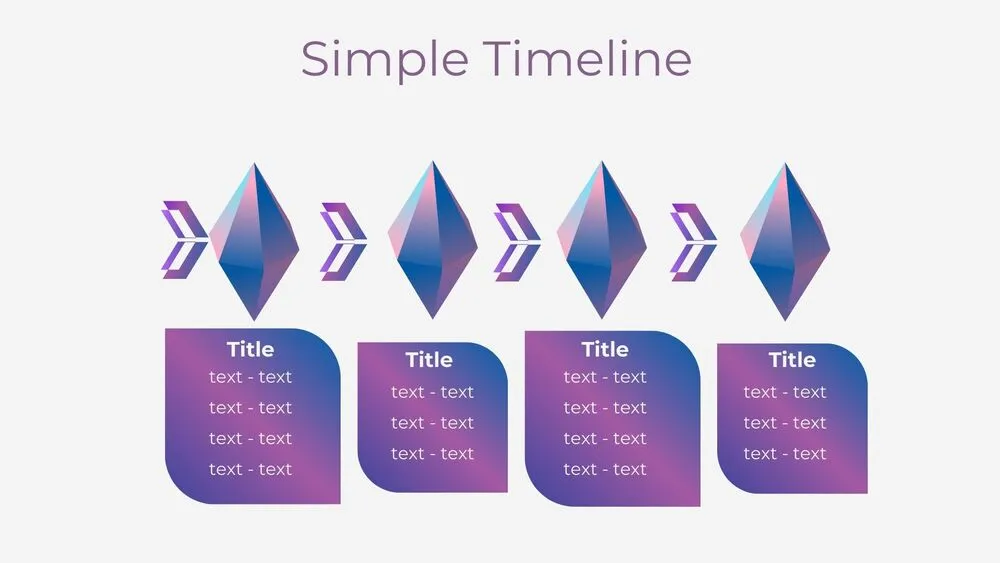
Futuristic Gems Timeline Diagram Presentation Template for PowerPoint, Canva & Google Slides
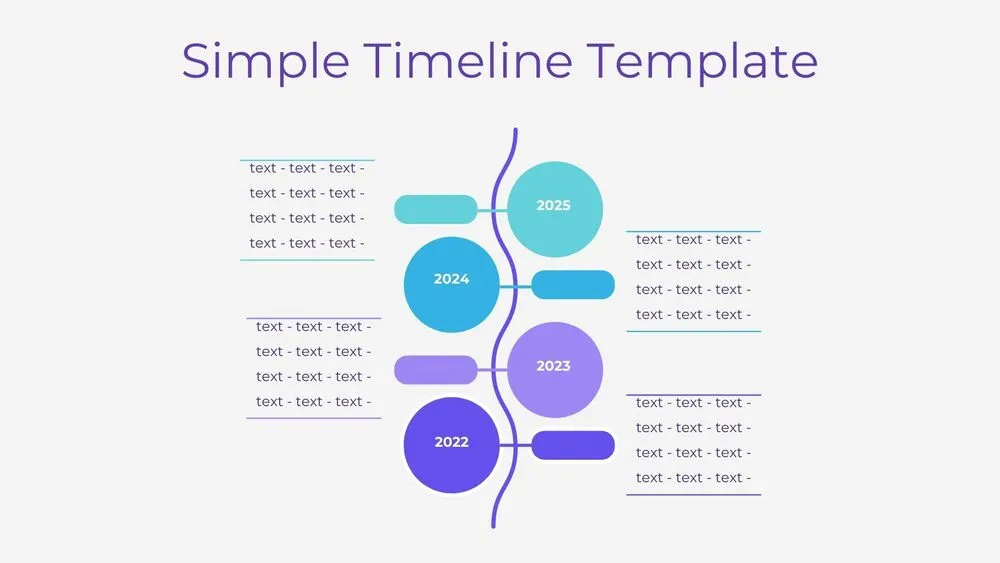
Vertical Wave Timeline Diagram Presentation Template for PowerPoint, Canva & Google Slides
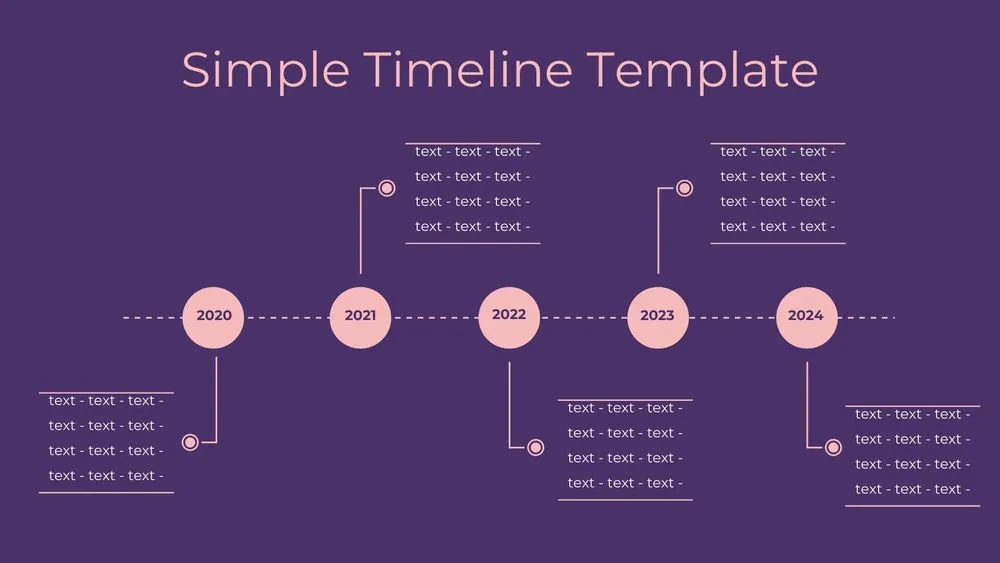
Dark Violet Pins Timeline Diagram Presentation Template for PowerPoint, Canva & Google Slides
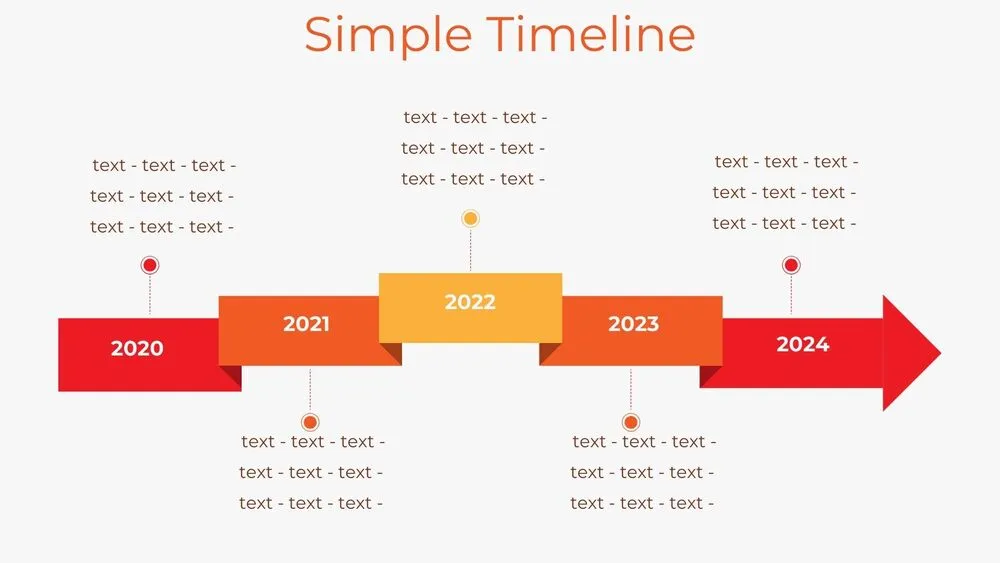
Stepped Path Timeline Diagram Presentation Template for PowerPoint, Canva & Google Slides
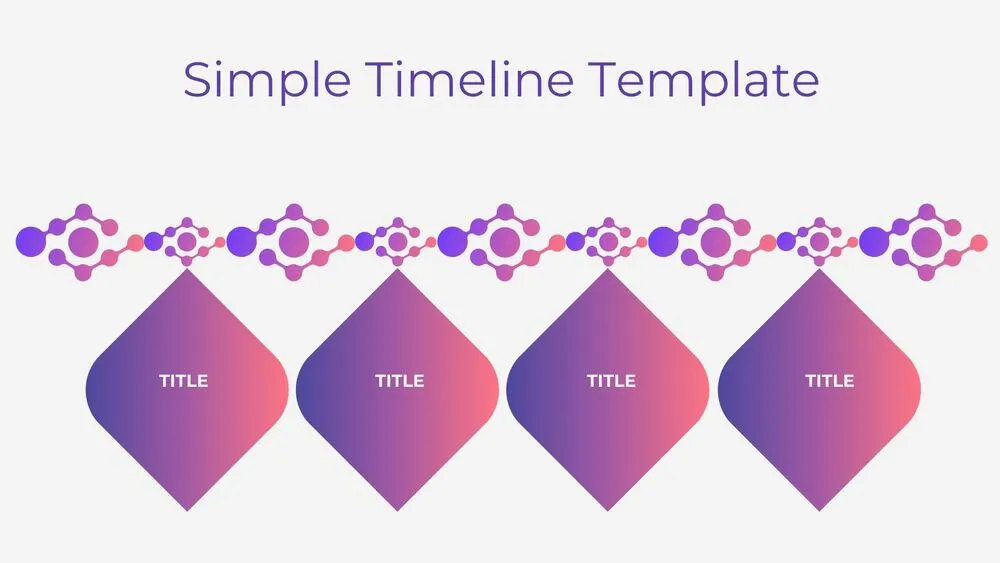
Atom Path Timeline Diagram Presentation Template for PowerPoint, Canva & Google Slides
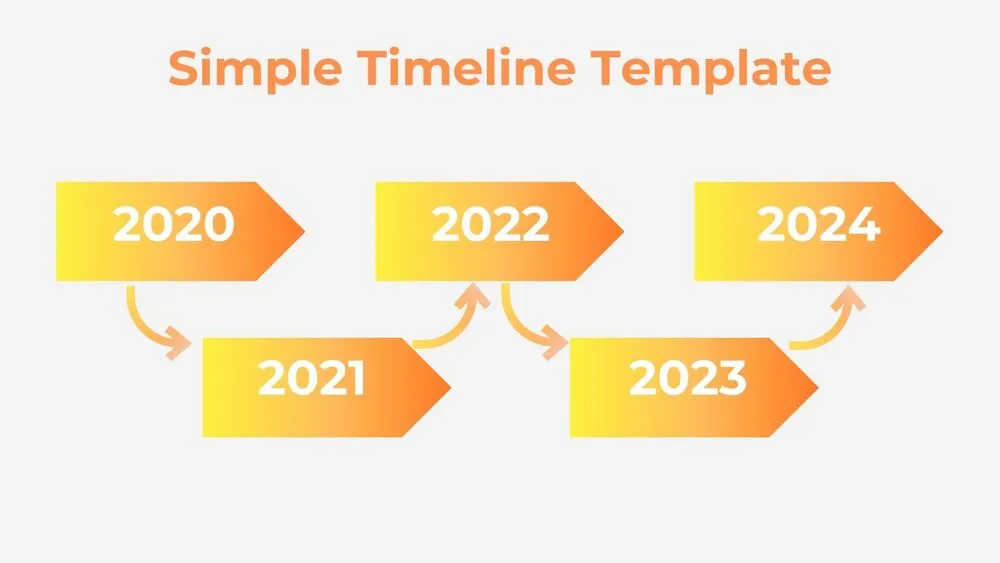
Simple Arrow Timeline Diagram Presentation Template for PowerPoint, Canva & Google Slides
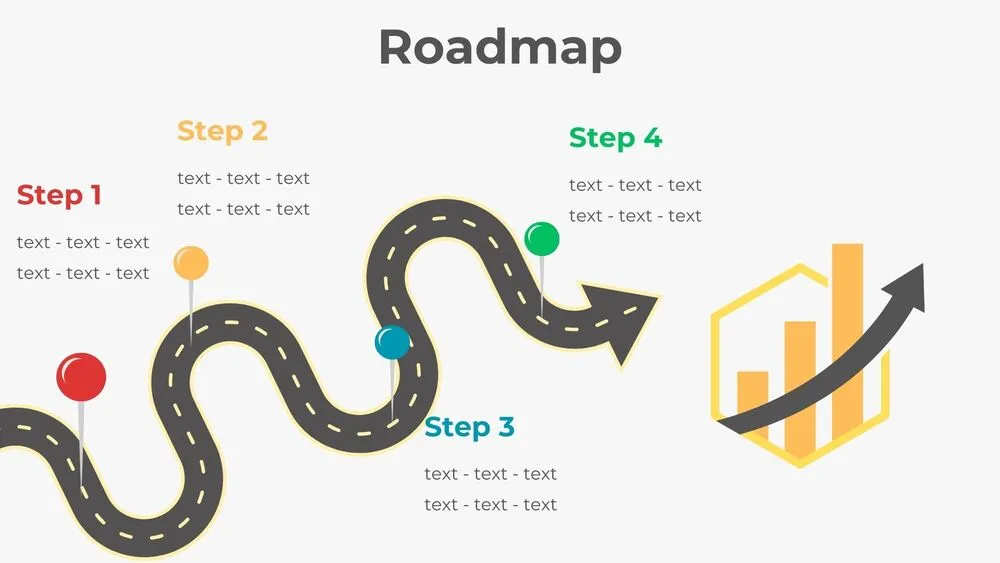
Wavy Road Four-Step Roadmap Diagram Presentation Template for PowerPoint, Canva & Google Slides