
Events Presentation Templates and Slides – Free & Premium for PowerPoint, Canva & Google Slides
Download free events presentation templates for PowerPoint, Canva, and Google Slides. Build agendas, run of show, and promo slides that look coordinated and ready to present ⬇️
Explore the Best Events PowerPoint Templates, Google Slides & Canva Events Themes
✨ Events slides are built to help you plan, promote, and present with a consistent look across every touchpoint. Use these decks to organize details fast, keep stakeholders aligned, and run a smooth agenda from start to finish.
Best use cases include conference kickoffs, workshops, school events, and celebrations. For example, create a run of show timeline, a speaker lineup slide, and a sponsor grid that you can reuse on stage and in your recap deck.
Edit everything in PowerPoint, Canva, or Google Slides, then present live and export a clean PDF for sharing with vendors, speakers, or attendees.
Readability tip: keep each slide focused on one decision, use short headings, and add buffer time clearly on agenda and timeline layouts.
Best for:
- Event agendas and run of show
- Event proposals and sponsorship decks
- Speaker lineups and session planning
- Budgets, checklists, and logistics
- Promo slides and recap presentations
Explore related templates:
❓ FAQs
Are these events presentation templates free to download?
Yes—this tag includes free events presentation templates. If a template is premium, it will be clearly labeled on its template page.
What is an events presentation template?
A slide deck to plan and present an event, including agenda layouts, run of show timelines, budgets, speakers, and sponsor sections.
What should an event proposal include?
Include the concept, audience, goals, schedule, logistics, budget, and sponsorship options, then end with a clear next step.
Do these slides work in PowerPoint, Canva, and Google Slides?
Yes, you can edit and present the decks in PowerPoint, Canva, and Google Slides, then export to PDF for sharing.
How do I build a run of show?
Timebox each segment, assign owners, add buffer time, and include a contact slide for quick changes during the event.
What’s the best way to share materials with vendors and speakers?
Export a PDF version of the agenda and run of show, and share one link with the latest file so everyone stays aligned.
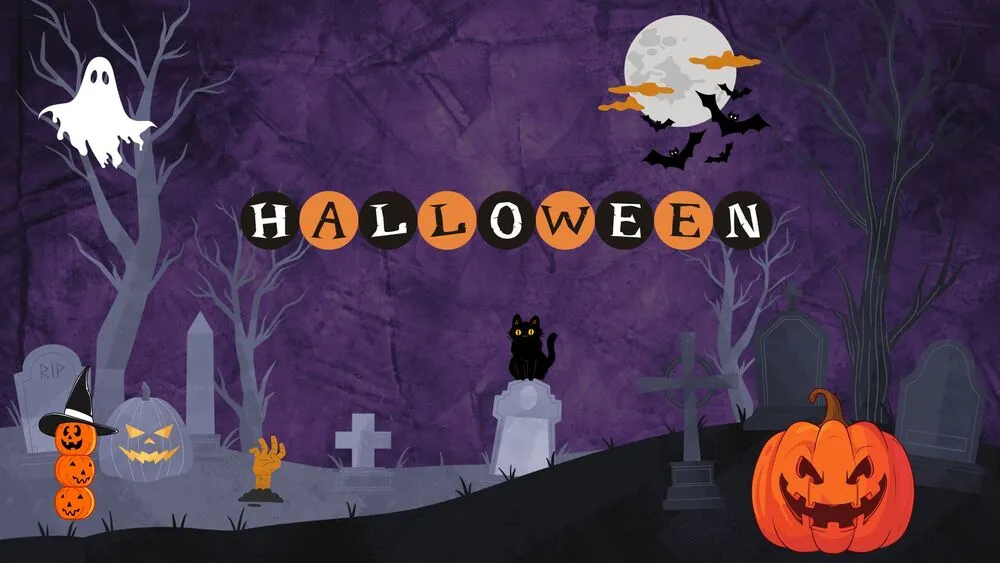
Purple Graveyard Halloween Presentation Template for PowerPoint, Canva & Google Slides
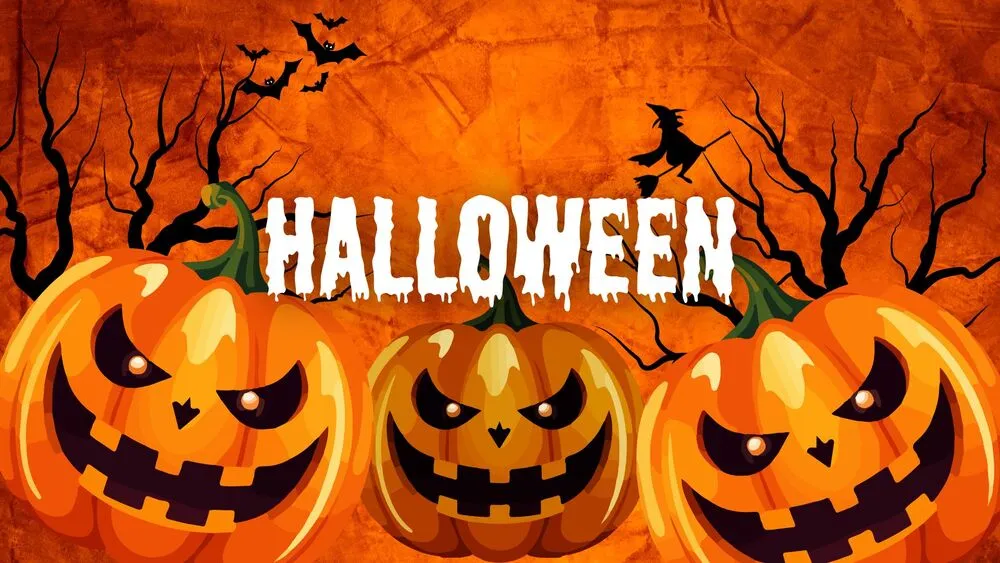
Fiery Orange Halloween Presentation Template for PowerPoint, Canva & Google Slides

White & Red Roses Valentine’s Day Presentation Template for PowerPoint, Canva & Google Slides

Pastel Balloon Hearts Valentine’s Day Presentation Template for PowerPoint, Canva & Google Slides

Elegant Black & Red Rose Valentine’s Day Presentation Template for PowerPoint, Canva & Google Slides

Pink & White Cute Birthday Presentation Template for PowerPoint, Canva & Google Slides

Purple Party Cute Birthday Presentation Template for PowerPoint, Canva & Google Slides

Cute Space Pastel Birthday Presentation Template for PowerPoint, Canva & Google Slides