
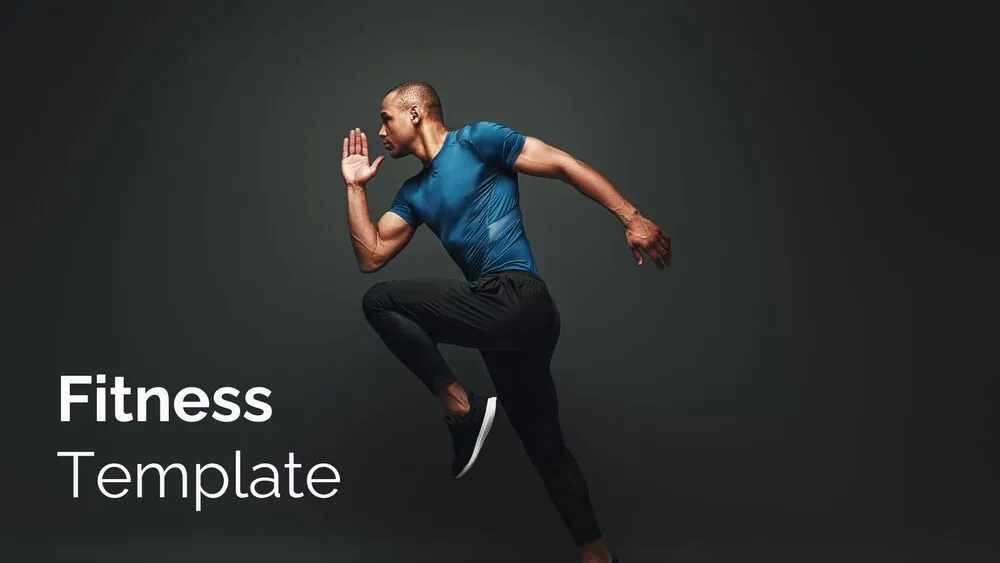
Exercise Presentation Templates and Slides – Free & Premium for PowerPoint, Canva & Google Slides
Plan, track, and teach movement—workouts, PE lessons, routines, goals, and progress dashboards ready to edit ⬇️

Plan, track, and teach movement—workouts, PE lessons, routines, goals, and progress dashboards ready to edit ⬇️
✨ Build actionable decks with exercise PowerPoint templates, exercise Google Slides templates, and Canva designs. Plan workout routines with warm-up, main sets, and cool-down; track reps, sets, time, and RPE; and visualize goals with weekly calendars and habit trackers.
For schools and coaches, use exercise presentation templates to structure PE lessons—objectives, safety reminders, station rotations, and assessment rubrics. Add timers, progress bars, and simple charts for attendance, effort, and milestones. Keep layouts high-contrast and readable from across the room.
Everything is fully customizable in PowerPoint, Google Slides, and Canva—swap palettes, update icons/illustrations, and set master layouts for consistency. Export to PDF for printables (logs, checklists) or present live with subtle animations that keep the focus on form and pacing.
A slide set for workouts or PE lessons—routines, trackers, safety notes, and progress dashboards—ready to edit in PowerPoint, Google Slides, or Canva.
Use tables for reps/sets/time, weekly calendars, and charts for volume or pace. Color-code zones and include milestone pages for monthly check-ins.
Big fonts, clear icons, and step-by-step slides. Add station maps, equipment checklists, and timers to keep transitions smooth and safe.
Yes—resize layouts to A4/Letter in Canva/PowerPoint, keep margins 3–5 mm, and export to high-resolution PDF for handouts or wall posters.
¿Te gustaría recibir acceso anticipado a nuevas plantillas de presentación gratuitas, consejos de diseño y novedades exclusivas? Suscríbete a nuestro boletín hoy mismo.
Canva es la forma más rápida y sencilla de personalizar tu plantilla.
Edita textos, colores, imágenes y diseños con solo unos clics, sin necesidad de instalar ningún programa.
✨ Incluye:
PASO 1. Haz clic en el botón azul “Canva” para descargar el archivo en formato .pptx.


PASO 2. Arrastra y suelta el archivo descargado en la sección Proyectos de tu panel de Canva.
Dentro de Proyectos encontrarás pestañas como Carpetas, Diseños, Imágenes y una sección “Todo” que las agrupa. En la barra lateral izquierda verás además muchas herramientas útiles para editar tu presentación.
PASO 3. Al abrir la plantilla, verás en el panel izquierdo las diapositivas prediseñadas, junto con elementos como fotos gratuitas y premium, vectores, textos, archivos subidos y otras herramientas o aplicaciones disponibles en Canva.


PASO 4. En el centro de la pantalla se mostrará la diapositiva activa.
PASO 5. Cuando termines de editar, haz clic en “Compartir” para acceder a varias opciones: Descargar, Presentar, Insertar en un sitio web, Crear un enlace público, y más.

PASO 6. Puedes exportar tu presentación en varios formatos: PDF, PPTX, vídeo, JPG, PNG, entre otros.

Canva is the fastest and easiest way to personalize your template.
Edit text, colors, images, and layouts with just a few clicks — no software needed.
✨ Includes:
– STEP 1. Click the blue “Canva” button to download the .pptx file.


– STEP 2. Drag and drop the downloaded file into the Projects section of your Canva dashboard.
Inside Projects, you’ll find tabs like Folders, Designs, Images, and an “All” section that combines them. On the left sidebar, you’ll see even more useful tools.
– STEP 3. Once you open the template, you’ll find on the left, pre-designed slides, elements like free and premium photos, vectors, text, uploads, and other tools or apps available in Canva.


– STEP 4. In the center, you’ll see your active slide.
At the top, there’s a toolbar with options like Edit, Background Remover (premium), color controls for selected elements or images, and other text/image tools.
At the bottom, you’ll see a slide navigator with all pages and a “+” button to add a new slide.
At the very bottom, there’s an extra toolbar with options for Notes, Presentation Duration, Timer, etc.
– STEP 5. Download the .pptx file. When you’re done editing, click “Share” to see multiple options: Download, Present, Embed on a Website, Create a Public Link, and more.

– STEP 6. You can export your presentation in several formats: PDF, PPTX, Video, JPG, PNG, etc.

Do you want early access to new free presentation templates, design tips, and exclusive updates? Join our newsletter today.





