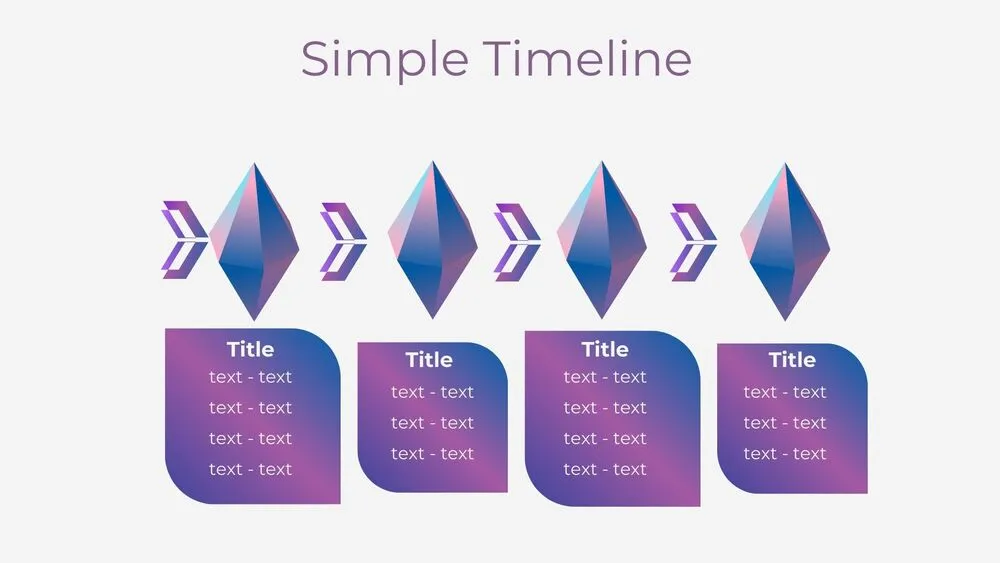
Gradient Presentation Templates and Slides – Free & Premium for PowerPoint, Canva & Google Slides
Download free gradient presentation templates for PowerPoint, Canva, and Google Slides. Use pastel, neon, and duotone blends for modern slides that stay clean and readable ⬇️
Explore the Best Gradient PowerPoint Templates, Google Slides & Canva Gradient Themes
✨ Gradient slides add depth and energy without heavy textures, making them a great fit for modern storytelling. Use these decks when you want a fresh visual style that still keeps text and data easy to read.
Best use cases include brand presentations, product launches, and creative portfolios. For example, open with a bold gradient cover, use softer blends on section dividers, and place key metrics on clean cards so the numbers stand out.
Edit everything in PowerPoint, Canva, or Google Slides, then present live and export a polished PDF for sharing or printing.
Readability tip: place text on the calmest area of the gradient, keep contrast high, and use a subtle overlay behind body copy when needed.
Best for:
- Modern brand and company decks
- Product launches and tech updates
- Creative portfolios and moodboards
- Section dividers and title slides
- Eye-catching event presentations
Explore related templates:
❓ FAQs
Are these gradient presentation templates free to download?
Yes—this tag includes free gradient presentation templates. If a template is premium, it will be clearly labeled on its template page.
How do I keep text readable on gradient backgrounds?
Use high-contrast text, place copy on the least busy area, and add a subtle overlay behind paragraphs when needed.
Pastel vs neon gradients, when should I use each?
Pastel gradients feel calm and soft, while neon and duotone blends feel bold and tech-forward. Match the intensity to your audience.
Do these slides work in PowerPoint, Canva, and Google Slides?
Yes, you can edit and present them in PowerPoint, Canva, and Google Slides, then export to PDF for sharing.
What gradient styles work best for slides?
Linear gradients work well for covers and dividers, while softer blends are best for content slides. Put charts on clean cards for clarity.
How can I keep gradient decks consistent?
Reuse the same palette across the deck, keep one accent color for highlights, and repeat the same title and section patterns.
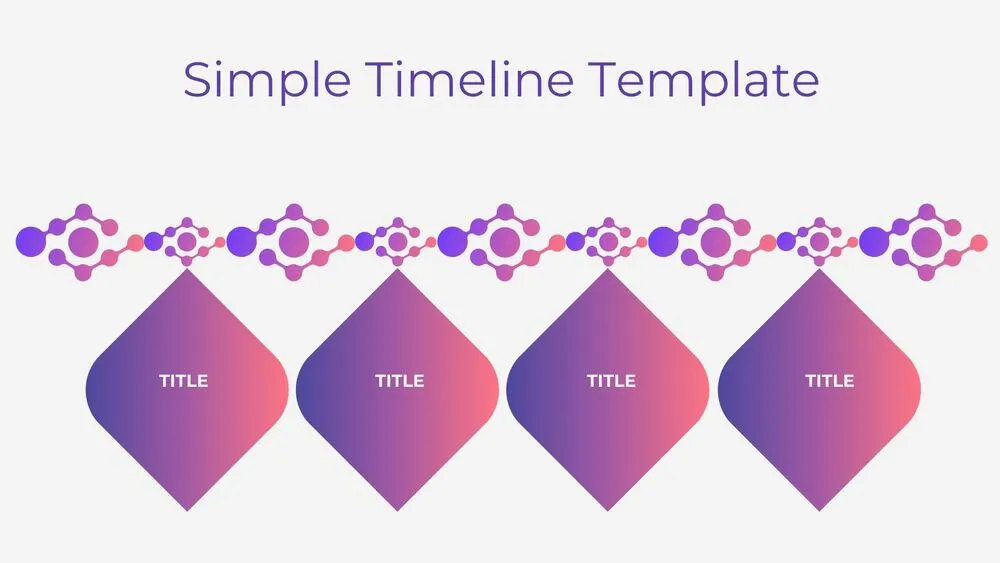
Atom Path Timeline Diagram Presentation Template for PowerPoint, Canva & Google Slides
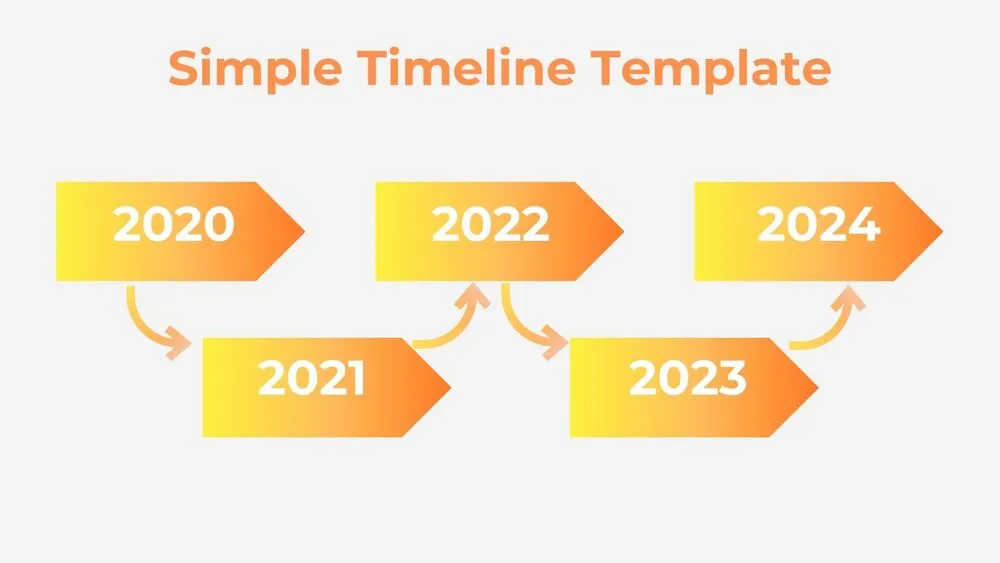
Simple Arrow Timeline Diagram Presentation Template for PowerPoint, Canva & Google Slides
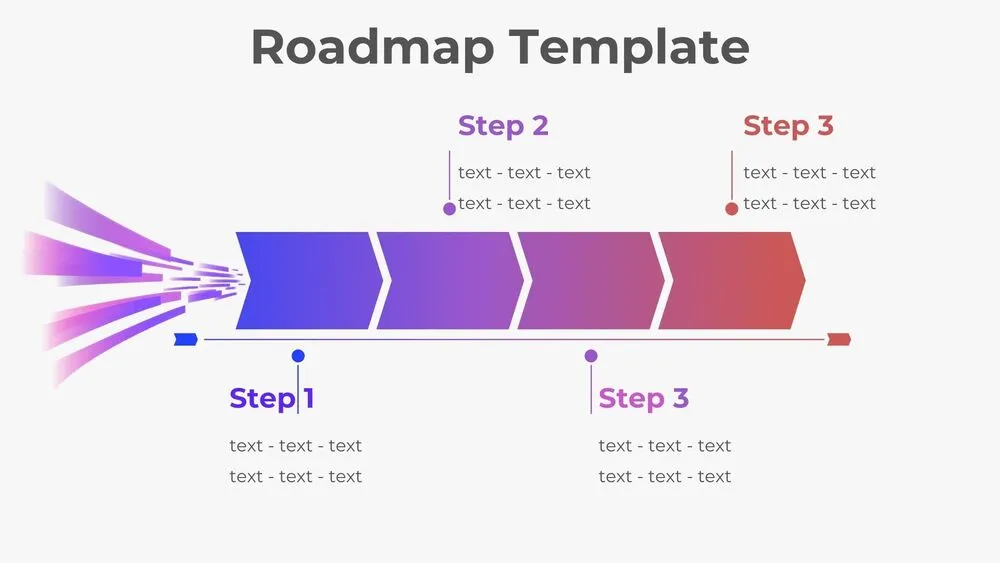
Horizontal Rocket Roadmap Diagram Presentation Template for PowerPoint, Canva & Google Slides
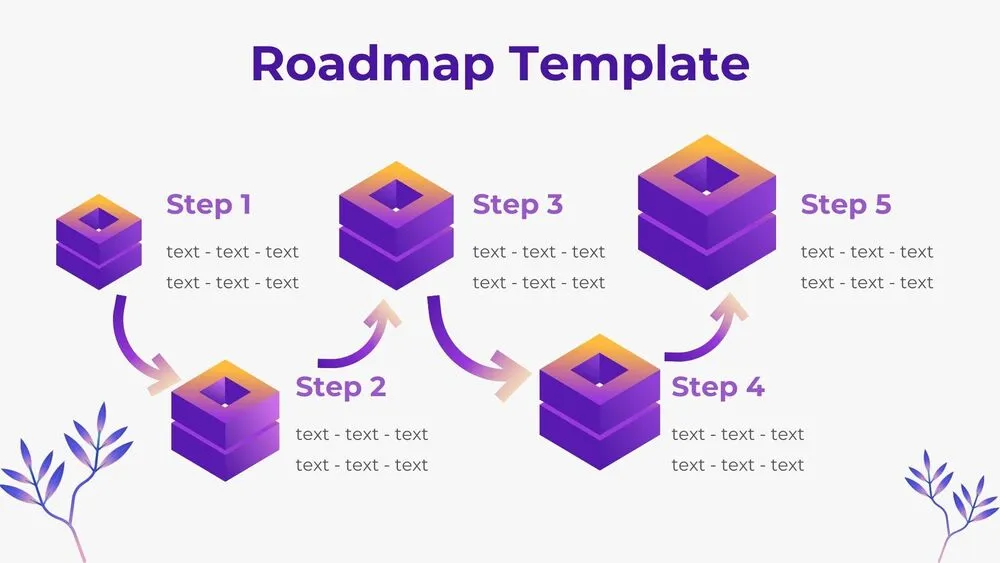
3D Cube Steps Roadmap Diagram Presentation Template for PowerPoint, Canva & Google Slides
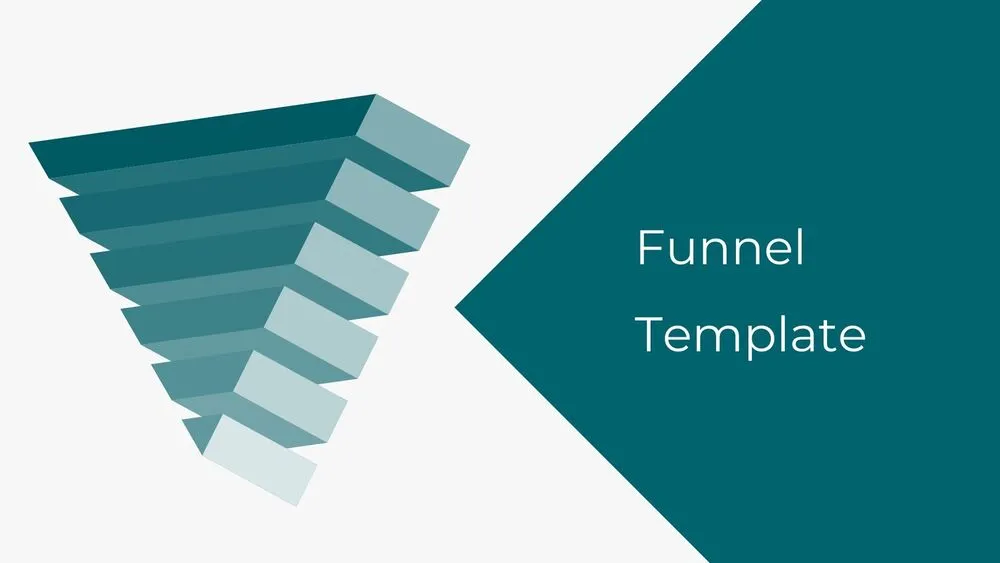
3D Six-Layer Funnel Diagram Presentation Template for PowerPoint, Canva & Google Slides
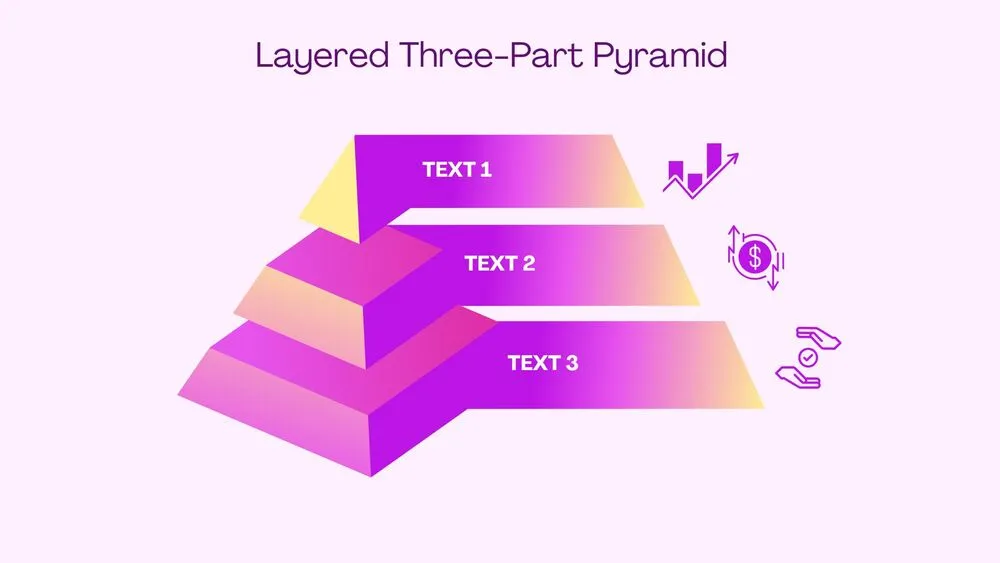
3D Layered Three-Part Pyramid Diagram Presentation Template for PowerPoint, Canva & Google Slides
Blue Space Presentation Template for PowerPoint, Canva & Google Slides