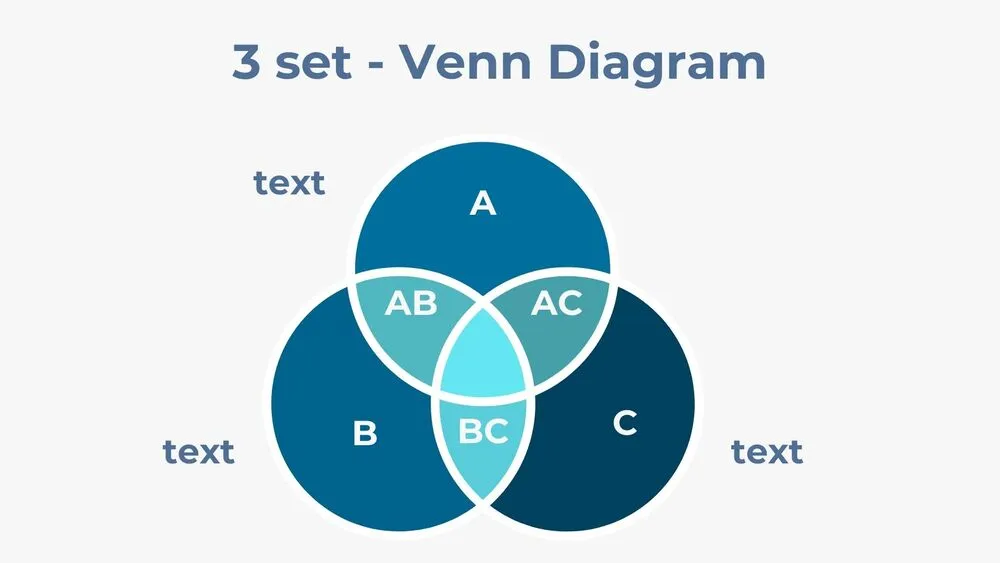
Market Analysis Presentation Templates and Slides – Free & Premium for PowerPoint, Canva & Google Slides
Download free market analysis presentation templates for PowerPoint, Canva, and Google Slides. Turn research into clear decisions with competitor insights, charts, and frameworks ⬇️
Explore the Best Market Analysis PowerPoint Templates, Google Slides & Canva Market Analysis Themes
✨ Market analysis slides help you explain what’s happening in a market and what to do next, without drowning your audience in raw data. Use these presentation layouts to size opportunities, compare competitors, and turn research into a clear recommendation.
They’re ideal for strategy reviews, pitch decks, product launches, and quarterly planning. For example, you can show TAM/SAM/SOM on one slide, follow with a competitor matrix, then use a line chart to visualize growth and seasonality before sharing your positioning decision.
Edit the deck in PowerPoint, Canva, and Google Slides, then present live or export to PDF for sharing. Paste data from Sheets or Excel, add KPI callouts, and use checklists to summarize next steps and owners.
Readability tip: add a one-line takeaway under each chart so the insight is obvious in seconds.
Best for:
- Competitor research and positioning decks
- Market sizing and opportunity mapping
- Trend analysis with line charts and KPIs
- Go-to-market planning and launch timelines
- Strategy reviews and executive summaries
Explore related templates:
❓ FAQs
Are these market analysis presentation templates free to download?
Yes—this tag includes free market analysis presentation templates. If a template is premium, it will be clearly labeled on its template page.
What is a market analysis presentation template?
An editable slide set for sizing markets, segmenting customers, and comparing competitors with clear visuals and structured layouts.
Which visuals work best for market analysis?
Use line charts for trends, tables for competitor matrices, and infographics for frameworks like TAM/SAM/SOM. Add timelines for launch planning.
How do I keep insights actionable?
Pair each chart with a one-sentence takeaway and end each section with a short list of decisions, owners, and next steps.
Do these slides work in PowerPoint, Canva, and Google Slides?
Yes, you can edit the slides in PowerPoint, Canva, and Google Slides, present live, and export to PDF for sharing.
How many competitors should I include on one slide?
Usually 4–8 is enough for a clear comparison. If you need more, split into categories or add a second matrix slide.
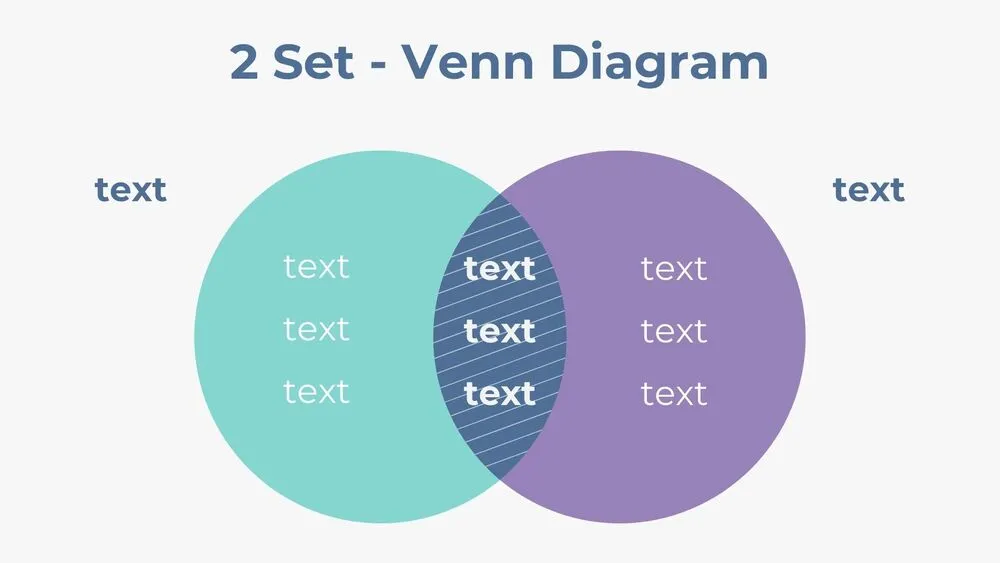
Two-Set Venn Diagram Presentation Template for PowerPoint, Canva & Google Slides

Global Market Statistics Overview Presentation Template for PowerPoint, Canva & Google Slides
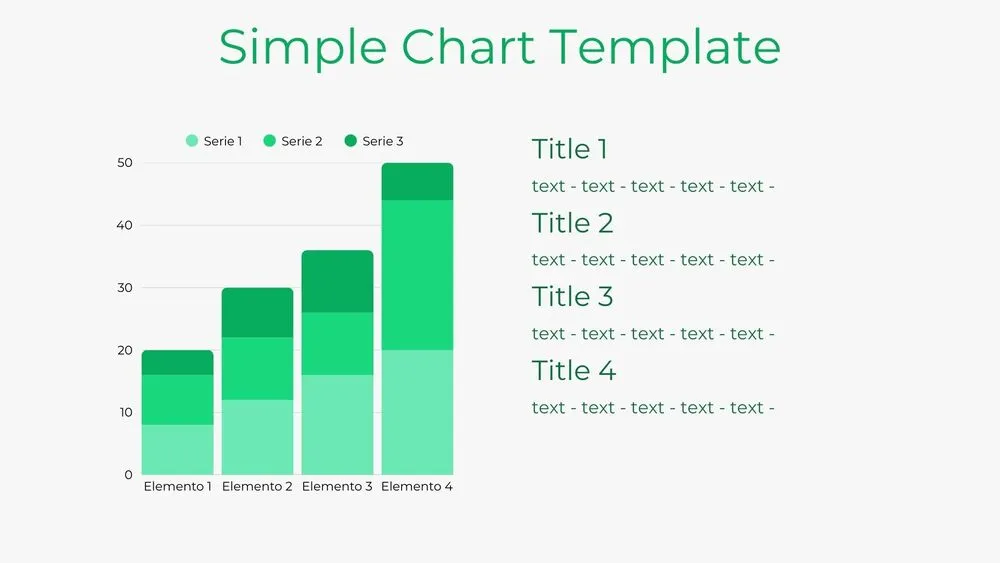
Bar Chart Presentation Template for PowerPoint, Canva & Google Slides
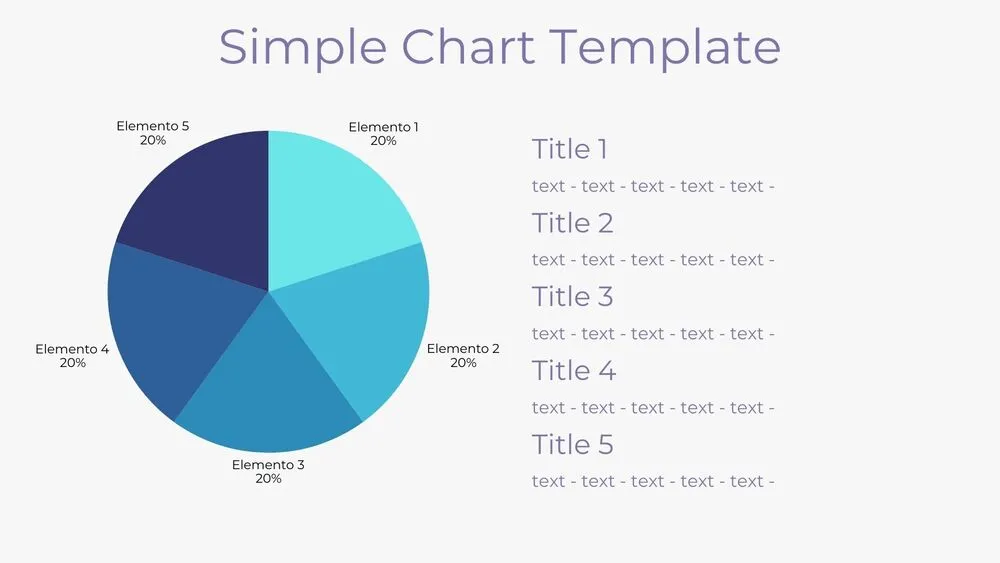
Solid Pie Chart Presentation Template for PowerPoint, Canva & Google Slides
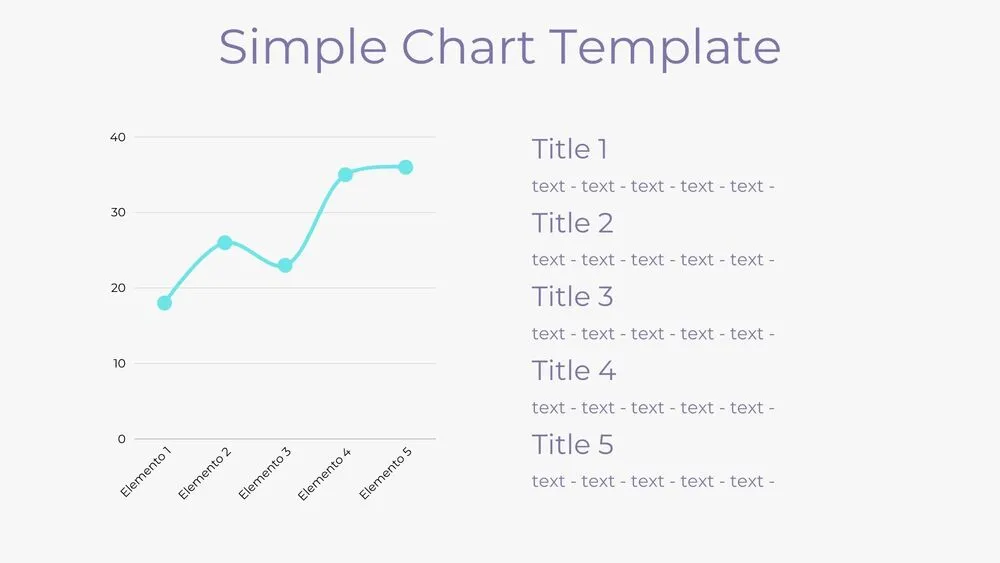
Line Chart Presentation Template for PowerPoint, Canva & Google Slides
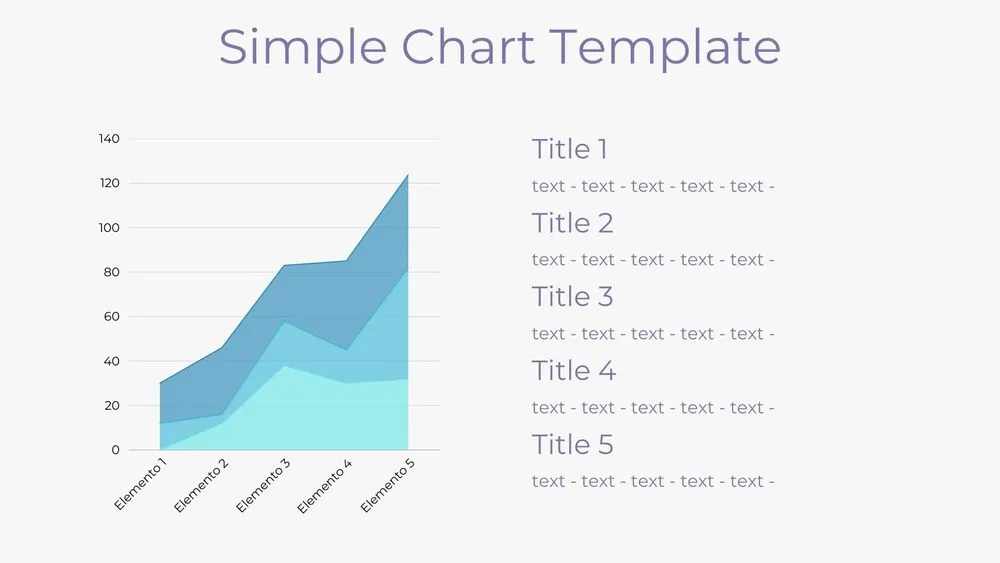
Area Chart Presentation Template for PowerPoint, Canva & Google Slides
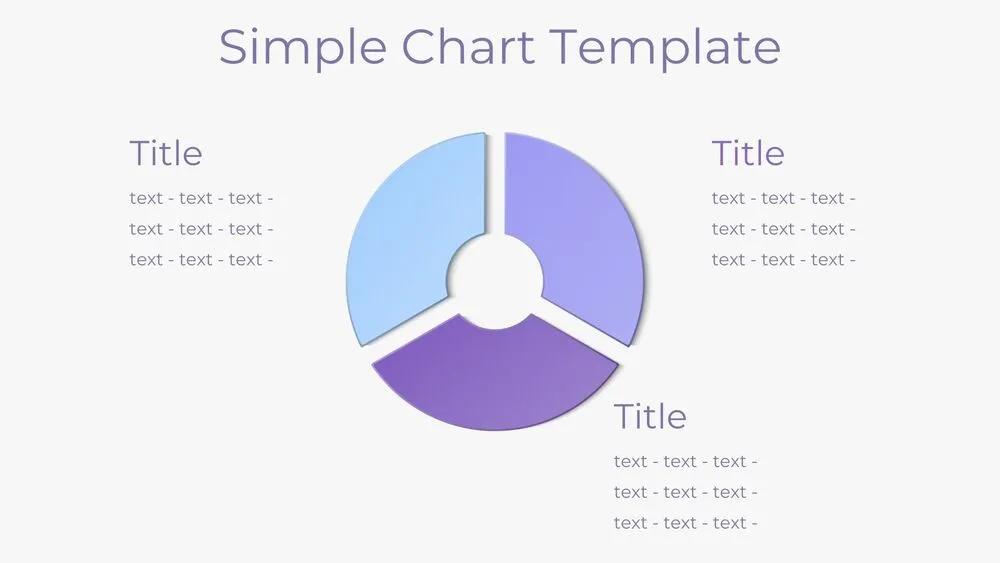
Donut Pie Chart Presentation Template for PowerPoint, Canva & Google Slides

Futuristic Blue SWOT Presentation Template for PowerPoint, Canva & Google Slides