Milestones Presentation Templates and Slides – Free & Premium for PowerPoint, Canva & Google Slides
Download free milestones presentation templates for PowerPoint, Canva, and Google Slides. Plan and present key dates with clean milestone slides, roadmaps, and timelines ⬇️
Explore the Best Milestones PowerPoint Templates, Google Slides & Canva Milestones Themes
✨ Milestone slides help you show what’s happening next, when it’s due, and who owns it, without clutter. Use these presentation layouts to communicate phases, dependencies, and key dates in a roadmap that stakeholders can scan in seconds.
They’re great for project updates, product roadmaps, sprint reviews, launch plans, and event run-of-show decks. For example, you can group milestones by quarter, mark decision gates, and add a short checklist for handoffs so nothing gets missed.
Edit the deck in PowerPoint, Canva, and Google Slides, then present live or export to PDF for sharing. Paste data from Sheets or Excel, color-code status (on track, at risk, delayed), and add a small KPI panel or trend line when you need to link dates to outcomes.
Readability tip: keep milestone labels short and place dates in the same position on every slide.
Best for:
- Project milestone updates and status reviews
- Product roadmaps and release planning
- Launch timelines with owners and dependencies
- Sprint demos and delivery checkpoints
- Event schedules and run-of-show decks
Explore related templates:
❓ FAQs
Are these milestones presentation templates free to download?
Yes—this tag includes free milestones presentation templates. If a template is premium, it will be clearly labeled on its template page.
What is a milestone slide?
A focused slide that lists key dates, owners, and status, commonly used in roadmaps, project updates, and stakeholder reviews.
How do I structure a milestone presentation?
Group milestones by phase or timeframe, show dependencies, and add a short risk or blocker section so decisions are clear.
How can I link milestones to metrics?
Add a small KPI panel or trend line to show impact, then annotate the milestone that caused the change.
Do these slides work in PowerPoint, Canva, and Google Slides?
Yes, you can edit the slides in PowerPoint, Canva, and Google Slides, present live, and export to PDF for sharing.
How many milestones should I show on one slide?
Keep it to 5–10 milestones per slide for readability, or split by quarter, workstream, or team if you have more.
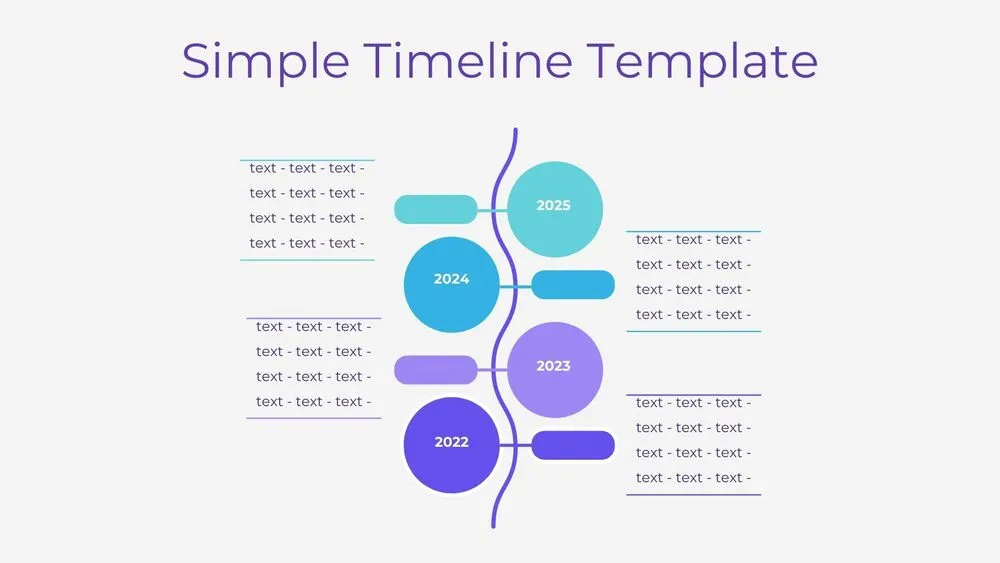
Vertical Wave Timeline Diagram Presentation Template for PowerPoint, Canva & Google Slides
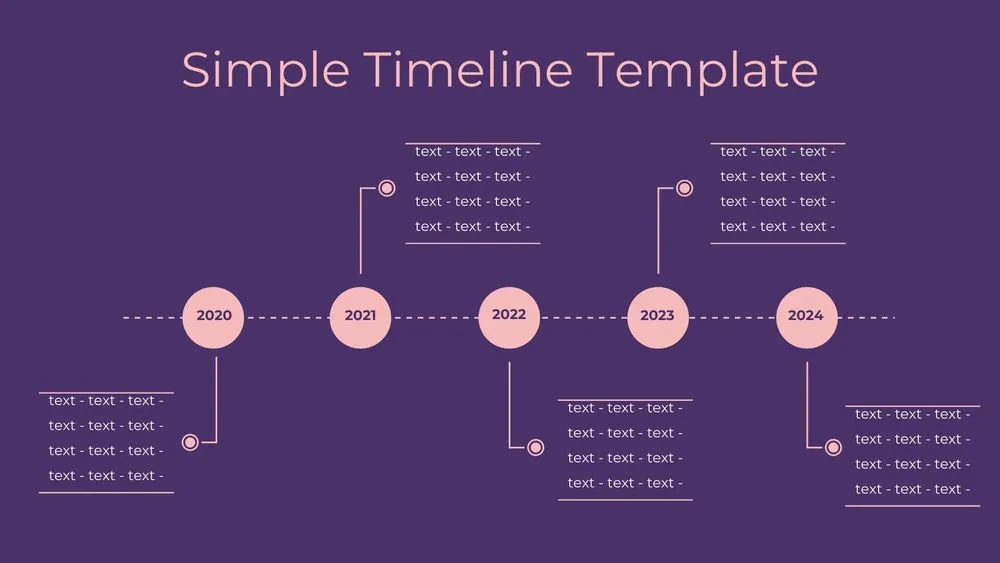
Dark Violet Pins Timeline Diagram Presentation Template for PowerPoint, Canva & Google Slides
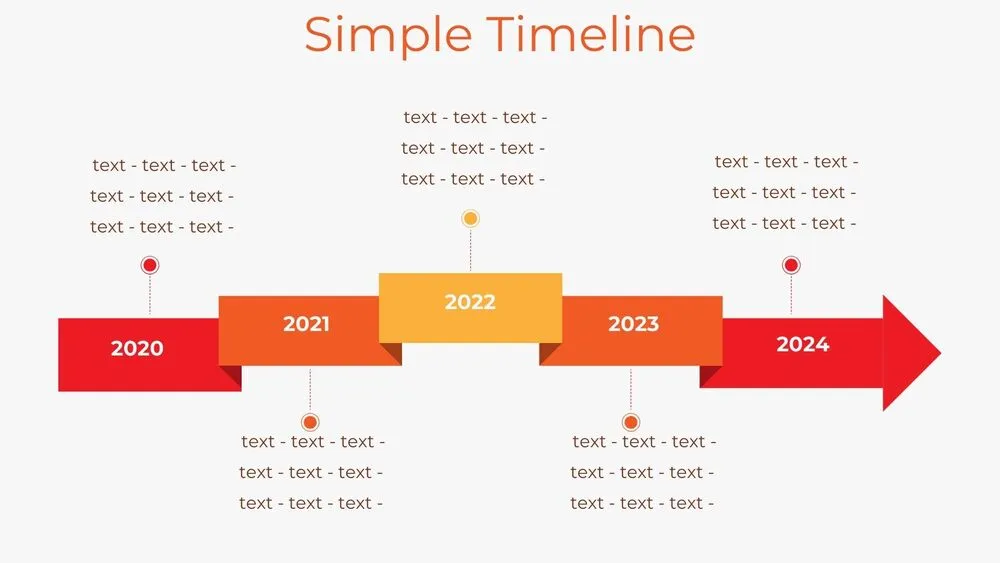
Stepped Path Timeline Diagram Presentation Template for PowerPoint, Canva & Google Slides
Atom Path Timeline Diagram Presentation Template for PowerPoint, Canva & Google Slides
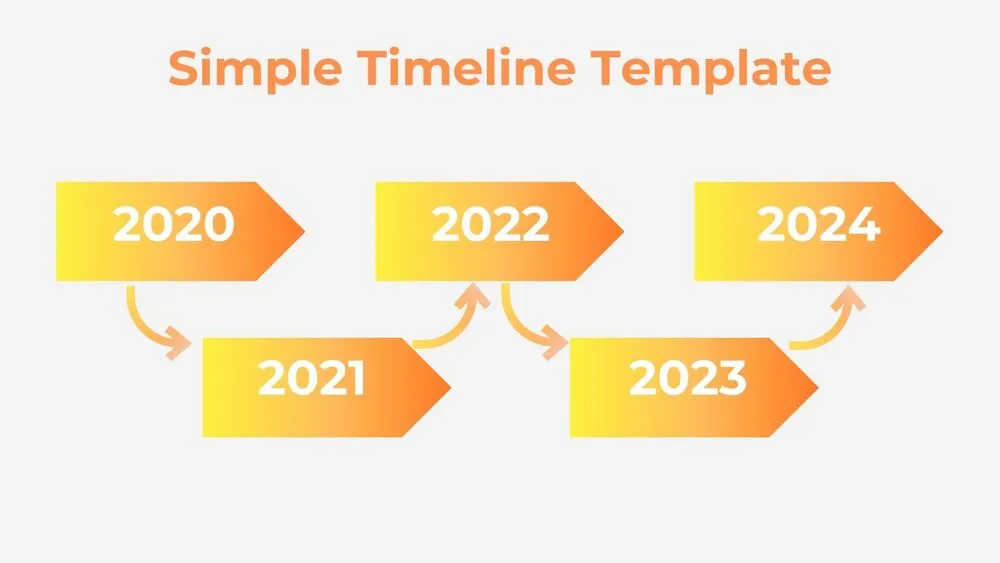
Simple Arrow Timeline Diagram Presentation Template for PowerPoint, Canva & Google Slides
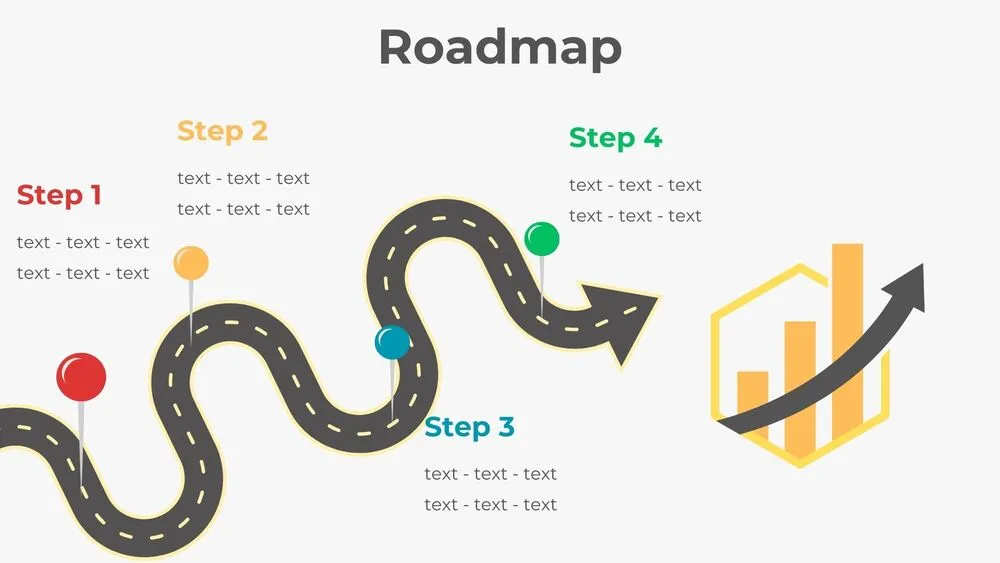
Wavy Road Four-Step Roadmap Diagram Presentation Template for PowerPoint, Canva & Google Slides
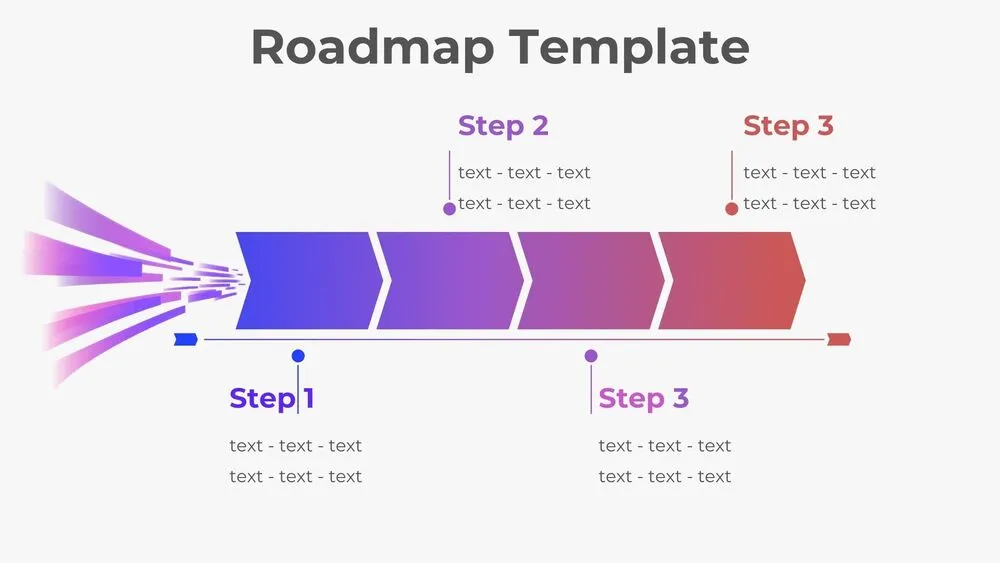
Horizontal Rocket Roadmap Diagram Presentation Template for PowerPoint, Canva & Google Slides
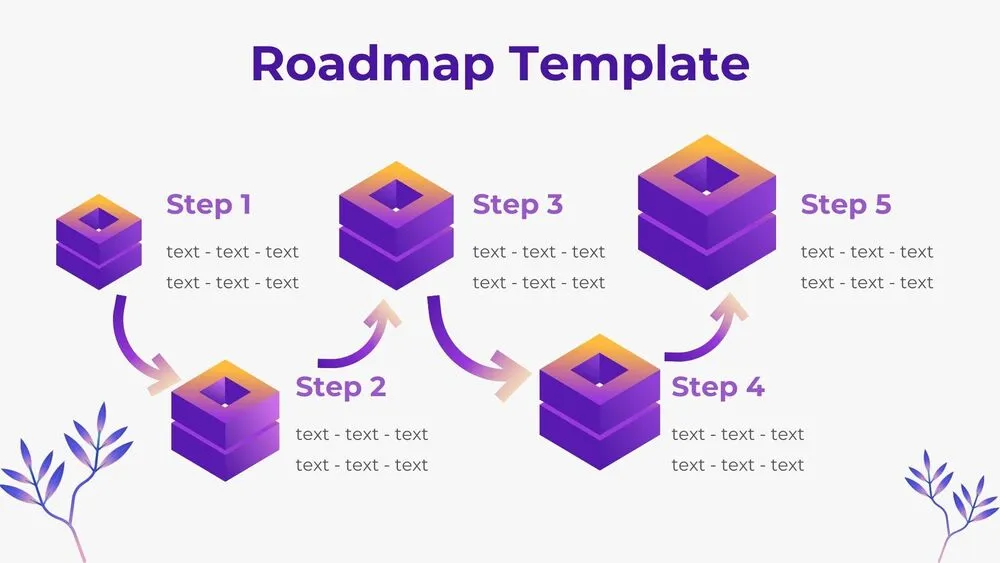
3D Cube Steps Roadmap Diagram Presentation Template for PowerPoint, Canva & Google Slides