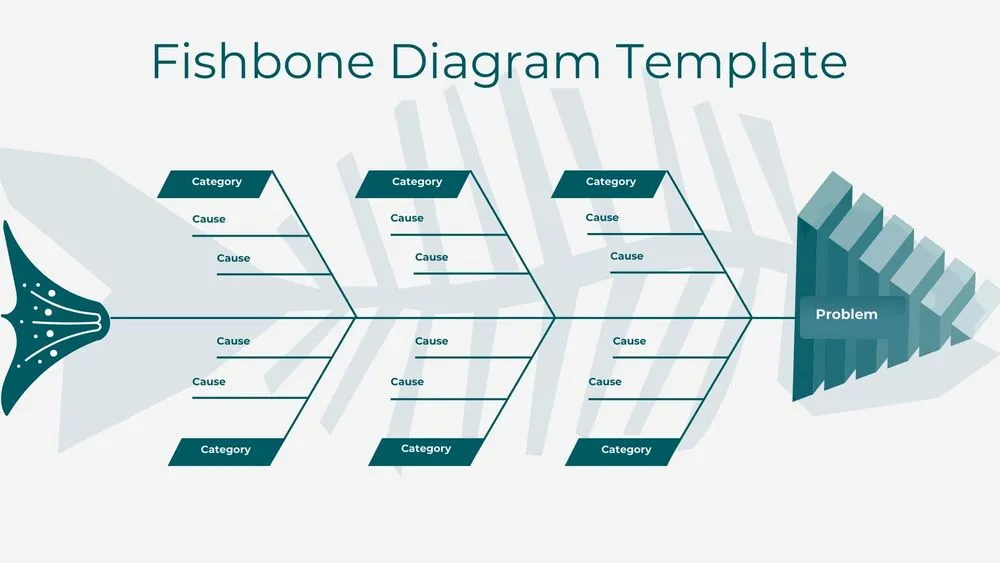
Problem Solving Presentation Templates and Slides – Free & Premium for PowerPoint, Canva & Google Slides
Download free problem solving presentation templates for PowerPoint, Canva, and Google Slides. Diagnose issues, prioritize options, and define action plans with clear frameworks ⬇️
Explore the Best Problem Solving PowerPoint Templates, Google Slides & Canva Problem Solving Themes
✨ Problem solving slides help you move from a messy situation to a clear decision, using structured thinking and a simple narrative. Use these presentation layouts to define the problem, map root causes, compare options, and agree on next steps with owners and timelines.
They’re ideal for workshops, project reviews, process improvements, and stakeholder alignment meetings. For example, start with a one-sentence problem statement, add a root-cause breakdown, use an impact vs effort matrix to prioritize, then close with a short action plan and a decision log.
Edit the deck in PowerPoint, Canva, and Google Slides, then present live or export to PDF for sharing. Paste data from Sheets or Excel, keep each activity on a single slide, and add KPI or OKR blocks when you need to measure impact after implementation.
Readability tip: add one takeaway line under each framework so the conclusion is clear even when someone skims the deck.
Best for:
- Root-cause analysis and troubleshooting sessions
- Prioritization and decision-making workshops
- Process improvement and operational reviews
- Risk, mitigation, and action planning
- Leadership updates with clear next steps
Explore related templates:
❓ FAQs
Are these problem solving presentation templates free to download?
Yes—this tag includes free problem solving presentation templates. If a template is premium, it will be clearly labeled on its template page.
What is a problem solving presentation template?
An editable deck with frameworks and action-planning slides to analyze an issue, compare options, and decide on next steps.
Which frameworks should I include?
Use a problem statement, root-cause breakdown, impact vs effort matrix, decision matrix, risks, and an action tracker with owners and dates.
How do I keep workshops engaging?
Use one activity per slide, keep instructions short, and end each section with a quick summary and clear next actions.
Do these slides work in PowerPoint, Canva, and Google Slides?
Yes, you can edit the slides in PowerPoint, Canva, and Google Slides, present live, and export to PDF for sharing.
How do I make decisions feel actionable?
Assign an owner, a due date, and a success metric for each action, then track progress in a simple checklist or KPI slide.
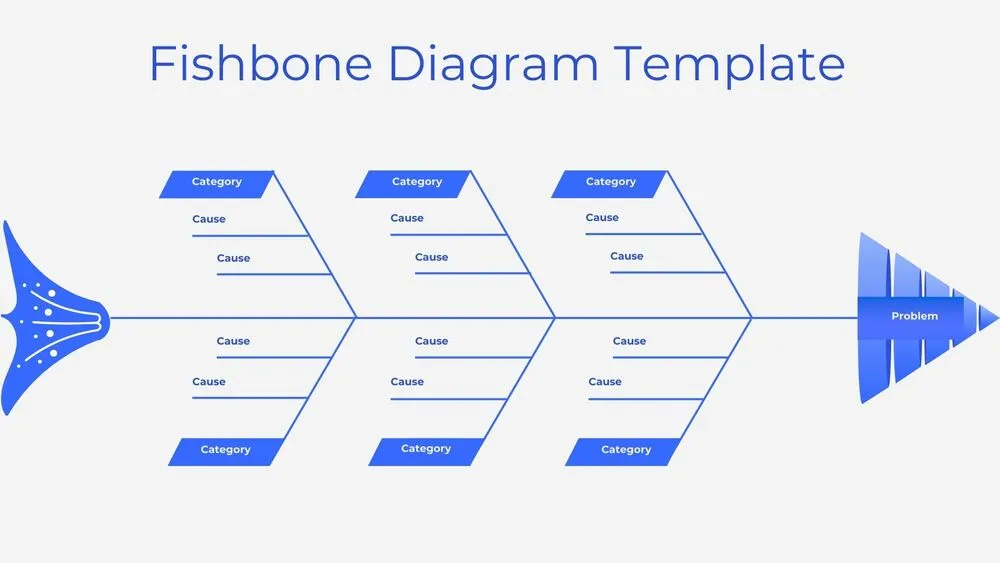
Minimalist Blue Fishbone Diagram Presentation Template for PowerPoint, Canva & Google Slides
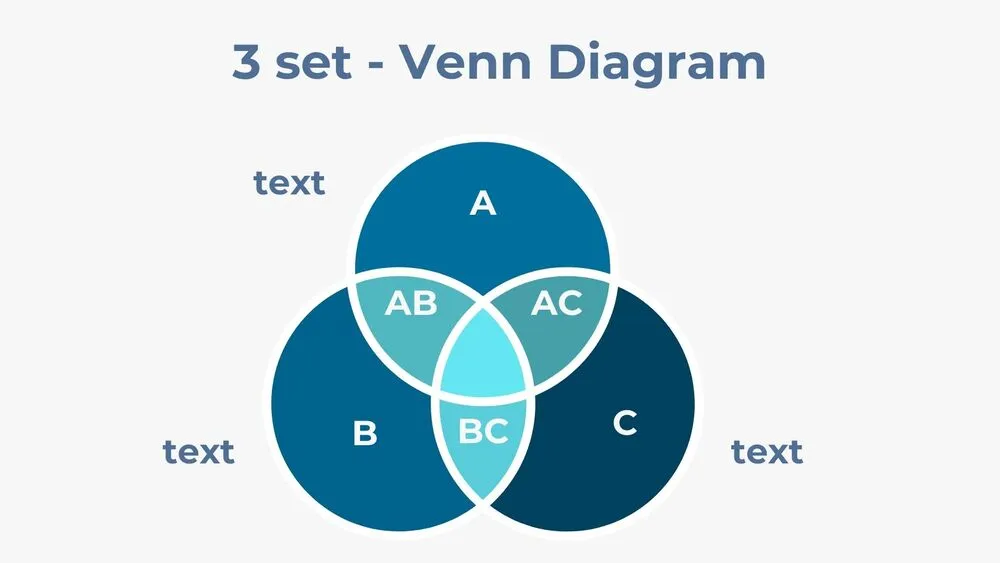
Three-Set Venn Diagram Presentation Template for PowerPoint, Canva & Google Slides
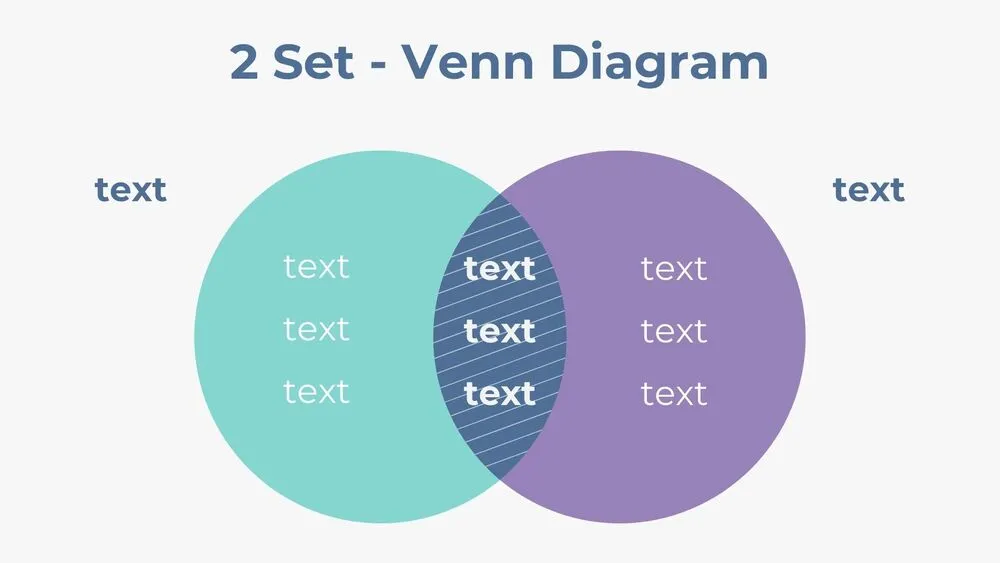
Two-Set Venn Diagram Presentation Template for PowerPoint, Canva & Google Slides
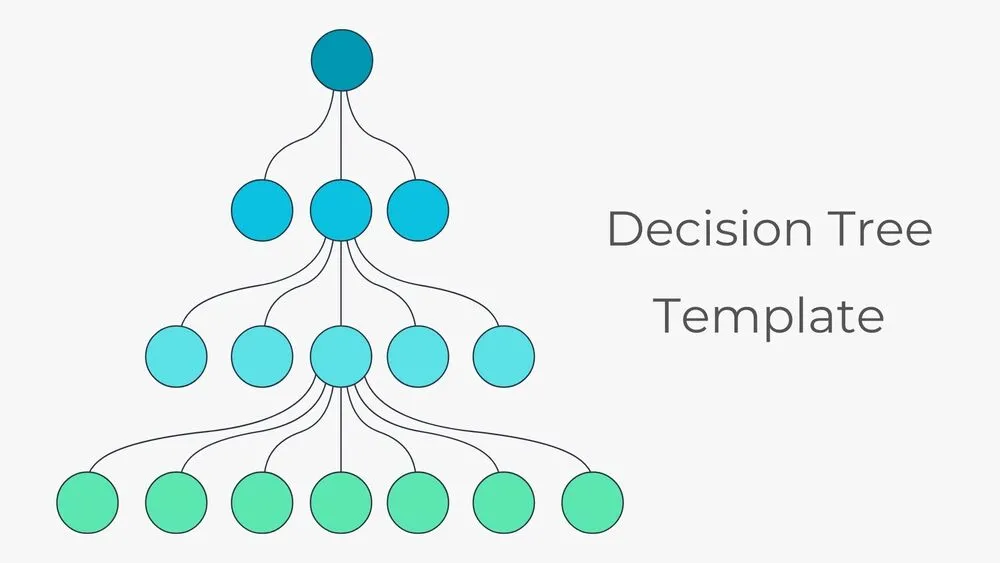
Hierarchical Decision Tree Mapping Presentation Template for PowerPoint, Canva & Google Slides