Progress Presentation Templates and Slides – Free & Premium for PowerPoint, Canva & Google Slides
Download free progress presentation templates for PowerPoint, Canva, and Google Slides. Show momentum with clear status updates, timelines, and KPI-driven dashboards ⬇️
Explore the Best Progress PowerPoint Templates, Google Slides & Canva Progress Themes
✨ Progress slides help you communicate what’s moving forward, what’s blocked, and what happens next, all in one clear update. Use these presentation layouts to share status, milestones, and outcomes without long explanations or messy spreadsheets.
They’re ideal for weekly team updates, project reporting, OKR and KPI reviews, and leadership check-ins. For example, start with a status summary, add a timeline of key milestones, show a line chart trend for one headline KPI, then end with risks and the next actions with owners.
Edit the deck in PowerPoint, Canva, and Google Slides, then present live or export to PDF for sharing. Paste data from Sheets or Excel, keep status labels consistent, and use one objective per slide so stakeholders can scan quickly.
Readability tip: put the key update in the slide title and keep supporting details as short bullets or direct labels on charts.
Best for:
- Project progress updates and status reporting
- Milestones and timeline presentations
- OKR check-ins and quarterly progress reviews
- KPI dashboards and performance tracking
- Risks, blockers, and next-step action plans
Explore related templates:
❓ FAQs
Are these progress presentation templates free to download?
Yes—this tag includes free progress presentation templates. If a template is premium, it will be clearly labeled on its template page.
What is a progress presentation template?
An editable deck that shows progress through status, milestones, KPIs, and next steps in a clear, repeatable format.
How do I structure a progress update?
Start with objectives and status, add milestones and timeline, show key metrics, then finish with blockers and next steps with owners.
What visuals work best for progress?
Use traffic-light scorecards for status, timelines for milestones, and line charts for KPI trends over time.
Do these slides work in PowerPoint, Canva, and Google Slides?
Yes, you can edit the slides in PowerPoint, Canva, and Google Slides, present live, and export to PDF for sharing.
How often should I update a progress deck?
Weekly works well for team updates, while monthly is common for leadership reviews. Use the same slide structure so changes are easy to spot.
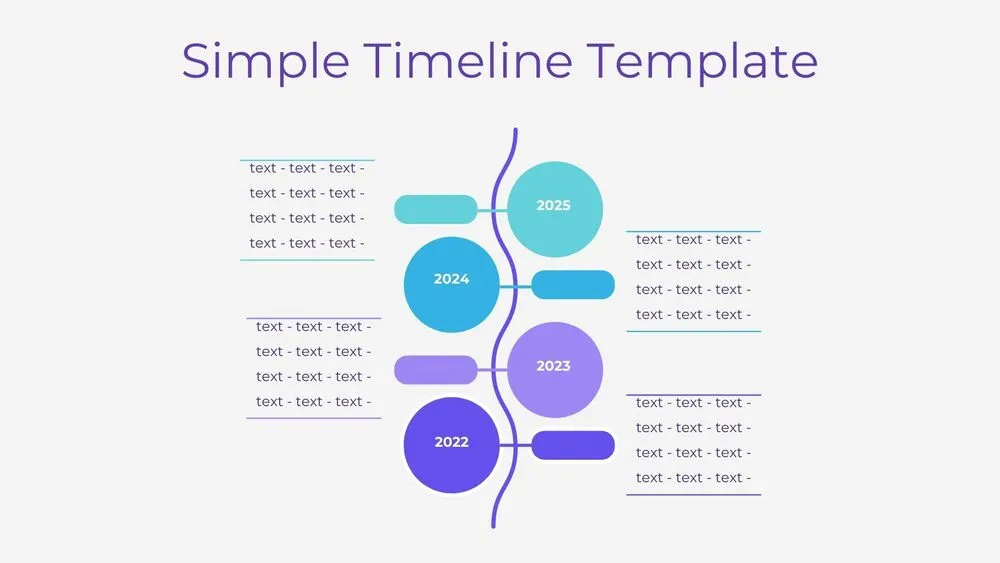
Vertical Wave Timeline Diagram Presentation Template for PowerPoint, Canva & Google Slides
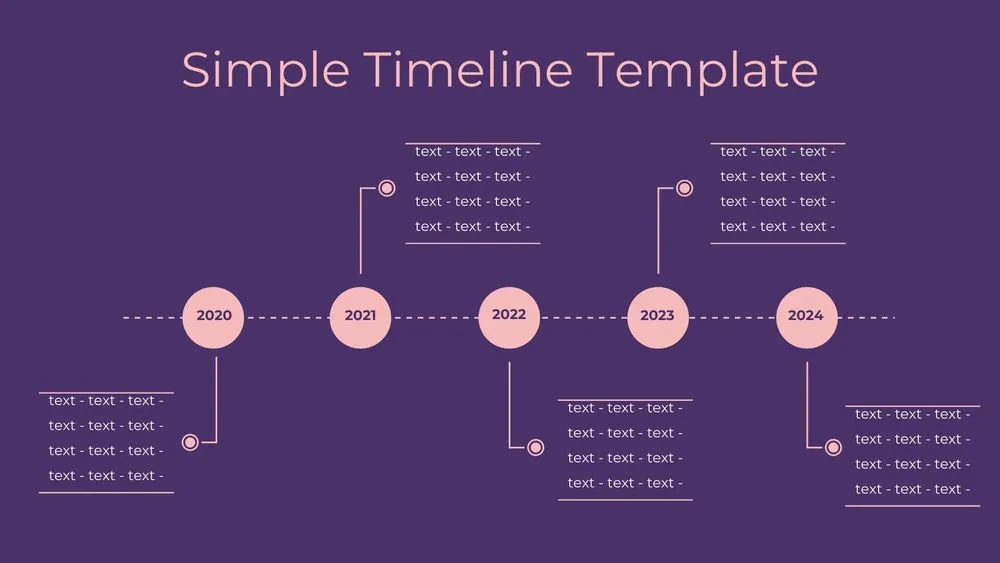
Dark Violet Pins Timeline Diagram Presentation Template for PowerPoint, Canva & Google Slides
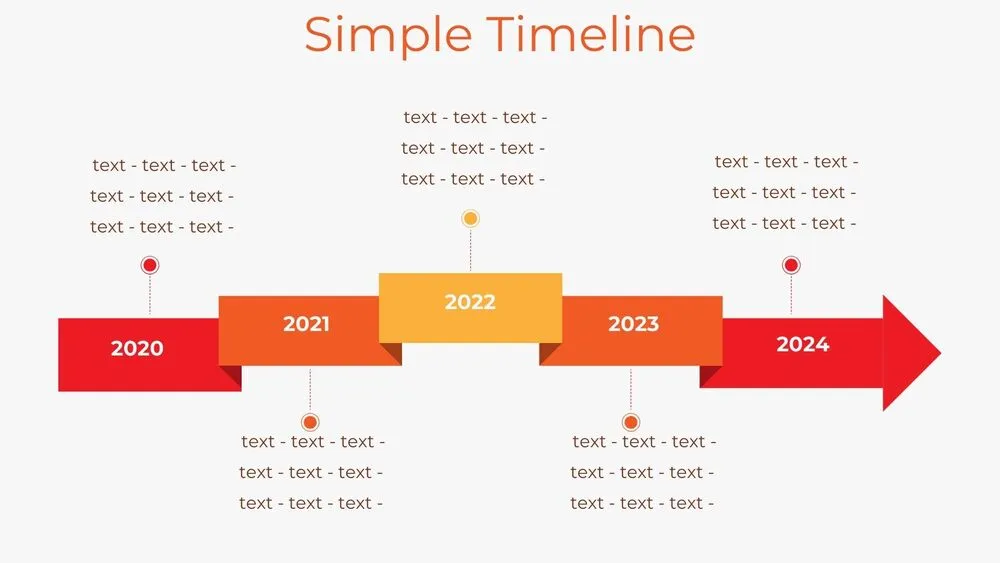
Stepped Path Timeline Diagram Presentation Template for PowerPoint, Canva & Google Slides
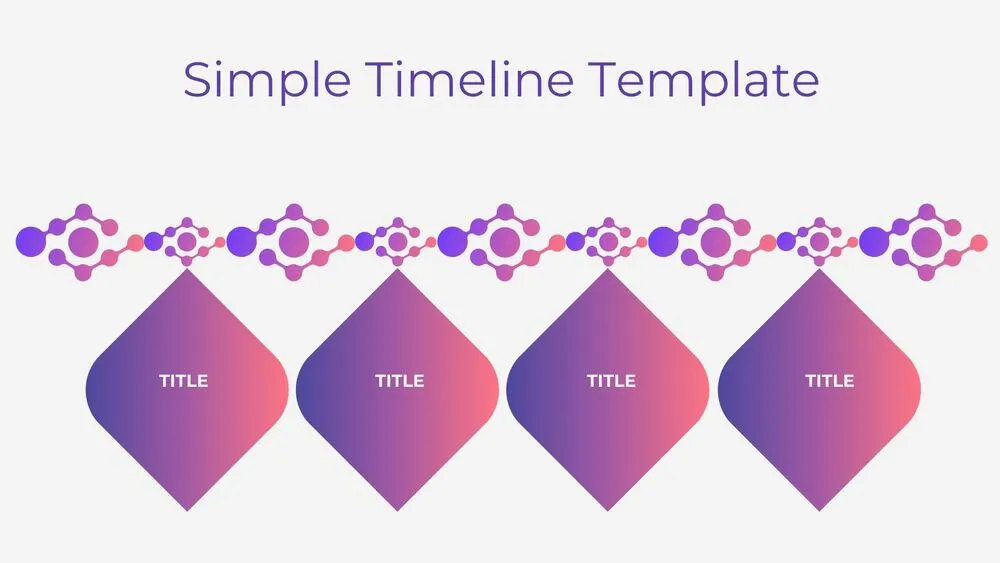
Atom Path Timeline Diagram Presentation Template for PowerPoint, Canva & Google Slides
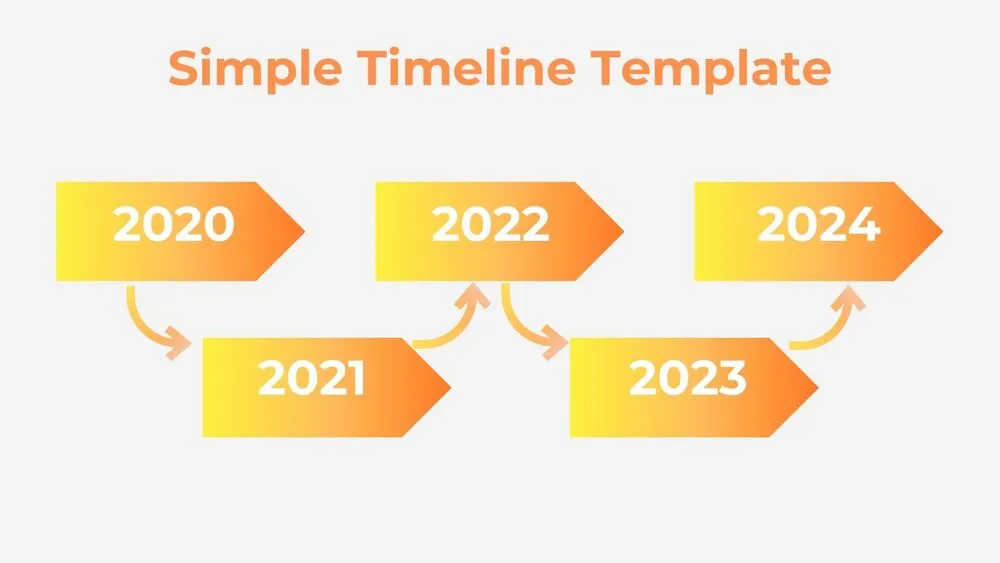
Simple Arrow Timeline Diagram Presentation Template for PowerPoint, Canva & Google Slides
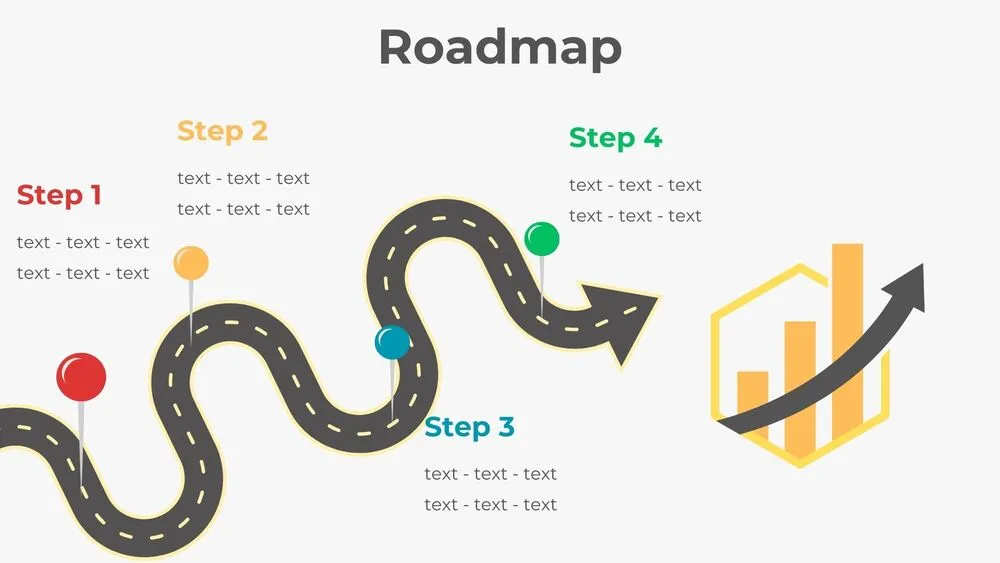
Wavy Road Four-Step Roadmap Diagram Presentation Template for PowerPoint, Canva & Google Slides
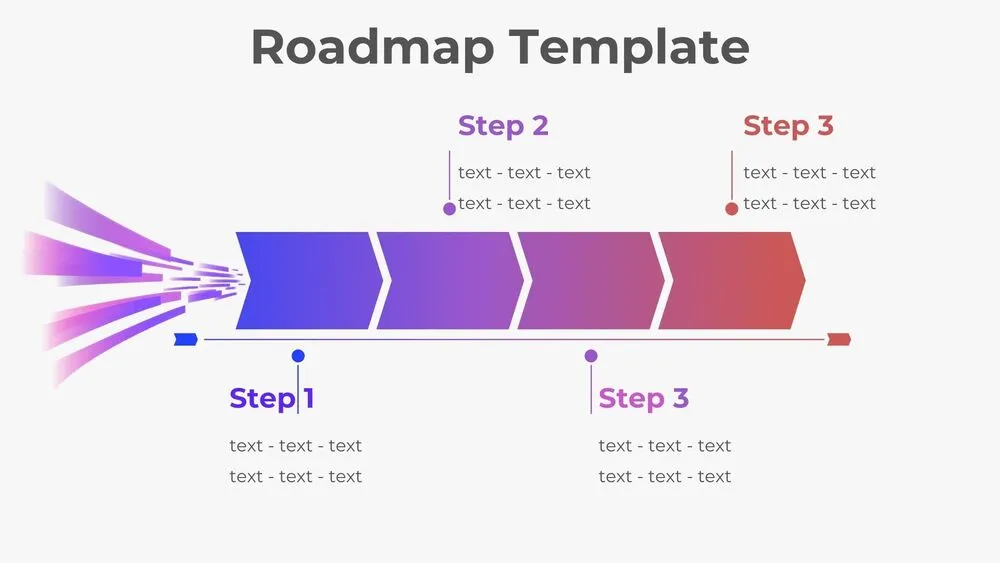
Horizontal Rocket Roadmap Diagram Presentation Template for PowerPoint, Canva & Google Slides
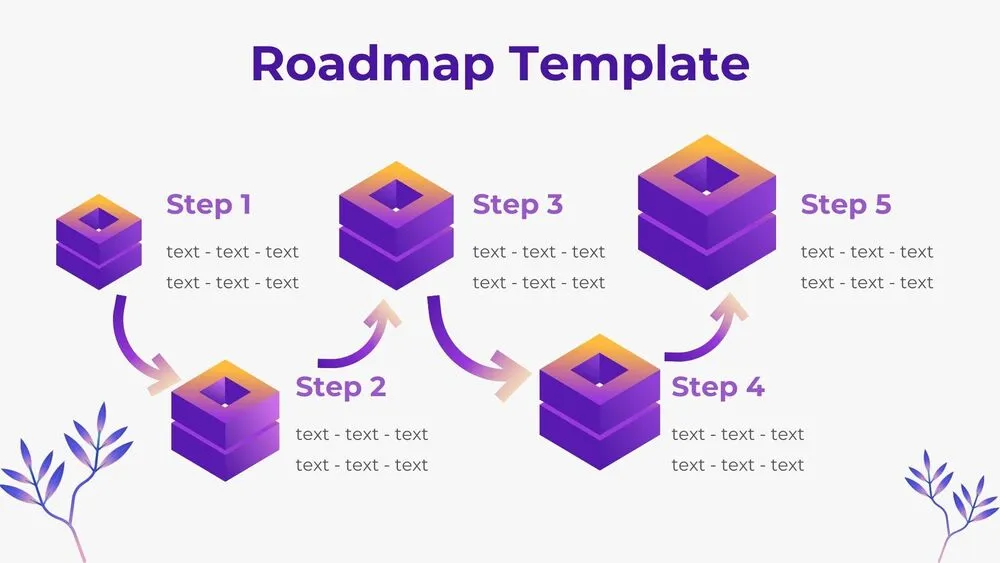
3D Cube Steps Roadmap Diagram Presentation Template for PowerPoint, Canva & Google Slides