Proposal Presentation Templates and Slides – Free & Premium for PowerPoint, Canva & Google Slides
Download free proposal presentation templates for PowerPoint, Canva, and Google Slides. Win work with clear scope, pricing, timelines, and next steps in one polished deck ⬇️
Explore the Best Proposal PowerPoint Templates, Google Slides & Canva Proposal Themes
✨ Proposal slides help you turn an offer into a clear story, with scope, timeline, pricing, and terms laid out in a way clients can scan. Use a business proposal powerpoint template to present the problem, your solution, deliverables, and next steps with a professional structure.
They’re ideal for agencies, freelancers, internal project approvals, partnerships, and client renewals. For example, start with an overview and objectives, add a scope slide with deliverables, include a timeline with milestones, then use a tiered pricing table and end with a simple acceptance and kickoff plan.
Edit the deck in PowerPoint, Canva, and Google Slides, including a google slides proposal template workflow for collaboration, then present live or export to PDF for sending. Use direct labels on charts, keep one idea per slide, and add a short FAQ or assumptions slide if your offer needs clarification.
Readability tip: highlight the recommended option on the pricing slide and keep inclusions and exclusions short and specific.
Best for:
- Business proposals and client-ready sales decks
- Project proposals with scope, timeline, and budget
- Partnership and collaboration proposals
- Marketing and consulting proposals for clients
- Research and thesis proposal presentations
Explore related templates:
❓ FAQs
Are these proposal presentation templates free to download?
Yes—this tag includes free proposal presentation templates. If a template is premium, it will be clearly labeled on its template page.
What should a proposal presentation include?
Include an overview, objectives, scope and deliverables, timeline, pricing, team, terms, and next steps with a clear call to action.
How do I make pricing slides easy to scan?
Use a simple tier table, highlight the recommended plan, and list 5–7 key inclusions. Keep exclusions short and explicit.
Can I use these templates for project proposals?
Yes, add a timeline, milestones, risks, and an owner list, then close with the kickoff plan and expected decision date.
Do these slides work in PowerPoint, Canva, and Google Slides?
Yes, you can edit the slides in PowerPoint, Canva, and Google Slides, present live, and export to PDF for sharing.
Should I export a proposal deck to PDF?
Yes, PDF is ideal for sending to clients because the layout stays consistent, while you can still keep an editable version for updates.
Futuristic Geometric Decision Tree Presentation Template for PowerPoint, Canva & Google Slides
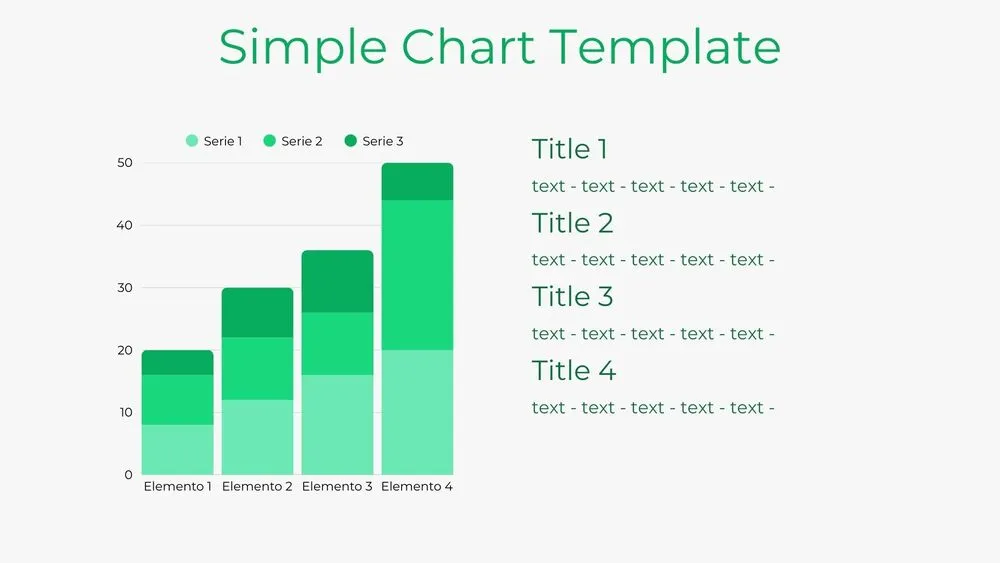
Bar Chart Presentation Template for PowerPoint, Canva & Google Slides
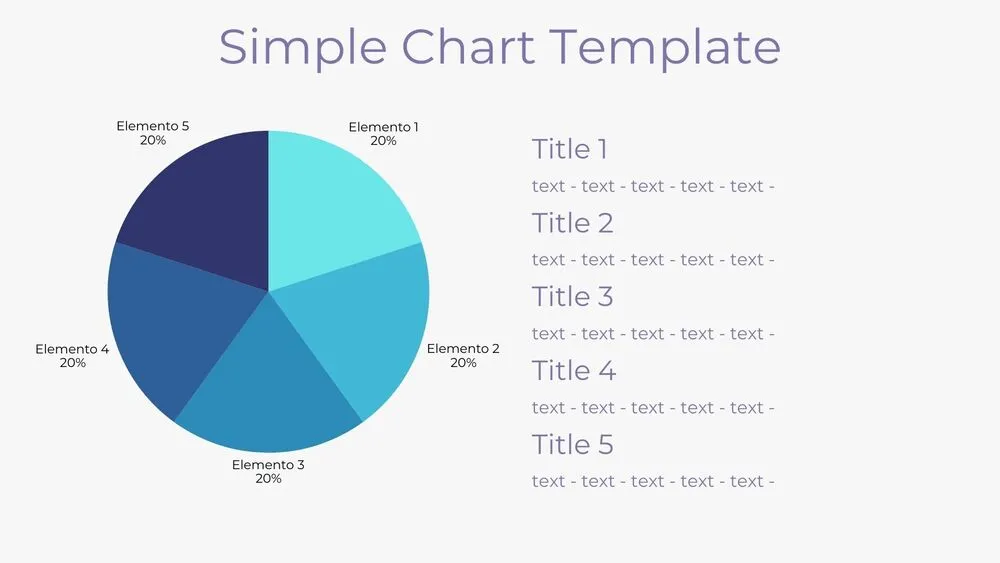
Solid Pie Chart Presentation Template for PowerPoint, Canva & Google Slides
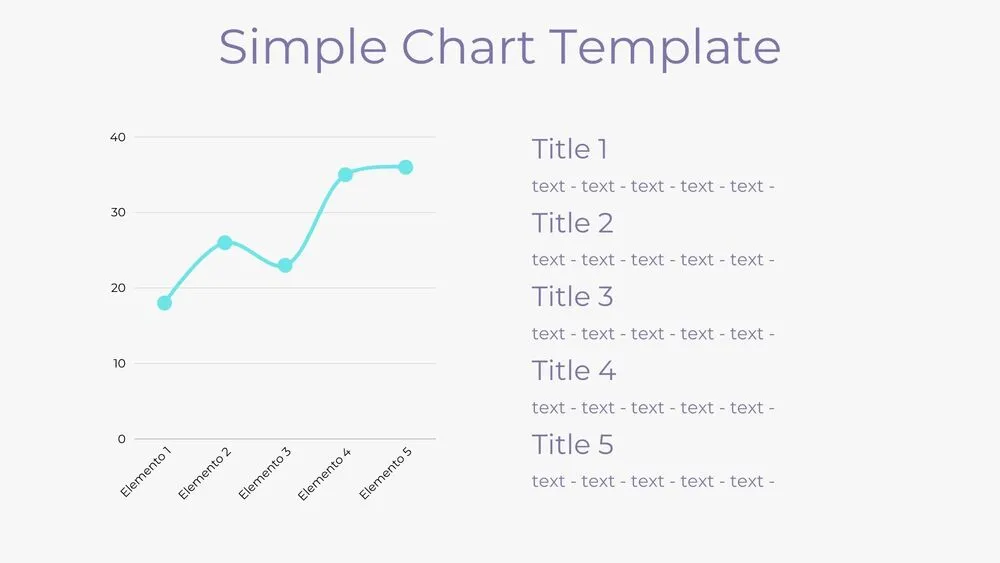
Line Chart Presentation Template for PowerPoint, Canva & Google Slides
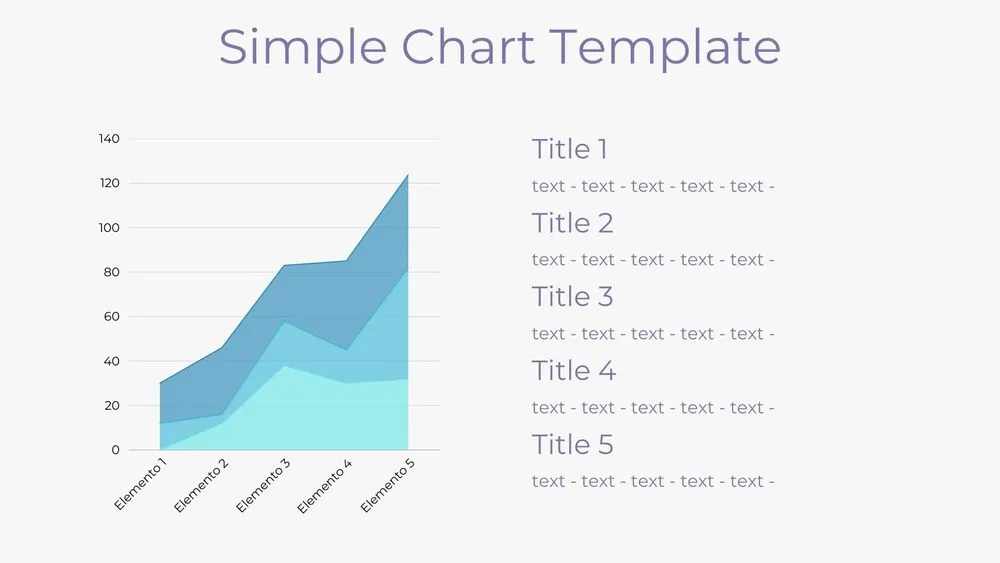
Area Chart Presentation Template for PowerPoint, Canva & Google Slides
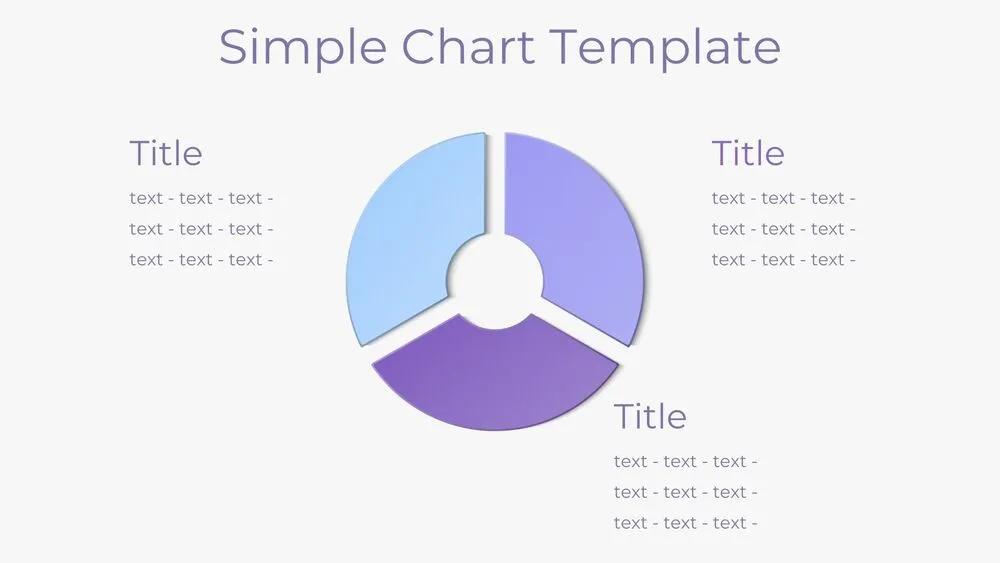
Donut Pie Chart Presentation Template for PowerPoint, Canva & Google Slides