
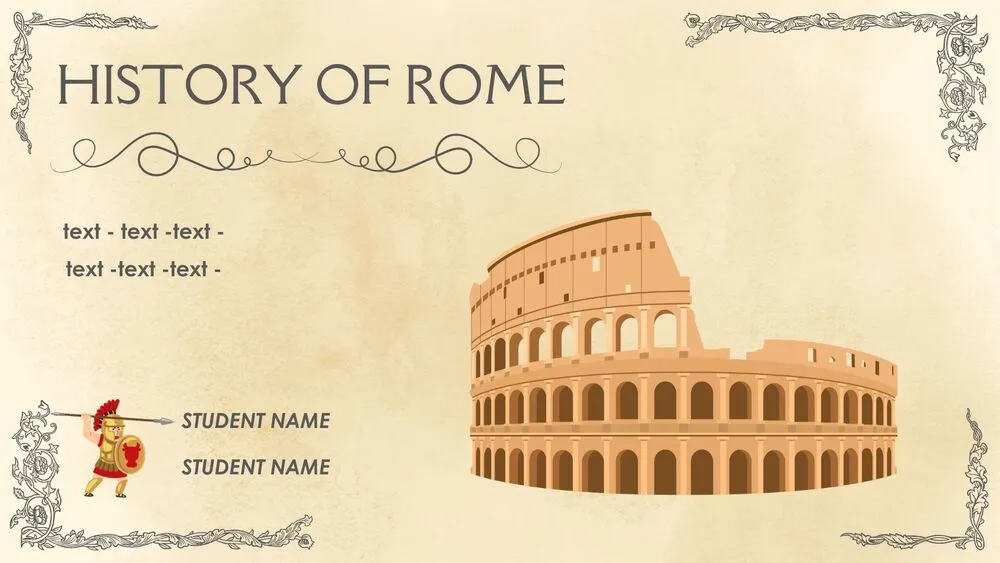
Rome Presentation Templates and Slides – Free & Premium for PowerPoint, Canva & Google Slides
Download free rome presentation templates for PowerPoint, Canva, and Google Slides. Create classical Roman slides with maps, timelines, and elegant museum-style layouts ⬇️
Explore the Best Rome PowerPoint Templates, Google Slides & Canva Rome Themes
✨ Rome slides are built for classical storytelling, with elegant typography, museum-style spacing, and layouts that make maps, dates, and landmarks easy to follow. Use these presentation designs when you want a refined Roman look for lessons, travel guides, or cultural talks.
They’re great for timelines, historical overviews, and itinerary-style decks. For example, you can create a Roman history lesson with a timeline from the Roman Kingdom to the Republic and Empire, add a map slide for key sites, then finish with a gallery of landmarks and short captions.
Edit the deck in PowerPoint, Canva, and Google Slides, then present live or export to PDF for handouts and sharing. Swap images, update icons, and keep headings consistent so the whole deck feels like one cohesive exhibit.
Readability tip: keep text on clean panels and use textures or columns as borders, not behind long paragraphs.
Best for:
- Rome history lessons and classroom presentations
- Travel itineraries and city guides
- Museum-style talks and cultural storytelling
- Landmark slides with maps and captions
- Timelines and period overviews
Explore related templates:
❓ FAQs
Are these rome presentation templates free to download?
Yes—this tag includes free rome presentation templates. If a template is premium, it will be clearly labeled on its template page.
What is a rome presentation template?
An editable deck inspired by classical Rome, designed for timelines, maps, and elegant storytelling slides.
How can I structure a Rome history lesson?
Use a timeline slide for periods, add 3–5 key events with short captions, then include maps or landmark slides for context.
Can I use these for travel itineraries?
Yes—use agenda and map slides for day-by-day planning, then export to PDF for offline sharing with a group.
Do these slides work in PowerPoint, Canva, and Google Slides?
Yes, you can edit the slides in PowerPoint, Canva, and Google Slides, present live, and export to PDF for sharing.
How do I keep the Roman look clean and modern?
Limit textures, keep plenty of whitespace, and use classical accents only on titles and section dividers.





