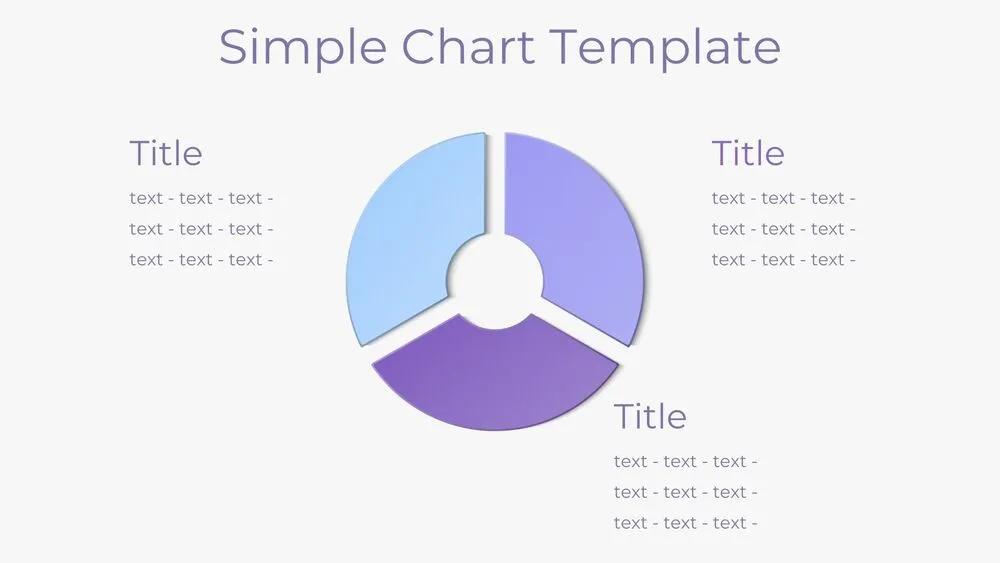
White Presentation Templates and Slides – Free & Premium for PowerPoint, Canva & Google Slides
Download free white presentation templates for PowerPoint, Canva, and Google Slides. Create minimal, high-contrast decks that keep data readable and your message clear ⬇️
Explore white presentation templates and slides for PowerPoint, Canva & Google Slides
✨ White presentation templates give you clean space to highlight your message, charts, and numbers without distractions. They’re ideal for reports, proposals, and data-heavy decks where readability and structure matter most.
Best use cases include executive summaries, portfolios, resumes, and product updates. For example, use a white deck for a quarterly report with a KPI slide, a simple chart page, and a short conclusion slide with next steps and owners.
Edit in PowerPoint, Canva, or Google Slides, then present live or export to PDF for sharing and print. If you need a document-style companion, match your deck with a canva white paper template, then keep colors to 1–2 accents and use consistent margins across slides.
Readability tip: Use dark text, clear spacing, and subtle dividers, and avoid light gray body text that disappears on projectors.
Best for:
- Clean reports and business proposals
- Data-heavy KPI and dashboard slides
- Portfolios and case studies
- Resume-style presentations
- Print-ready PDFs with strong contrast
Explore related templates:
❓ FAQs
Are these white presentation templates free to download?
Yes—this tag includes free white presentation templates. If a template is premium, it will be clearly labeled on its template page.
What are white presentation templates best for?
They work best for clean, professional decks where you want charts, text, and visuals to stay readable with plenty of whitespace.
Do these slides work in PowerPoint, Canva, and Google Slides?
Yes, you can edit and present them in PowerPoint, Canva, and Google Slides, then export to PDF for sharing.
How do I keep white slides from looking empty?
Use a clear grid, add subtle dividers or section headers, and keep one accent color for highlights like KPIs or callouts.
When should I use a black and white style instead?
Use black and white when you want a more formal, high-contrast look for reports, resumes, or print-focused decks.
Can I pair these with a white paper document?
Yes, match your deck with a canva white paper template and export both to PDF for a consistent presentation + document set.
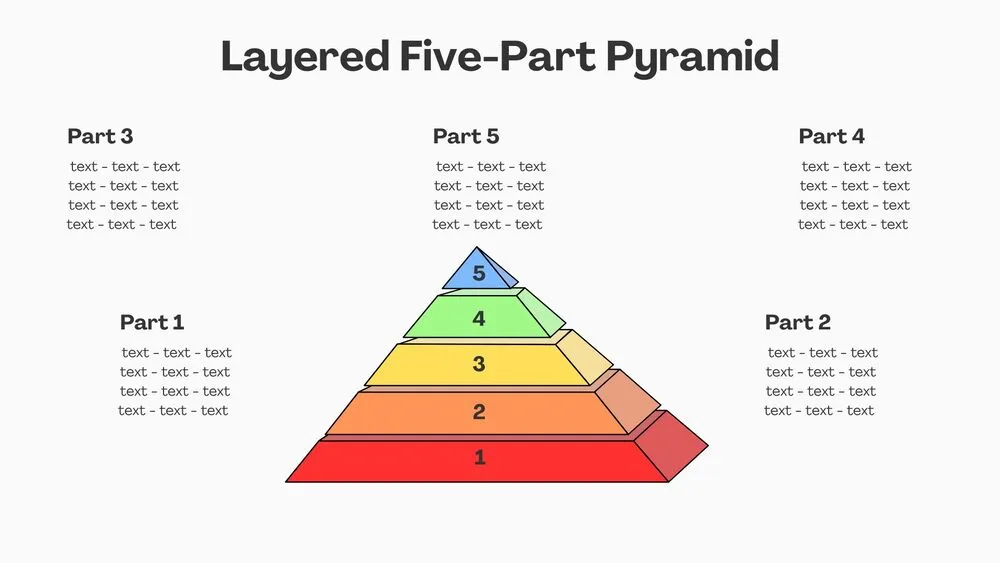
Layered Five-Part Pyramid Diagram Presentation Template for PowerPoint, Canva & Google Slides
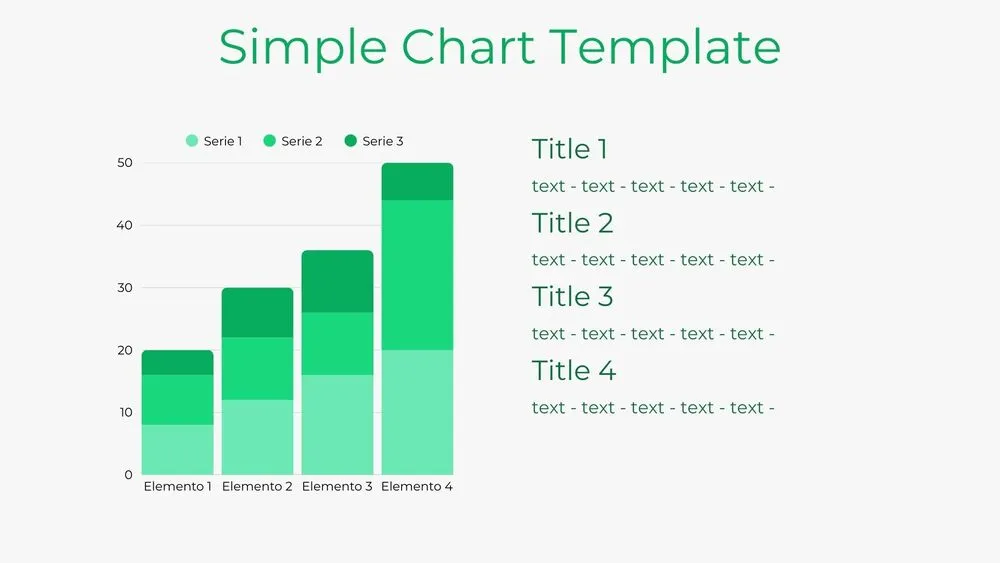
Bar Chart Presentation Template for PowerPoint, Canva & Google Slides
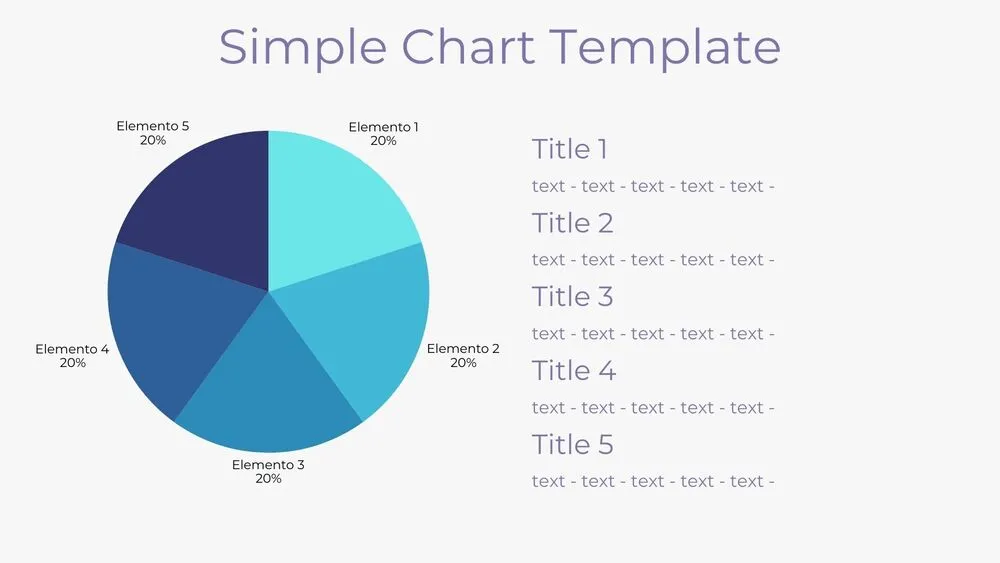
Solid Pie Chart Presentation Template for PowerPoint, Canva & Google Slides
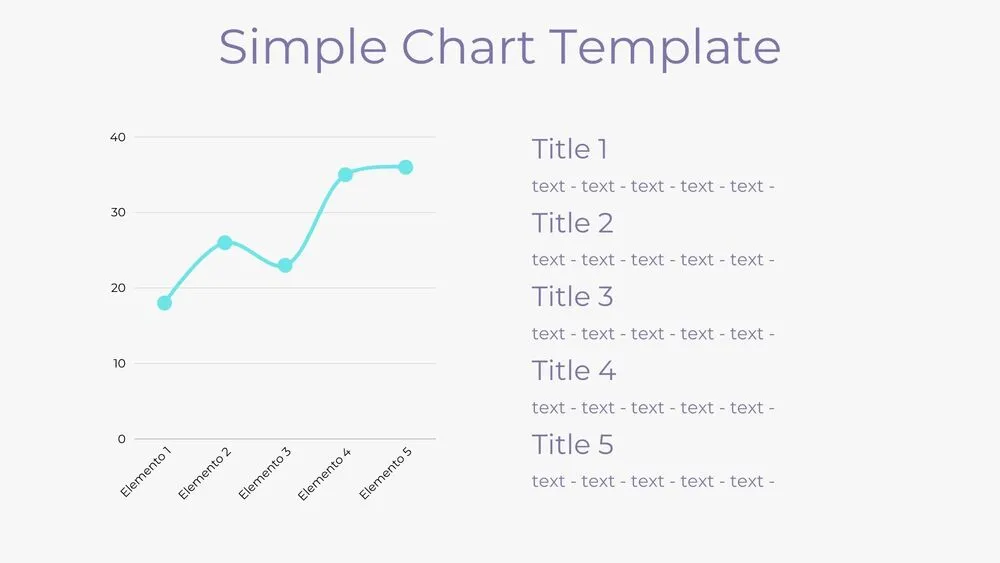
Line Chart Presentation Template for PowerPoint, Canva & Google Slides
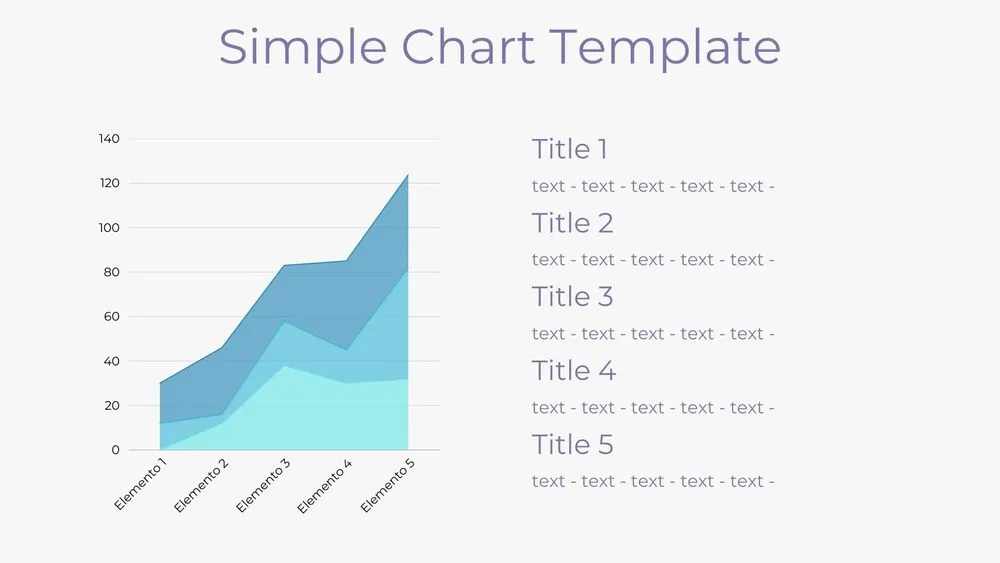
Area Chart Presentation Template for PowerPoint, Canva & Google Slides