Mobile App SWOT Analysis Presentation Template for PowerPoint, Canva & Google Slides
Download the template for PowerPoint, Google Slides or Canva with just one click
SWOT Template and Slides for Tech Presentations and Mobile App Strategy
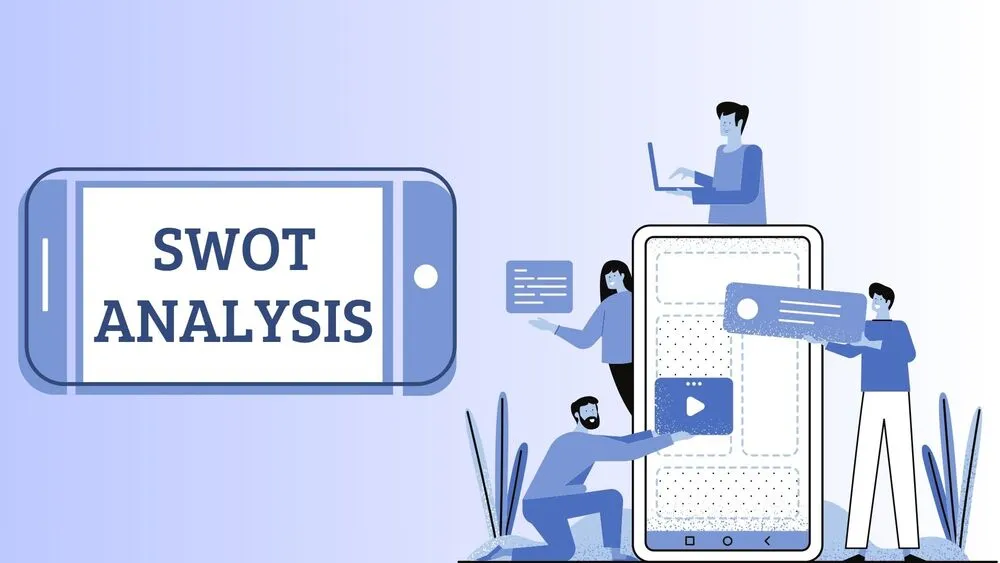
This mobile app SWOT analysis presentation template combines a clean tech aesthetic with app-focused visuals. Centered around smartphone vector graphics in blue tones, the layout is ideal for showcasing strategy, product strengths, and market positioning. It’s perfect for developers, startups, or marketers pitching app-based solutions. Fully editable in PowerPoint, Canva, and Google Slides.
- 📱 6-slide layout with mobile app and tech-inspired visuals
- 🔵 Cover slide featuring a smartphone graphic containing the full SWOT structure
- 📊 Diagram slide with four phones labeled Strengths, Weaknesses, Opportunities, and Threats, each with space for description
- 🧠 Four detailed slides, each focused on one SWOT component, with title and text inside a large phone layout
- 🎨 Blue and white color scheme for a clean, modern, and digital tone
- 💼 Perfect for product teams, app developers, startups, and tech consultants
- 🛠️ Fully editable in PowerPoint, Canva, and Google Slides
- 🧩 Ideal for branding, market analysis, and investor presentations in the tech space
Edit fonts, colors, and images effortlessly using Canva’s drag-and-drop editor. Access free elements, illustrations, and fonts to personalize each slide your way.
📌 Frequently Asked Questions
Click on the Google Slides button, then select “Make a copy” when prompted. This will create a copy of the template in your Google Drive, ready to edit and use in Google Slides.
Simply download the file, then open Canva and drag the downloaded file into your desired folder. Once uploaded, it’s ready to be edited just like any other Canva project.