Futuristic Gems Timeline Diagram Presentation Template for PowerPoint, Canva & Google Slides
Download the template for PowerPoint, Google Slides or Canva with just one click
Timeline Diagram Presentation Template and Slides for Modern Progress
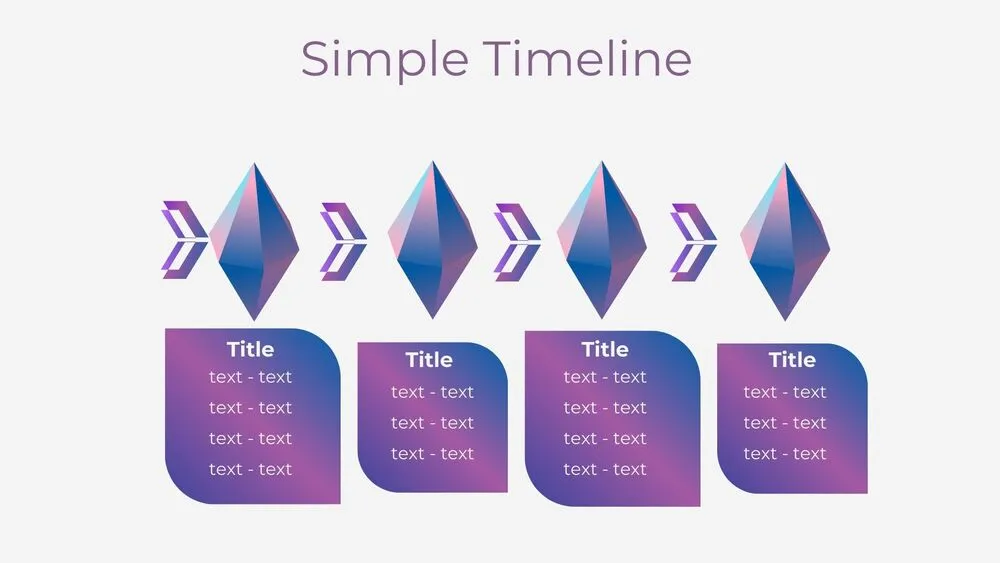
A sharp arrow tip repeats across the line, alternating with diamond-shaped gems in purple-blue gradients. Four stages each include a title and a text box below for metrics or notes. The geometric styling suits tech roadmaps and innovation narratives. Use when you want precision and energy on a single slide. Clear, modern and easy to brand.
- 💎 Diamond gems paired with directional arrowheads
- 🟦 Purple-blue gradients for a tech feel
- 🏷️ Title and text blocks under every stage
- 🧭 Ideal for innovation, releases and KPI tracking
- 🧰 Fully editable shapes, sizes and labels
- 📐 Tight grid for neat alignment
- 🖥️ Works in PowerPoint, Canva and Google Slides (presentation template)
Edit fonts, colors, and images effortlessly using Canva’s drag-and-drop editor. Access free elements, illustrations, and fonts to personalize each slide your way.
📌 Frequently Asked Questions
Click on the Google Slides button, then select “Make a copy” when prompted. This will create a copy of the template in your Google Drive, ready to edit and use in Google Slides.
Simply download the file, then open Canva and drag the downloaded file into your desired folder. Once uploaded, it’s ready to be edited just like any other Canva project.