Dark Violet Pins Timeline Diagram Presentation Template for PowerPoint, Canva & Google Slides
Download the template for PowerPoint, Google Slides or Canva with just one click
Timeline Diagram Presentation Template and Slides for Highlights & Dates
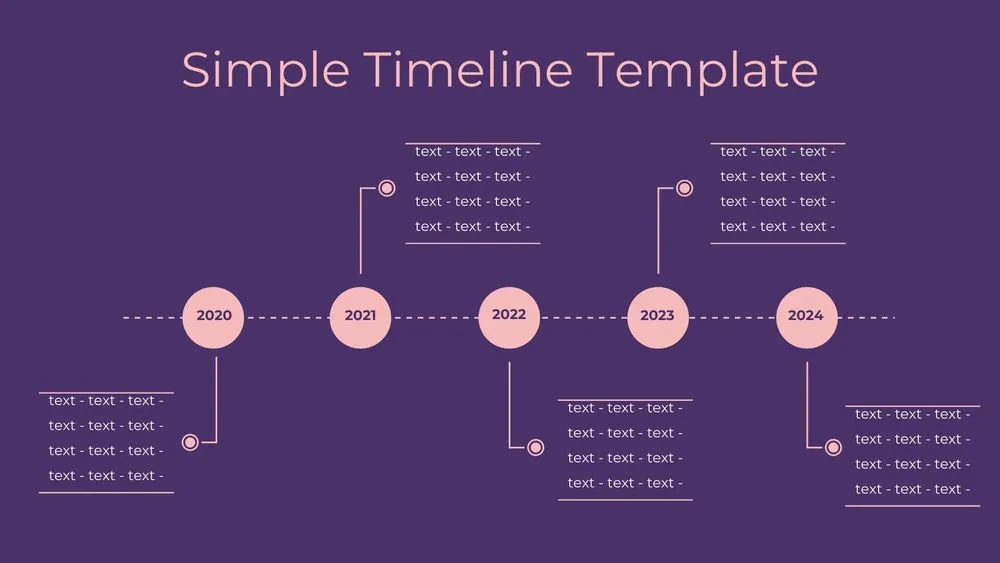
A deep violet backdrop supports a dotted guide line and five soft-pink pins for key dates. Minimal lines and calm typography keep focus on milestones. Each pin includes a date and a concise description for quick scanning. Ideal for executive summaries, research phases and academic schedules. Elegant without feeling heavy.
- 🟣 Dark background with pastel highlight pins
- 🗓️ Clear date labeling beneath each marker
- 🧭 Suits executive summaries and academic planning
- 🧑🏫 Great for lectures, seminars and course outlines
- 📄 Minimal styling for easy printing
- 📐 Tight grids for tidy spacing
- 🖼️ Works with light or bold typefaces
- 🖥️ Works in PowerPoint, Canva and Google Slides (presentation template)
Edit fonts, colors, and images effortlessly using Canva’s drag-and-drop editor. Access free elements, illustrations, and fonts to personalize each slide your way.
📌 Frequently Asked Questions
Click on the Google Slides button, then select “Make a copy” when prompted. This will create a copy of the template in your Google Drive, ready to edit and use in Google Slides.
Simply download the file, then open Canva and drag the downloaded file into your desired folder. Once uploaded, it’s ready to be edited just like any other Canva project.