Three-Set Venn Diagram Presentation Template for PowerPoint, Canva & Google Slides
Download the template for PowerPoint, Google Slides or Canva with just one click
Venn Diagram Presentation Template and Slides for Multi-Factor Analysis
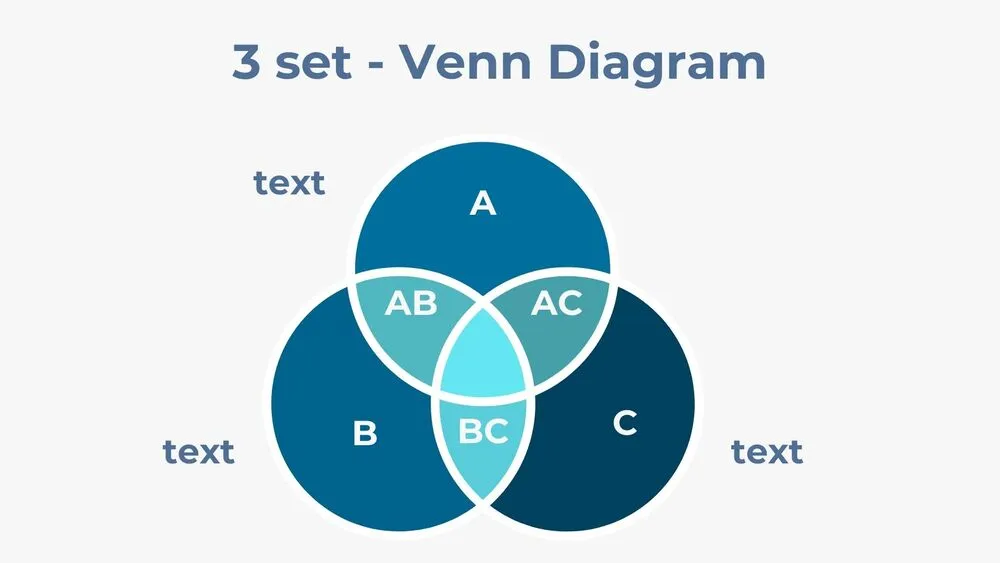
Model three-way relationships with a minimalist three-set Venn diagram that introduces all key regions on the cover. Slides two through seven include labeled intersections (pairwise and central), complements and outside areas to capture edge cases. Clear annotations help audiences track shared attributes and unique factors. Ideal for business strategy, product-market fit, segmentation work and OKR alignment. Built to simplify complex logic while keeping your narrative fluid.
- 🔷 Balanced three-circle geometry with readable overlaps
- 🏷️ Ready-made labels for each region and intersection
- 📊 Useful for brand strategy, competitive triads and capability matrices
- 🧭 Variants for text-heavy explanations or quick visual snapshots
- ✏️ Fully editable shapes, sizes and callouts
- 🧑🎓 Classroom-proof layouts for exercises and exams
- 📏 Grid-aligned spacing for neat storytelling
- 🖥️ Works in PowerPoint, Canva and Google Slides (single presentation template)
Edit fonts, colors, and images effortlessly using Canva’s drag-and-drop editor. Access free elements, illustrations, and fonts to personalize each slide your way.
📌 Frequently Asked Questions
Click on the Google Slides button, then select “Make a copy” when prompted. This will create a copy of the template in your Google Drive, ready to edit and use in Google Slides.
Simply download the file, then open Canva and drag the downloaded file into your desired folder. Once uploaded, it’s ready to be edited just like any other Canva project.