Water Sustainability Presentation Template for PowerPoint, Canva & Google Slides
Download the template for PowerPoint, Google Slides or Canva with just one click
Water Presentation Template and Slides with Creative Sustainability Diagrams
This water sustainability pyramid presentation template mixes realistic water imagery with creative infographic layouts. Featuring a 3D pyramid with symbolic icons, flowing water illustrations, and powerful visual metaphors like a leaking pipe, it’s perfect for raising awareness on water scarcity, sustainability, and environmental education.
- 💧 7-slide presentation focused on water sustainability and environmental awareness
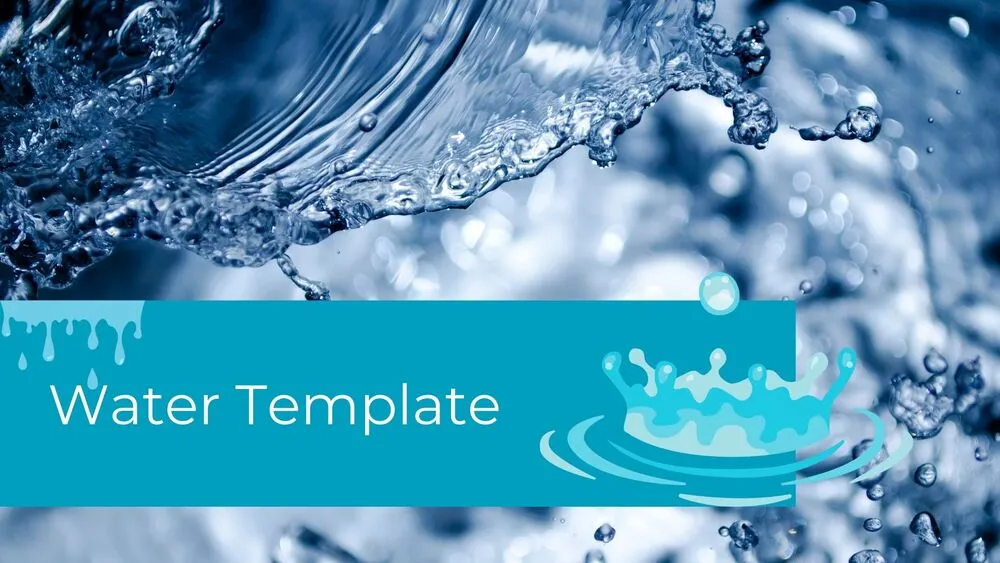
- 🌊 Cover slide with dynamic water splash imagery and a blue horizontal bar featuring the title
- 🏞️ Clean white slide with hand-drawn river illustration on the right and text layout on the left
- 🔺 Layered 3D pyramid slide with 3 levels, top title, and side text bars for each layer
- 🌊 Wave-themed slide with left-side water illustration and right-side triangular blue text background
- 💦 Minimal slide with small water splash on the left and light blue content box on the right
- 🚰 Impact slide with vertical pipe leaking water and a hand below, set against a dry, desert-like tone
- 👥 Final slide with water decorations and 4 framed sections for people images, names, and descriptions
- 🛠️ Fully editable in PowerPoint, Canva & Google Slides
Edit fonts, colors, and images effortlessly using Canva’s drag-and-drop editor. Access free elements, illustrations, and fonts to personalize each slide your way.
📌 Frequently Asked Questions
Click on the Google Slides button, then select “Make a copy” when prompted. This will create a copy of the template in your Google Drive, ready to edit and use in Google Slides.
Simply download the file, then open Canva and drag the downloaded file into your desired folder. Once uploaded, it’s ready to be edited just like any other Canva project.