
Free Presentation Templates for PowerPoint, Google Slides & Canva
Find a slide design for your next class, meeting or project. Explore creative, minimalist and professional templates, add your content and make them your own.
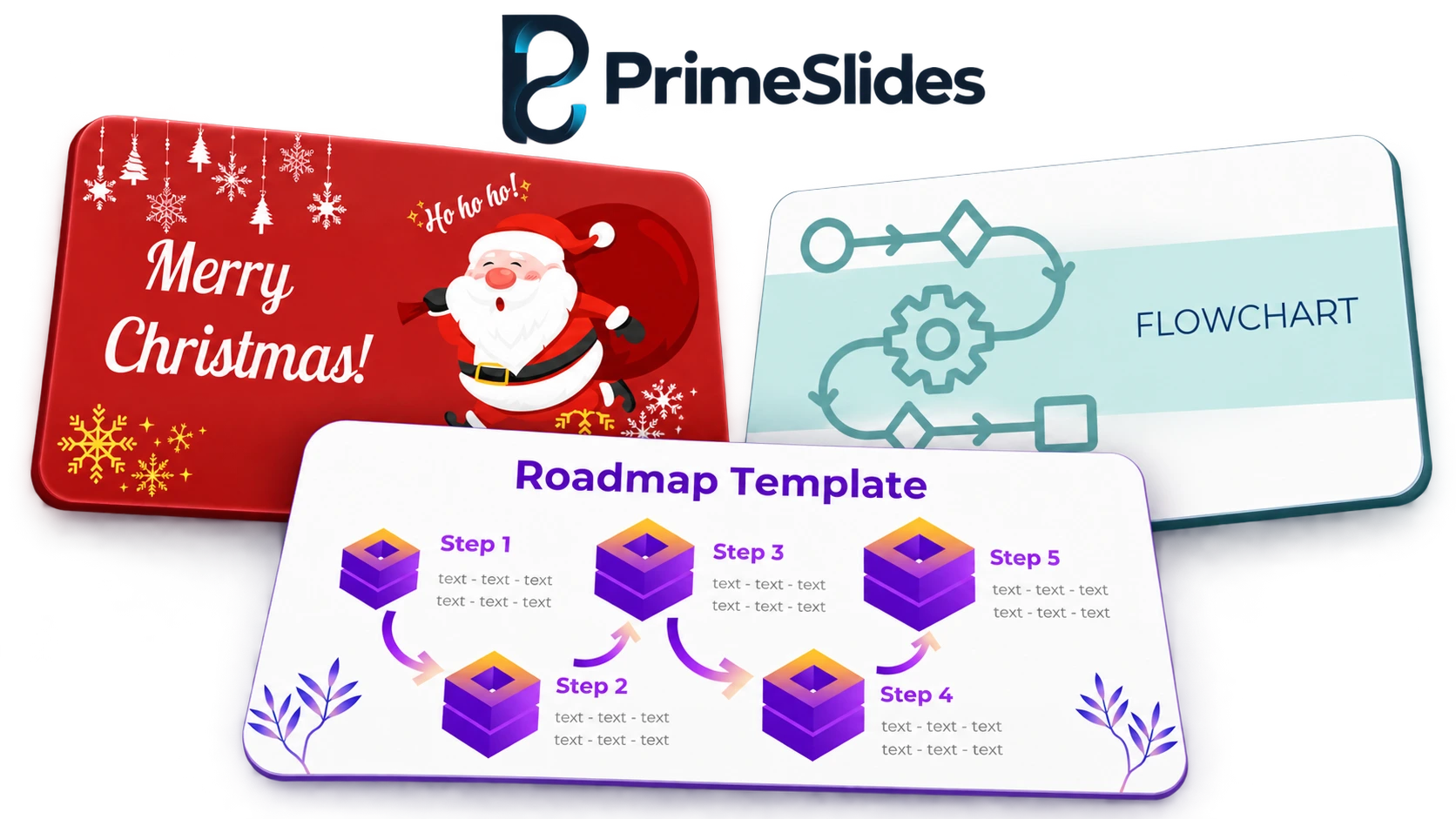
🆕 Latest Presentation Templates
Explore the newest slide designs in our collection and find a starting point for your next presentation.
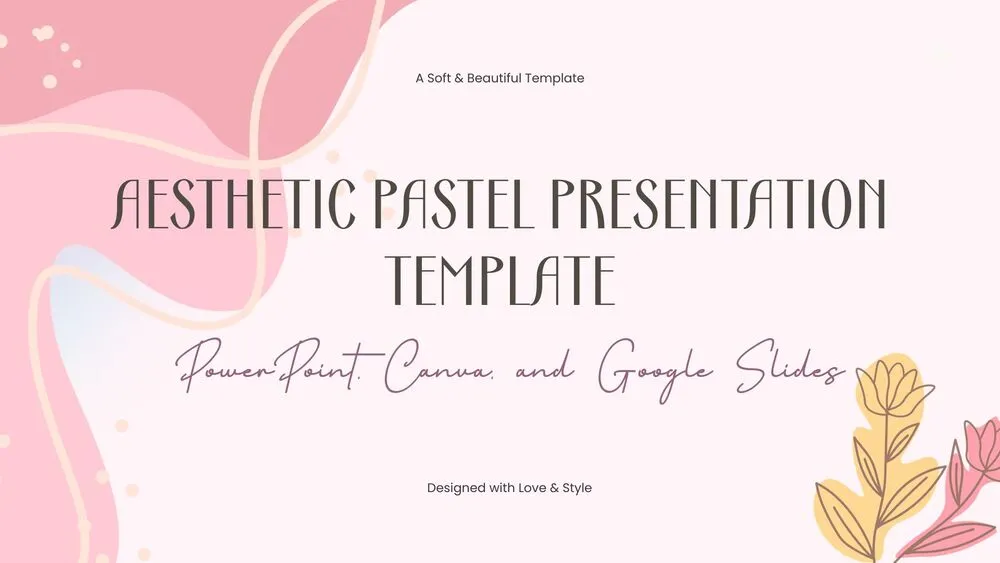
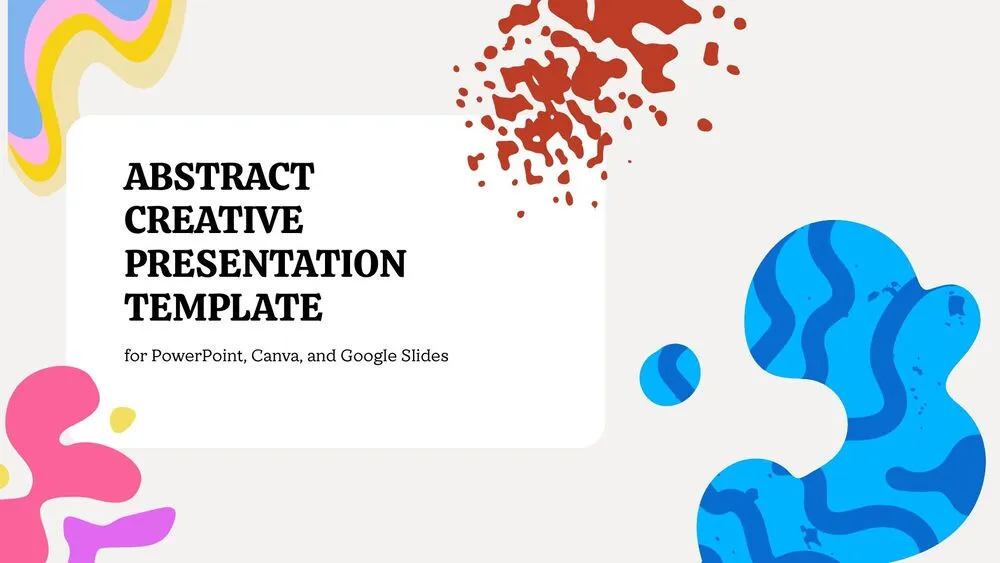

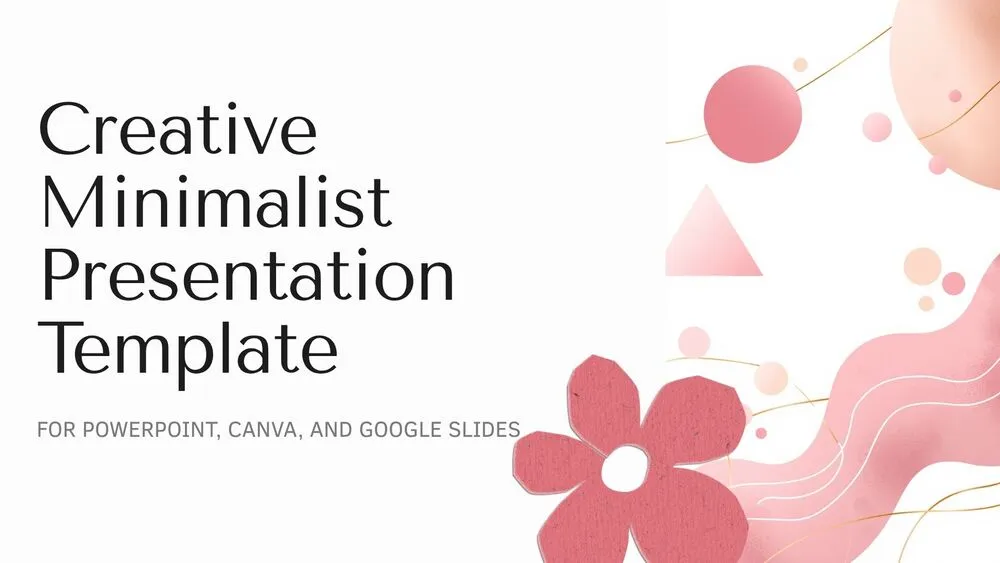

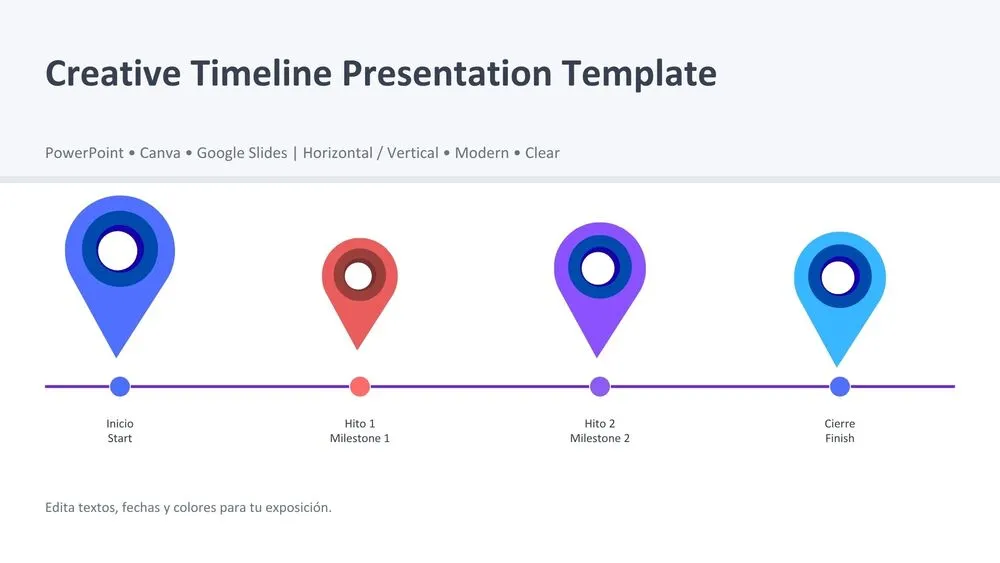
Choose Your Presentation Platform
Start with PowerPoint or use your template in Google Slides or Canva. Each template page explains how to get started.

🔖 Find Your Presentation Style






🔖 Presentation Templates by Topic



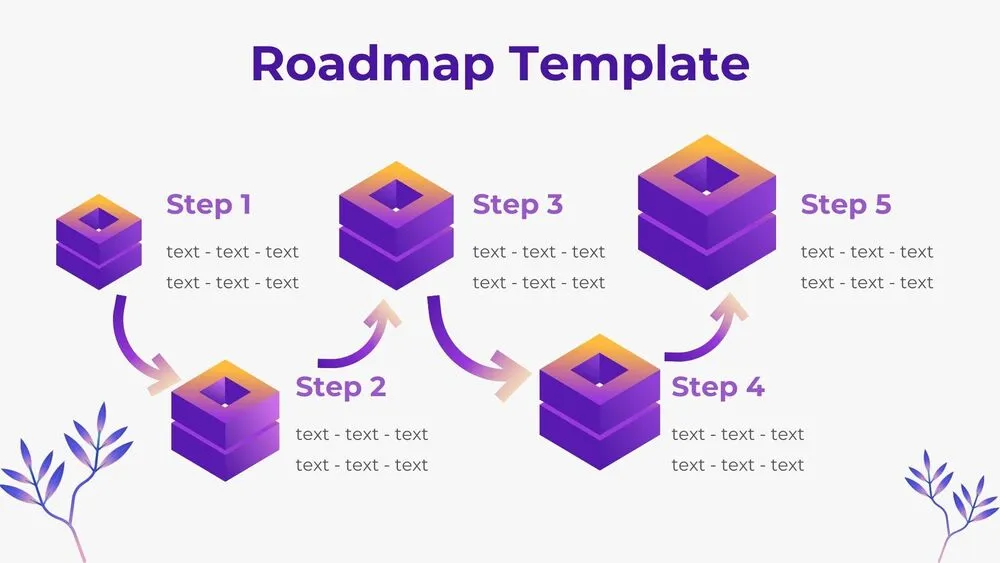
🧩 Infographics, Timelines & Diagrams

🧩 How to Use Your Template
1️⃣ Choose a Design
Browse by topic or style and preview the slides on the template page.
2️⃣ Download the File
Download the PowerPoint presentation file (.pptx).
3️⃣ Make It Yours
Edit it in PowerPoint or follow the instructions to import it into Google Slides or Canva.
✨ Stay Updated with New Templates
Join our newsletter and be the first to discover free presentation templates, design inspiration, and exclusive updates for PowerPoint, Canva, and Google Slides.
Frequently Asked Questions
Open the template page, preview the slides and select the download option to save the PowerPoint file.
Yes. You can import the PowerPoint file into Google Slides or Canva. Follow the instructions on the template page and check the layout after importing, as some fonts or effects may display differently.
Yes. Customize the editable elements to suit your content, then review each slide before presenting.
Please check our Terms of Use for permitted uses and restrictions, especially before using a template commercially or sharing the template file.
Find Inspiration by Color, Style & Purpose
By Theme
Business · Education · Marketing · Medical · Science · Environmental · Teacher · Project Management · Corporate · Creative Industries · Technology · Finance
By Concept
SWOT · Timeline · Infographic · Flowchart · Chart · Roadmap · Strategy · Proposal · Sales Pitch · Process · OKR · Executive Summary