Creative Minimalist Presentation Template for PowerPoint, Canva, and Google Slides
Download the template for PowerPoint, Google Slides or Canva with just one click
Creative Minimalist Presentation Template and Slides for Elegant Presentations, Visual Storytelling, and Simple Projects
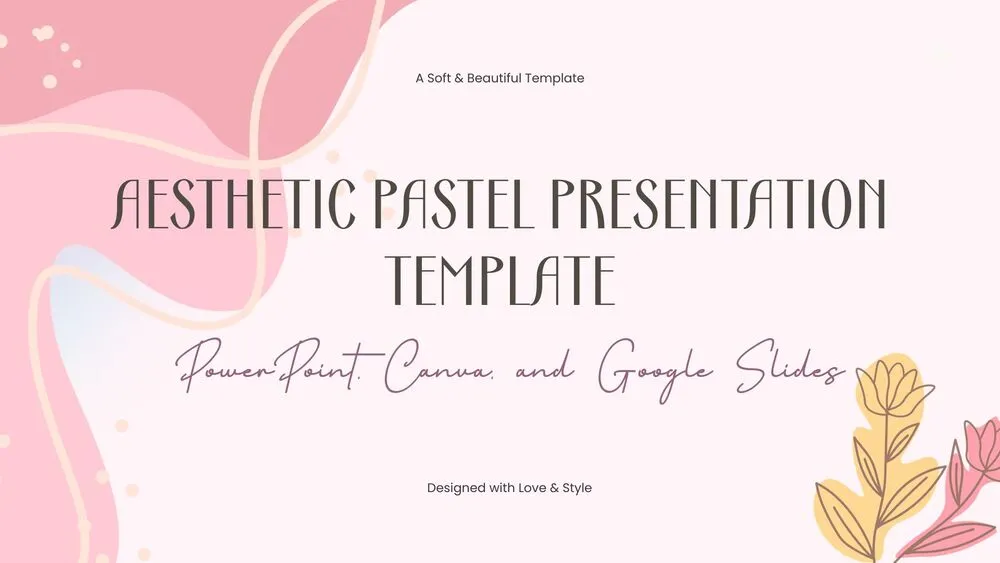
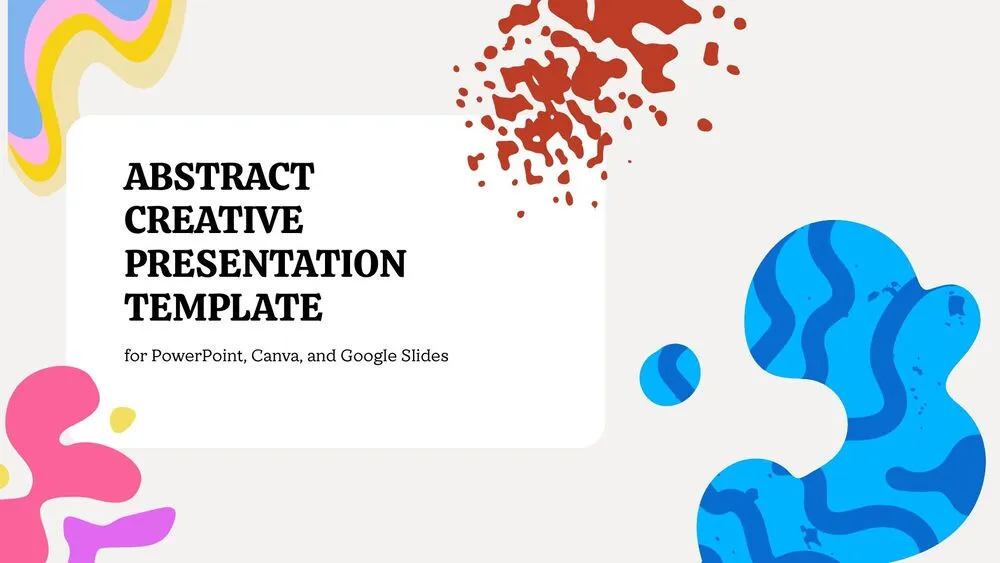
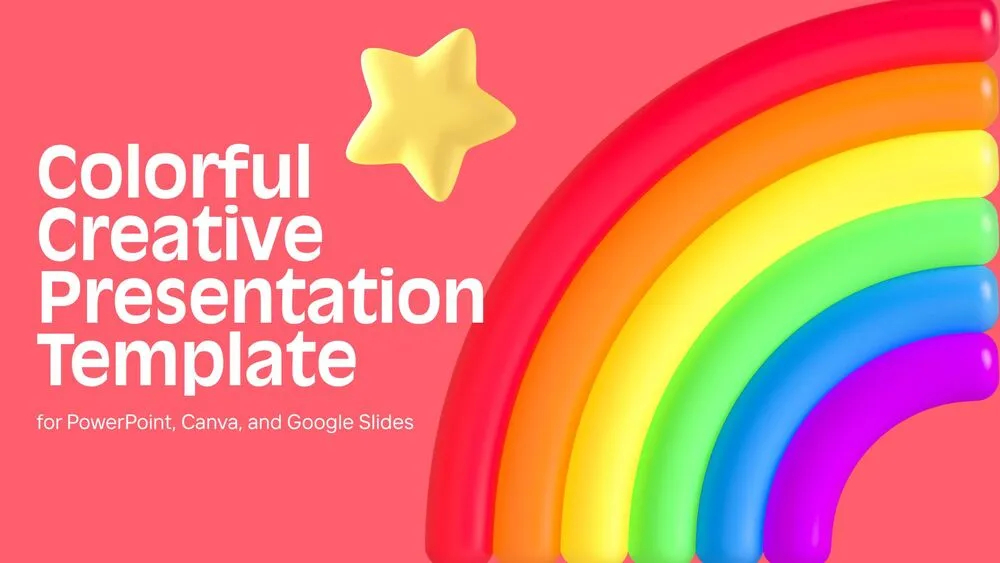
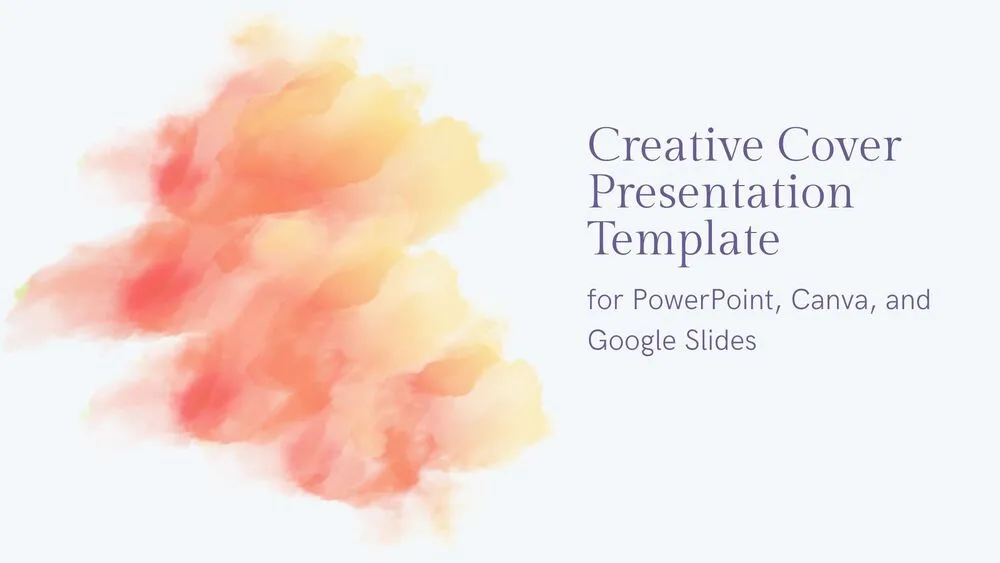
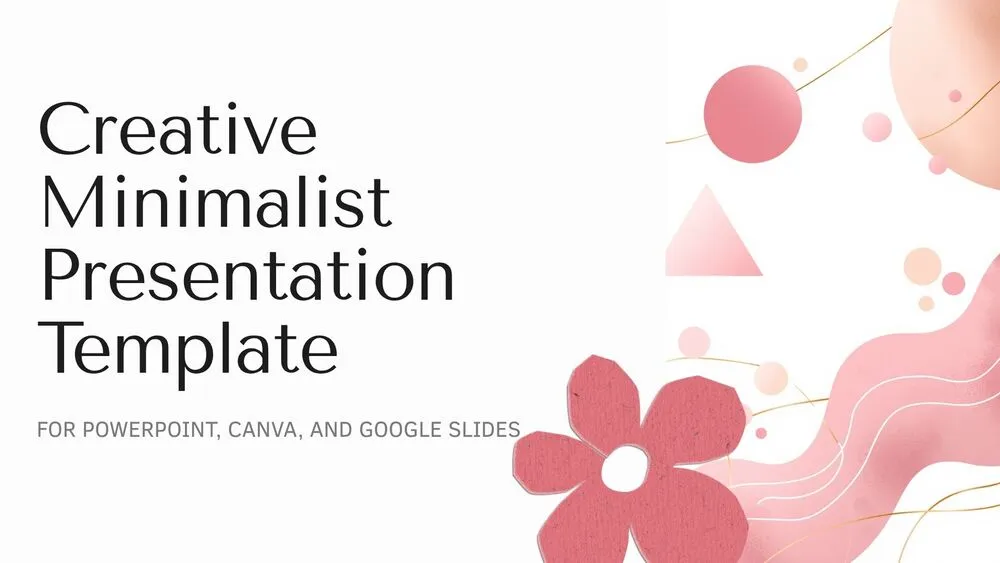
This creative minimalist presentation template blends simplicity, elegance, and artistic detail into a calm and visually refined slide design. It features soft gray and cream backgrounds, salmon and pink line accents, geometric elements, subtle paper-like textures, and clean vector illustrations that keep the presentation modern without feeling cold.
The layout includes a stylish cover, a balanced content slide, a creative composition with a seated fox illustration, and a minimalist closing slide framed by bold circular forms. Its soft visual language makes it ideal for presentations, portfolios, creative school work, lifestyle topics, branding ideas, and elegant speaking projects. It is especially useful for anyone looking for editable minimalist slides with a creative personality.
- 🌸 Minimalist creative design with soft floral details, geometric shapes, and elegant line art
- 🎨 Warm palette with salmon, pink, cream, gray, and light brown tones for a calm visual identity
- 🦊 Includes artistic vector illustration elements that add charm without overloading the layout
- 📄 Clean and balanced slides designed for clear titles, subtitles, and easy-to-read text blocks
- ✨ Great for portfolios, class presentations, creative topics, personal projects, and stylish proposals
- 🧩 Combines minimal structure with artistic accents for a modern but expressive presentation style
- 🌐 Fully editable in PowerPoint, Canva, and Google Slides
- 🙌 Includes a refined closing slide to finish your presentation with elegance and visual consistency
Edit fonts, colors, and images effortlessly using Canva’s drag-and-drop editor. Access free elements, illustrations, and fonts to personalize each slide your way.
📌 Frequently Asked Questions
Click on the Google Slides button, then select “Make a copy” when prompted. This will create a copy of the template in your Google Drive, ready to edit and use in Google Slides.
Simply download the file, then open Canva and drag the downloaded file into your desired folder. Once uploaded, it’s ready to be edited just like any other Canva project.