Professional Blue Pitch Deck Presentation Template for Business Strategy & Proposals
Download the template for PowerPoint, Google Slides or Canva with just one click
Editable Business Pitch Deck Template and Slides for Corporate Presentations
This professional blue pitch deck presentation template is tailored for corporate teams who need to communicate strategy, opportunity, and growth with clarity.
Its sleek design features a soft blue color scheme and visual storytelling elements that enhance credibility and engagement.
Slides include problem/solution framing, market landscape, business model visualization, and team profiles.
Ideal for internal strategy sessions, executive summaries, and client proposals.
Fully compatible with PowerPoint, Canva, and Google Slides. One of the most polished templates for corporate pitch deck presentations.
- 📊 5-slide layout with strategic storytelling structure
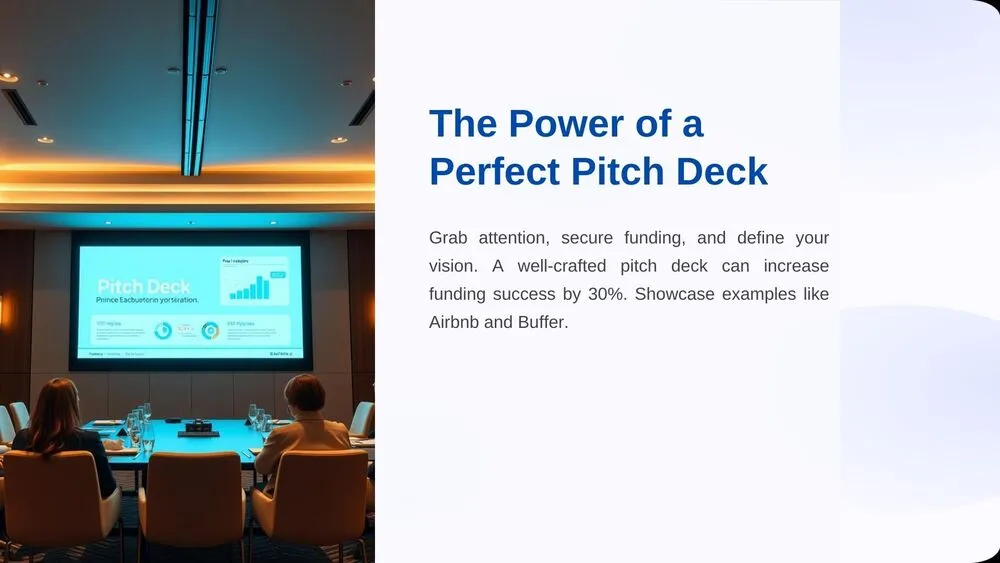
- 🧩 Cover slide with title, description, and business image (meeting room scene)
- 🧠 Problem & Solution slide with sections for opportunity framing
- 🌍 Market & Competitive Landscape slide with abstract world map and blue tones
- 📈 Circular chart for Business Model & Financial Projections
- 🧑🤝🧑 Team & Expertise slide with images, titles, and descriptions
- 💼 Clean, minimalist design in light blue for a modern corporate feel
- 🛠️ Fully editable in PowerPoint, Canva, and Google Slides
- ✅ Ideal for executive teams, consultants, and business strategists
- 📌 One of the best PowerPoint templates for business pitch decks with a professional tone
Edit fonts, colors, and images effortlessly using Canva’s drag-and-drop editor. Access free elements, illustrations, and fonts to personalize each slide your way.
📌 Frequently Asked Questions
Click on the Google Slides button, then select “Make a copy” when prompted. This will create a copy of the template in your Google Drive, ready to edit and use in Google Slides.
Simply download the file, then open Canva and drag the downloaded file into your desired folder. Once uploaded, it’s ready to be edited just like any other Canva project.