
🆕 Latest Free Google Slides Templates
Explore the newest designs in the collection, from minimalist layouts to colorful, creative slides. Open a template to preview its cover and content slides before downloading.
Google Slides Templates for Math, Science and Education
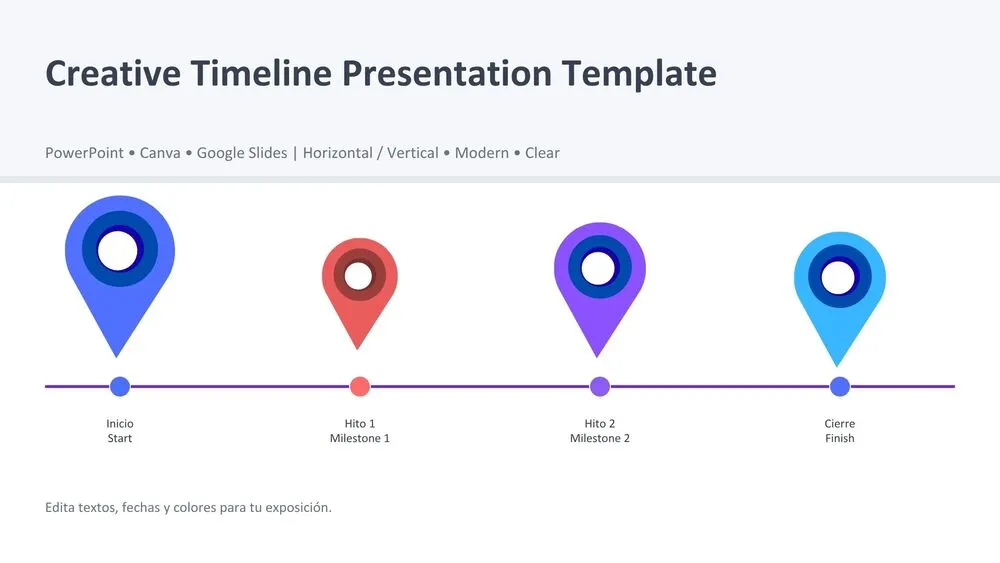
Explain a math problem, present an experiment or walk through a historical timeline. Choose layouts that give your examples, diagrams and conclusions room to stand out.


🆕 Find Templates by Style, Topic or Format
By Style
By Topic
Diagrams & Infographics
By color
🧩 How to Use a Template in Google Slides
1️⃣ Download your template
Open the template page, preview the slides and download the .pptx file. You don’t need a PrimeSlides account or newsletter subscription.
2️⃣ Upload it to Google Drive
Sign in to your Google account and upload the downloaded file to Drive. Open the presentation with Google Slides.
3️⃣ Edit and share
Replace the sample text and images, then review the slide layouts. If you’re working with others, share the file and choose who can view, comment or edit.
✨ Stay Updated with New Templates
Join our newsletter and be the first to discover free presentation templates, design inspiration, and exclusive updates for PowerPoint, Canva, and Google Slides.
❓ FAQs
Yes. You can download the presentation file from PrimeSlides for free. Open a template page to preview the design and access its download.
You don’t need a PrimeSlides account or newsletter subscription to download a template. To upload it to Google Drive and edit it in Google Slides, sign in to your Google account.
You’ll receive a .pptx presentation file. Upload it to Google Drive and open it with Google Slides to customize the slides.
You can open and edit the downloaded file in your browser using Google Slides. Upload the file to Drive, then open it with Google Slides.
Yes. Share the file through Google Drive and give your collaborators permission to edit or comment. You can work together on the presentation and review each other’s contributions.
Opening a presentation in another editor can change fonts, text wrapping or element placement. Check each slide before presenting, especially headings, chart labels and longer paragraphs.