
🆕 Creative Presentation Designs for Canva
Choose soft pastel slides for a portfolio, bold abstract shapes for a class presentation or a minimalist layout for your next meeting. Preview the slides to find a design that fits your content.
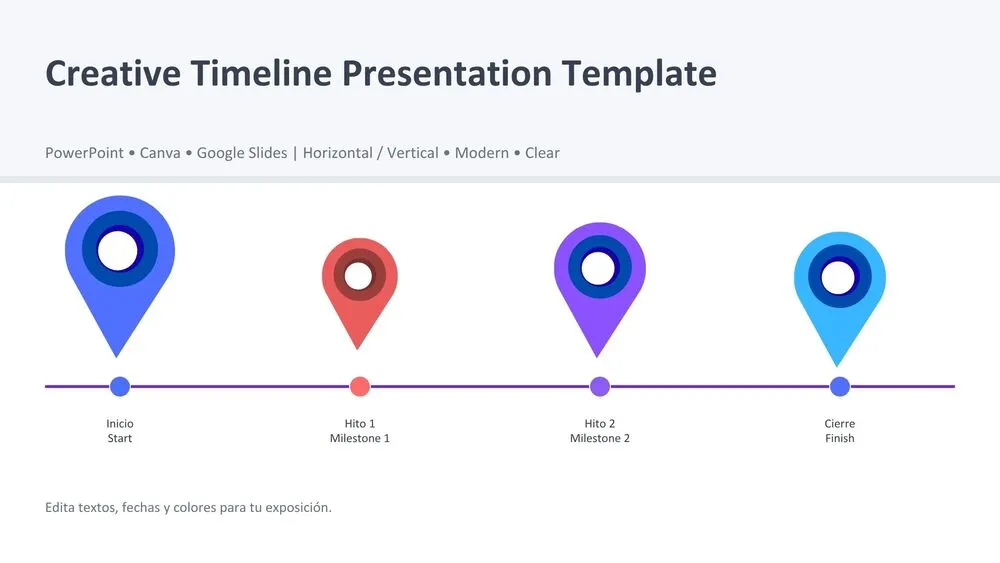
🌟 Presentation Layouts for Timelines, Reports and Business Ideas
Show project milestones with a timeline, outline your next steps with a roadmap or bring the main points together in an executive summary. Choose a layout that helps your audience follow the information.
🆕 Find Templates by Style, Topic or Format
By Style
By Topic
Diagrams & Infographics
By Color
✨ Stay Updated with New Templates
Join our newsletter and be the first to discover free presentation templates, design inspiration, and exclusive updates for PowerPoint, Canva, and Google Slides.
🧩 How to Download a Template and Edit It in Canva
1️⃣ Preview the design
Open a template page and browse the slide previews. Check that the layouts have enough space for your text, images and figures.
2️⃣ Download the .pptx file
Save the presentation file to your device. You don’t need to create a PrimeSlides account or subscribe to download it.
3️⃣ Import and customize in Canva
Sign in to Canva and upload the .pptx file. Open the imported presentation, replace the sample content and review the fonts and layout before presenting.
❓ FAQs
Yes. You can download the presentation file from PrimeSlides for free. Open a template page to preview the slides and find its download.
You don’t need a PrimeSlides account or newsletter subscription to download the file. To edit it in Canva, sign in to your Canva account and import the presentation.
You’ll download a .pptx presentation file. Save it to your device, then upload it to Canva to start editing.
You can change editable text, move individual elements and replace sample images. Decorative details that form part of a single background image need to be edited or replaced together.
Importing a presentation can change fonts, text wrapping or element placement. Check each slide after importing, especially headings, chart labels and longer paragraphs.
🧾 About Free Canva Presentation Templates
Canva is one of the easiest platforms to design impactful presentations online. Our free Canva presentation templates are perfect for creating professional slides without design experience. You can customize every element — text, colors, charts, and images — directly in Canva’s editor.
All templates are fully editable, downloadable as PowerPoint or PDF, and available in hundreds of styles such as business, minimalist, colorful, and creative. Whether you’re a teacher, marketer, or designer, these templates help you save time, stay consistent, and make every presentation shine.