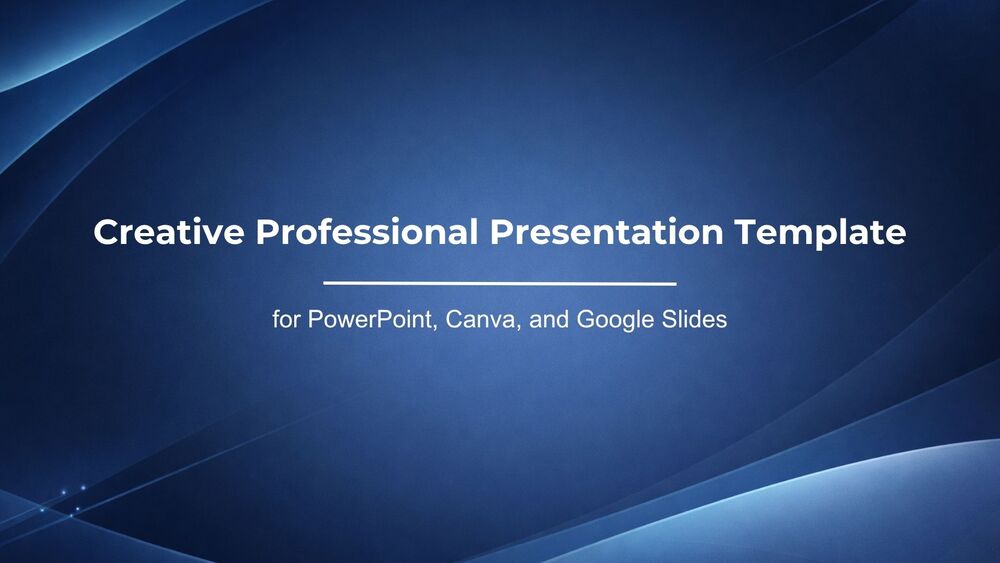
Creative Professional Presentation Template for PowerPoint, Canva, and Google Slides
Download the template for PowerPoint, Google Slides or Canva with just one click
Creative Professional Presentation Template and Slides for Business Reports, Corporate Pitches, and Executive Presentations
This creative professional presentation template combines a polished corporate look with dynamic blue visual elements for a confident and modern result. The dark navy cover slides create a strong first impression, while the inner layouts use soft gray-white backgrounds with abstract blue corner details for a clean and organized feel. Photo-based composition, structured text areas, and content boxes make it ideal for company profiles, project overviews, business proposals, and executive reporting. The chart slide helps present data clearly, and the closing thank-you slide adds a professional finish. It is a smart choice for teams, consultants, and presenters who want a business-ready design with creative visual energy.
- 💼 Professional business style with a creative visual approach for polished presentations
- 🔵 Dark navy and light blue color palette that builds a strong and trustworthy corporate tone
- 🖼️ Photo-friendly layouts that work well for team introductions, business profiles, and company messaging
- 🧱 Clean content structure with text blocks and balanced spacing for easy reading
- 📊 Includes a chart-focused slide to present performance, results, or comparison data clearly
- 👔 Ideal for proposals, executive summaries, project updates, and corporate pitch decks
- 🌐 Fully editable in PowerPoint, Canva, and Google Slides for flexible customization
- 🙌 Includes a professional closing slide to end meetings, reports, or presentations with impact
Edit fonts, colors, and images effortlessly using Canva’s drag-and-drop editor. Access free elements, illustrations, and fonts to personalize each slide your way.
📌 Frequently Asked Questions
Click on the Google Slides button, then select “Make a copy” when prompted. This will create a copy of the template in your Google Drive, ready to edit and use in Google Slides.
Simply download the file, then open Canva and drag the downloaded file into your desired folder. Once uploaded, it’s ready to be edited just like any other Canva project.