
🌟 Creative PowerPoint Templates
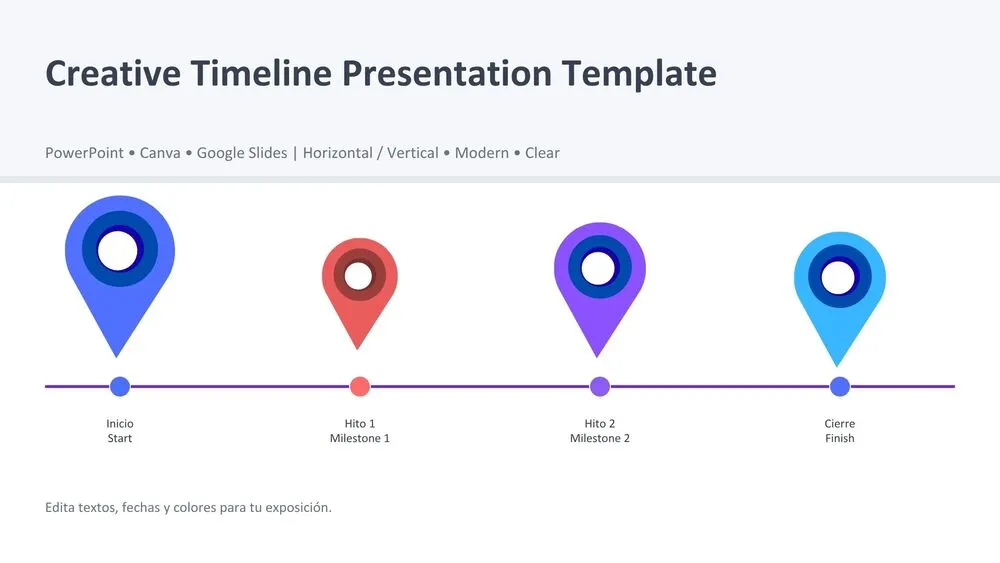
Try a soft pastel palette for a portfolio, a bold abstract layout for a class presentation or a colorful timeline for a project update. Open a template to see how the design carries through from the cover to the content slides.
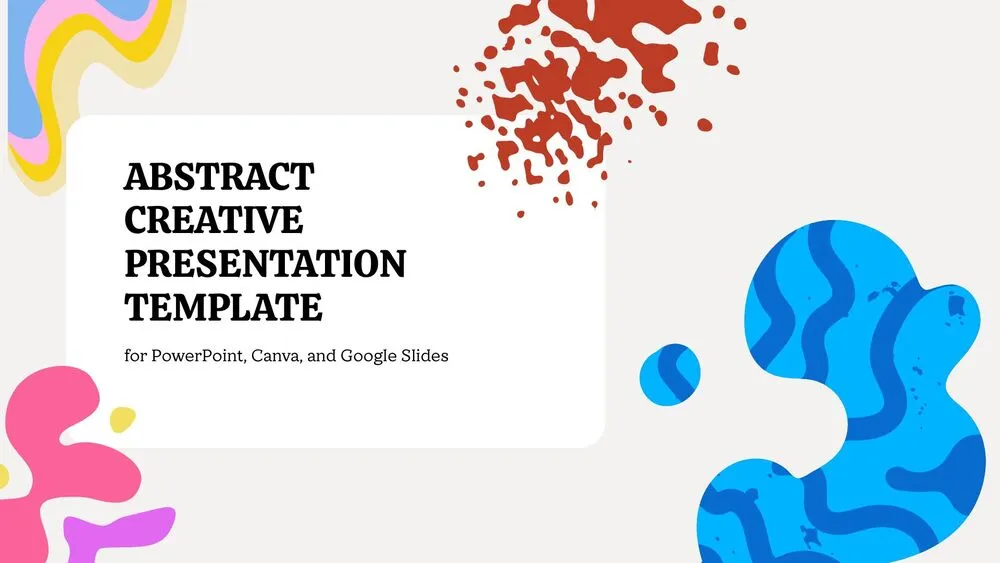
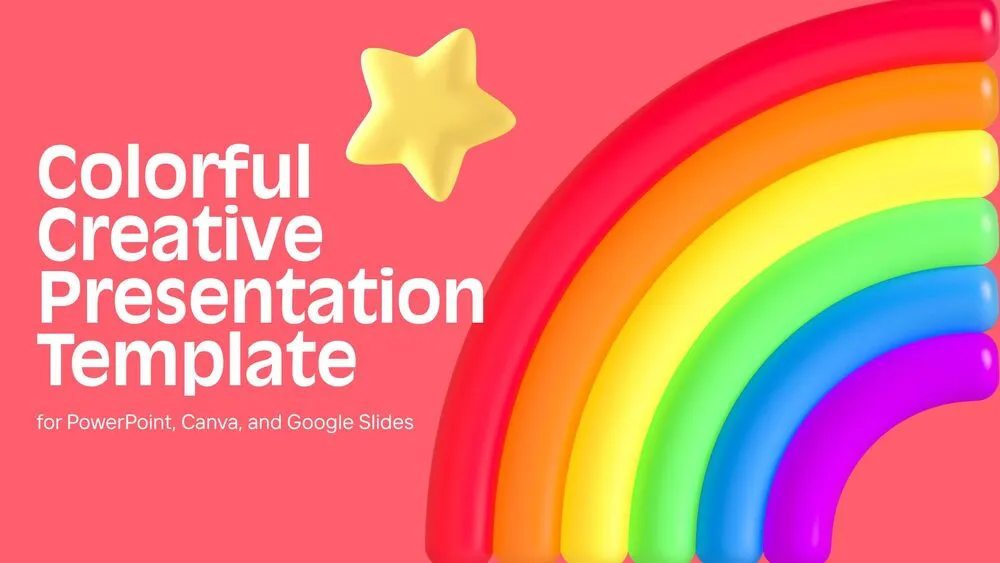
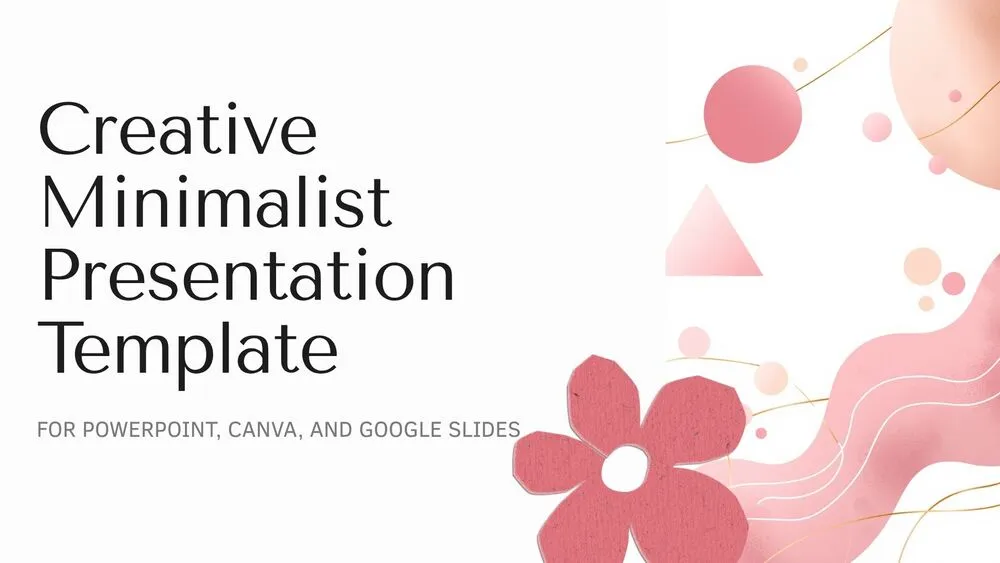
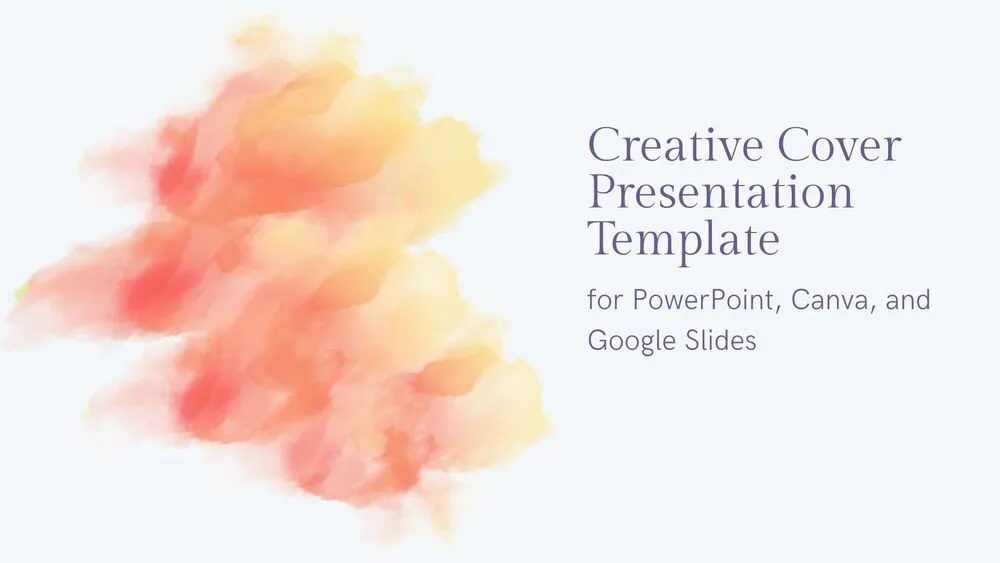
🌟 PowerPoint Templates for Business, Charts and Diagrams
Build a pitch deck, compare two ideas with a Venn diagram or map a decision step by step. Choose a layout that fits what you want to explain, then replace the sample text and figures with your own.



🆕 Find Templates by Style, Topic or Format
By Style
By Topic
Diagrams & Infographics
By Color
🧩 How to Download a Free PowerPoint Template
1️⃣ Preview the slides
Open a template and look beyond the cover. Check whether the content slides have room for your text, images and figures.
2️⃣ Download the .pptx file
Select the PowerPoint download on the template page and save the file to your device. You can download it without creating a PrimeSlides account.
3️⃣ Edit in PowerPoint
Open the file in PowerPoint. Replace the sample content, duplicate the layouts you need and remove any slides you won’t use.
✨ Stay Updated with New Templates
Join our newsletter and be the first to discover free presentation templates, design inspiration, and exclusive updates for PowerPoint, Canva, and Google Slides.
❔ Free PowerPoint Templates FAQ
Yes. Open the template you want and select the PowerPoint download. You don’t need a PrimeSlides account or a newsletter subscription to get the file.
You’ll receive a PowerPoint presentation file with the .pptx extension. Open it in PowerPoint to edit the slides and save your own version.
You can edit text boxes, shapes and other individual slide elements. If a decorative detail is part of a background image, you can replace the image as a whole.
Yes. Import the downloaded .pptx file into Google Slides or Canva, then check the fonts, spacing and layout before presenting.