Colorful Creative Presentation Template for PowerPoint, Canva, and Google Slides
Download the template for PowerPoint, Google Slides or Canva with just one click
Colorful Creative Presentation Template and Slides for Fun Presentations, School Projects, and Visual Storytelling
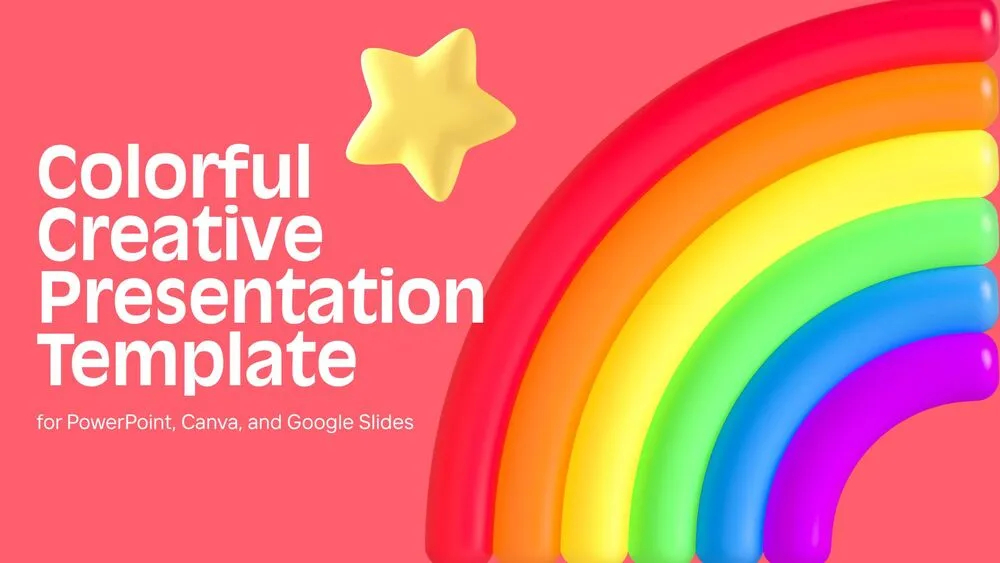
This colorful creative presentation template is built to make presentations feel lively, expressive, and instantly eye-catching. It combines bold background colors with playful 3D elements such as a rainbow emoji, flower, sun, puzzle pieces, a pointing character, a book, and a rocket to create a highly engaging visual experience. Each slide uses a different color mood, from salmon red and warm yellow to bright cyan and rich purple, making the design dynamic without losing clarity. The layouts are simple and editable, which makes them ideal for presentations, school projects, creative talks, and visual storytelling. It is a great choice for anyone looking for bright, modern slides that are easy to customize and memorable when presenting.
- 🌈 Bright and colorful creative design with bold backgrounds and playful 3D illustrations
- ⭐ Includes standout visual elements like a rainbow emoji, flower, sun, cloud, puzzle, book, and rocket
- 🎨 Uses salmon red, warm yellow, cyan, and purple tones to create strong visual variety
- 📄 Clean slide structure with space for titles, text, key points, and closing messages
- 🚀 Ideal for school presentations, creative topics, visual storytelling, and engaging speaking sessions
- 🧩 3D decorative elements help make ideas easier to remember and more fun to present
- 🌐 Fully editable in PowerPoint, Canva, and Google Slides
- 🙌 Includes a strong closing slide with a rocket visual for an energetic final impression
Edit fonts, colors, and images effortlessly using Canva’s drag-and-drop editor. Access free elements, illustrations, and fonts to personalize each slide your way.
📌 Frequently Asked Questions
Click on the Google Slides button, then select “Make a copy” when prompted. This will create a copy of the template in your Google Drive, ready to edit and use in Google Slides.
Simply download the file, then open Canva and drag the downloaded file into your desired folder. Once uploaded, it’s ready to be edited just like any other Canva project.