Abstract Creative Presentation Template for PowerPoint, Canva, and Google Slides
Download the template for PowerPoint, Google Slides or Canva with just one click
Abstract Creative Presentation Template and Slides for Visual Storytelling, Creative Projects, and Artistic Presentations
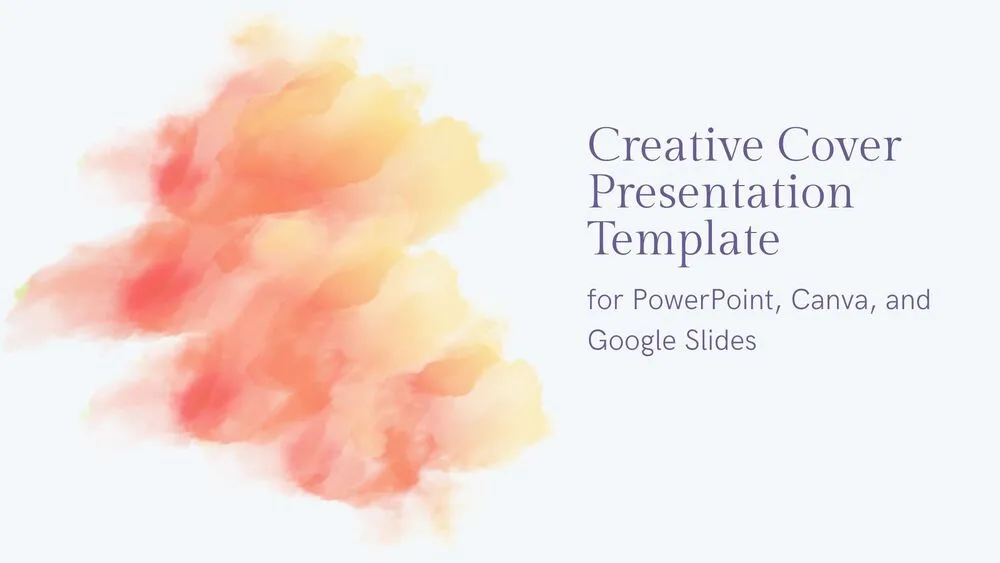
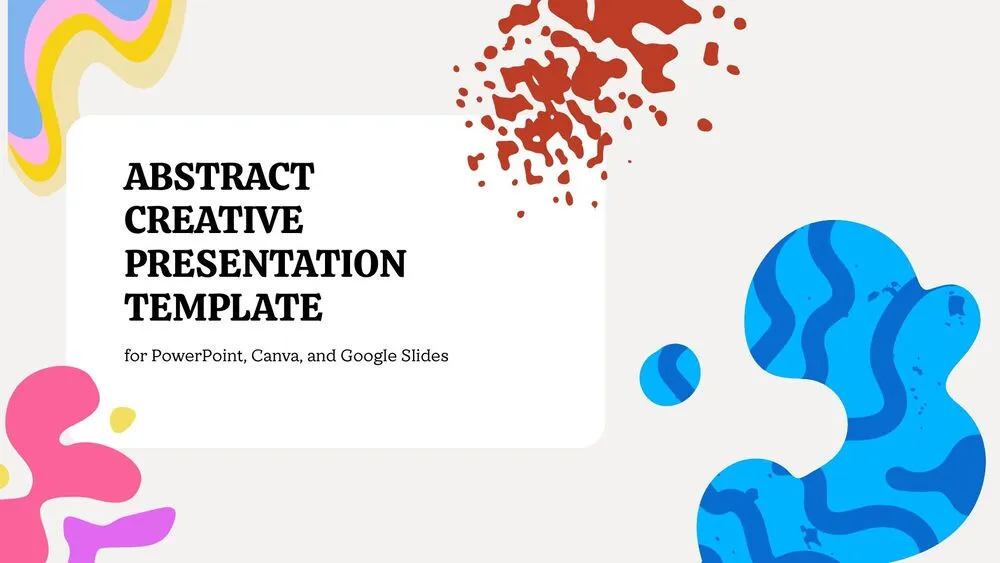
This abstract creative presentation template is designed for presentations that need a bold visual identity without losing clarity. It features soft gray backgrounds combined with fluid abstract patterns in blue, yellow, pink, and red, creating a lively and artistic style across every slide. White content boxes help structure titles, subtitles, and text, making the design easy to read while keeping the composition expressive. The set includes a clean opening slide, centered content layout, split text composition, and a creative thank-you slide with a painted finishing touch. It is ideal for school presentations, creative projects, portfolios, visual storytelling, and any topic that benefits from a more original look.
- 🎨 Abstract creative design with colorful fluid blob patterns and artistic visual movement
- 🖌️ Soft gray backgrounds balanced with white text boxes for a clean but expressive layout
- 🌈 Multicolor accents in blue, yellow, pink, and red for a vibrant and memorable presentation style
- 📄 Includes 4 editable slides for cover, central content, split layout, and closing message
- 💡 Great for presentations, creative projects, portfolios, class work, and visual storytelling
- ✨ Easy-to-read composition that helps present ideas clearly while keeping a unique artistic look
- 🌐 Fully editable in PowerPoint, Canva, and Google Slides
- 🙌 Includes a thank-you slide with abstract decoration and brush detail for a polished ending
Edit fonts, colors, and images effortlessly using Canva’s drag-and-drop editor. Access free elements, illustrations, and fonts to personalize each slide your way.
📌 Frequently Asked Questions
Click on the Google Slides button, then select “Make a copy” when prompted. This will create a copy of the template in your Google Drive, ready to edit and use in Google Slides.
Simply download the file, then open Canva and drag the downloaded file into your desired folder. Once uploaded, it’s ready to be edited just like any other Canva project.