Dreamy Aesthetic Pastel Presentation Template for PowerPoint, Canva, and Google Slides
Download the template for PowerPoint, Google Slides or Canva with just one click
Aesthetic Pastel Presentation Template and Slides for Elegant Storytelling, Soft Visual Portfolios, and Creative Presentations
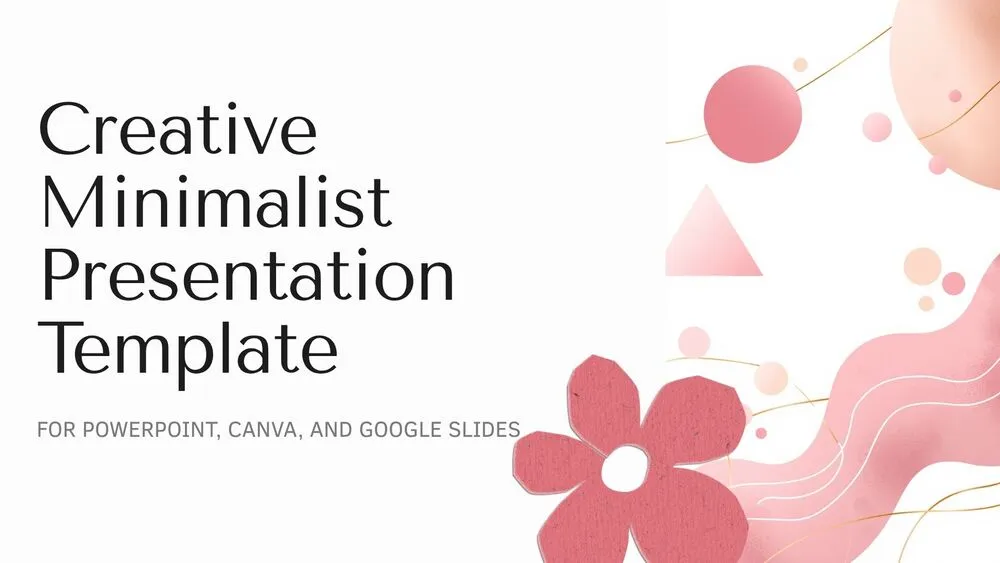
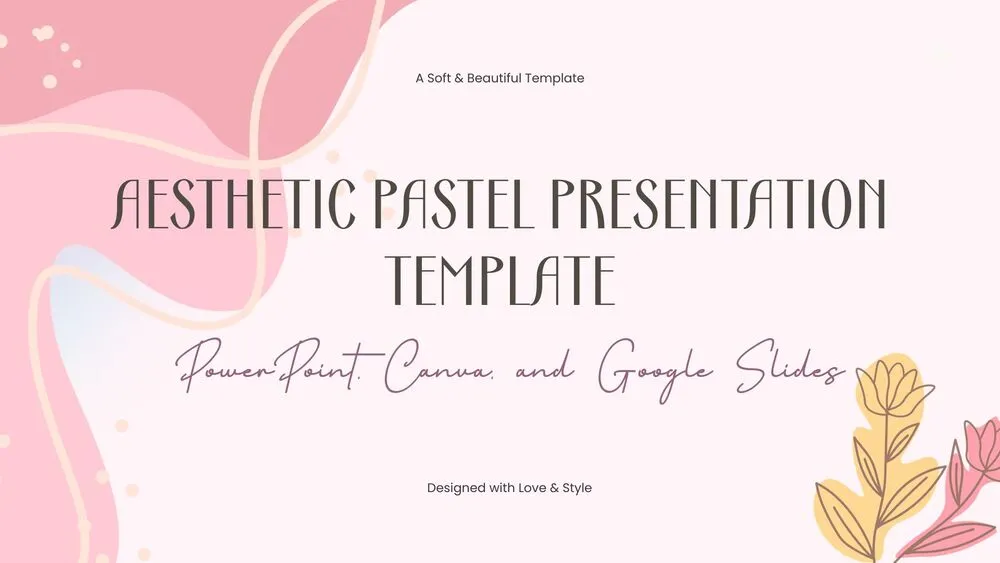
This aesthetic pastel presentation template brings together soft pink backgrounds, delicate cream line details, and graceful decorative elements for a refined and feminine visual style. The layouts combine art deco-inspired titles, elegant subtitles, soft floral accents, hand-drawn hearts, and carefully framed imagery to create slides that feel calm, stylish, and expressive. With sections for introduction, about us, split content, visual storytelling, and a thank-you closing, it works beautifully for personal branding, moodboard presentations, lifestyle topics, beauty content, and creative school projects. The use of pastel pink, muted purple, and gentle cream tones keeps the presentation cohesive and visually soothing. It is a beautiful option for anyone looking for editable aesthetic slides with a soft and polished personality.
- 🌸 Soft pastel aesthetic design with pink, cream, and muted purple tones
- ✨ Elegant decorative details including floral accents, hand-drawn hearts, and abstract corner lines
- 🖋️ Stylish typography pairing with art deco-inspired headings and refined subtitle formatting
- 🖼️ Includes visual layouts for portraits, horizontal images, split sections, and storytelling content
- 💡 Ideal for aesthetic presentations, personal projects, beauty themes, portfolios, and creative class topics
- 🎀 Clean and editable slide structure that keeps the design decorative without losing clarity
- 🌐 Fully editable in PowerPoint, Canva, and Google Slides
- 🙌 Includes a polished thank-you slide to close your presentation with a soft and elegant finish
Edit fonts, colors, and images effortlessly using Canva’s drag-and-drop editor. Access free elements, illustrations, and fonts to personalize each slide your way.
📌 Frequently Asked Questions
Click on the Google Slides button, then select “Make a copy” when prompted. This will create a copy of the template in your Google Drive, ready to edit and use in Google Slides.
Simply download the file, then open Canva and drag the downloaded file into your desired folder. Once uploaded, it’s ready to be edited just like any other Canva project.