Creative Modern Presentation Template for PowerPoint, Canva, and Google Slides
Download the template for PowerPoint, Google Slides or Canva with just one click
Creative Modern Presentation Template and Slides for Education, Business, and Visual Storytelling
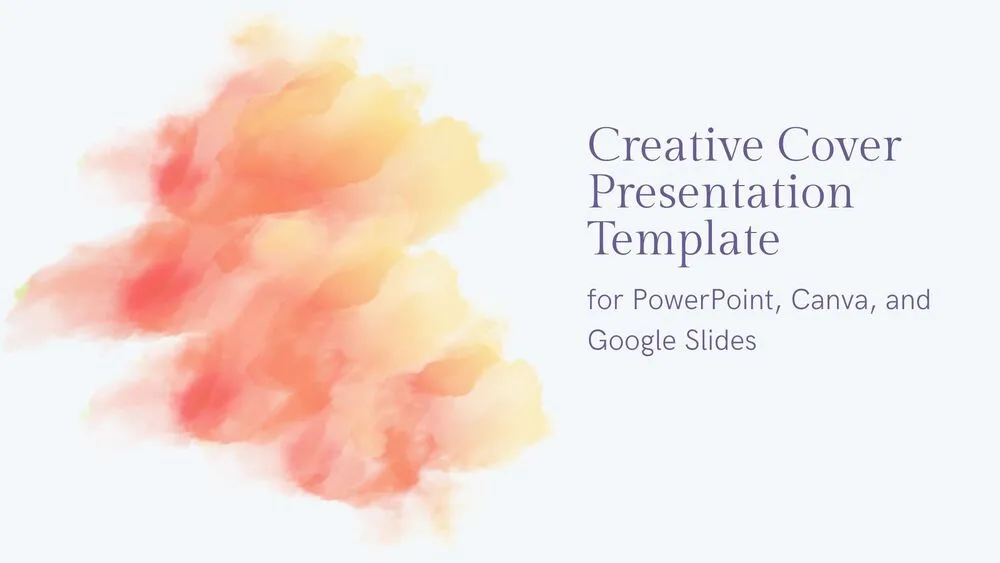
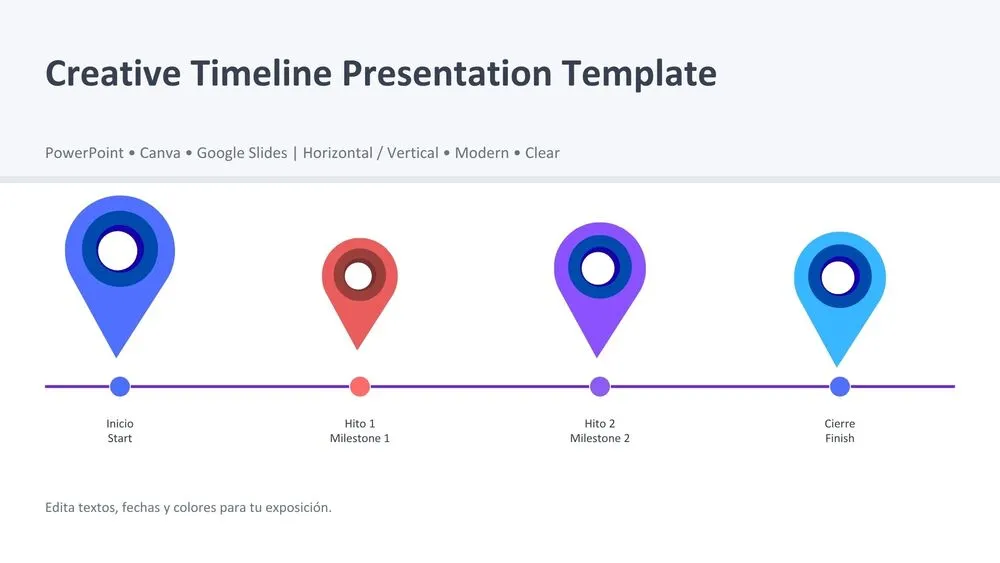
This creative modern presentation template features a fresh and polished design with soft abstract lines, colorful corner accents, and clean white backgrounds. The layout combines playful visual elements with professional structure, making it ideal for classroom presentations, creative projects, business overviews, and speaking engagements. Vector illustrations such as a desk setup and books add personality while keeping the content easy to follow. Rounded shapes, bold titles, and balanced text areas help highlight ideas clearly. It is a strong choice for anyone who wants a presentation that feels modern, engaging, and easy to customize.
- 🎨 Colorful modern design with blue, purple, and pink accents for a vibrant visual style
- ✨ Soft abstract lines, circles, and blob elements that create a creative and friendly look
- 🖥️ Clean slide layouts with clear title and text areas for easy content organization
- 📚 Vector-based illustrations, including a desk scene and books, for educational and professional topics
- 📈 Great for class presentations, creative proposals, project summaries, and visual storytelling
- 🧩 Balanced mix of playful graphics and polished structure for both students and professionals
- 🌐 Fully editable and compatible with PowerPoint, Canva, and Google Slides
- 🚀 Designed to help presenters explain ideas clearly while keeping slides visually memorable
Edit fonts, colors, and images effortlessly using Canva’s drag-and-drop editor. Access free elements, illustrations, and fonts to personalize each slide your way.
📌 Frequently Asked Questions
Click on the Google Slides button, then select “Make a copy” when prompted. This will create a copy of the template in your Google Drive, ready to edit and use in Google Slides.
Simply download the file, then open Canva and drag the downloaded file into your desired folder. Once uploaded, it’s ready to be edited just like any other Canva project.